Have you ever had the experience of "Oh, I don't use this app anymore, but my money is being debited every month?"
As of 2026, the Japanese subscription market has expanded to a scale of 1 trillion yen. Video streaming, music, cloud storage, news apps...it's a common story that before you know it, the monthly fees are piling up.
Especially recently, the number of people who have subscribed to Netflix due to WBC 2026 has been rapidly increasing. I see many comments on social media saying, ``I was planning to cancel after the tournament, but I forgot!''
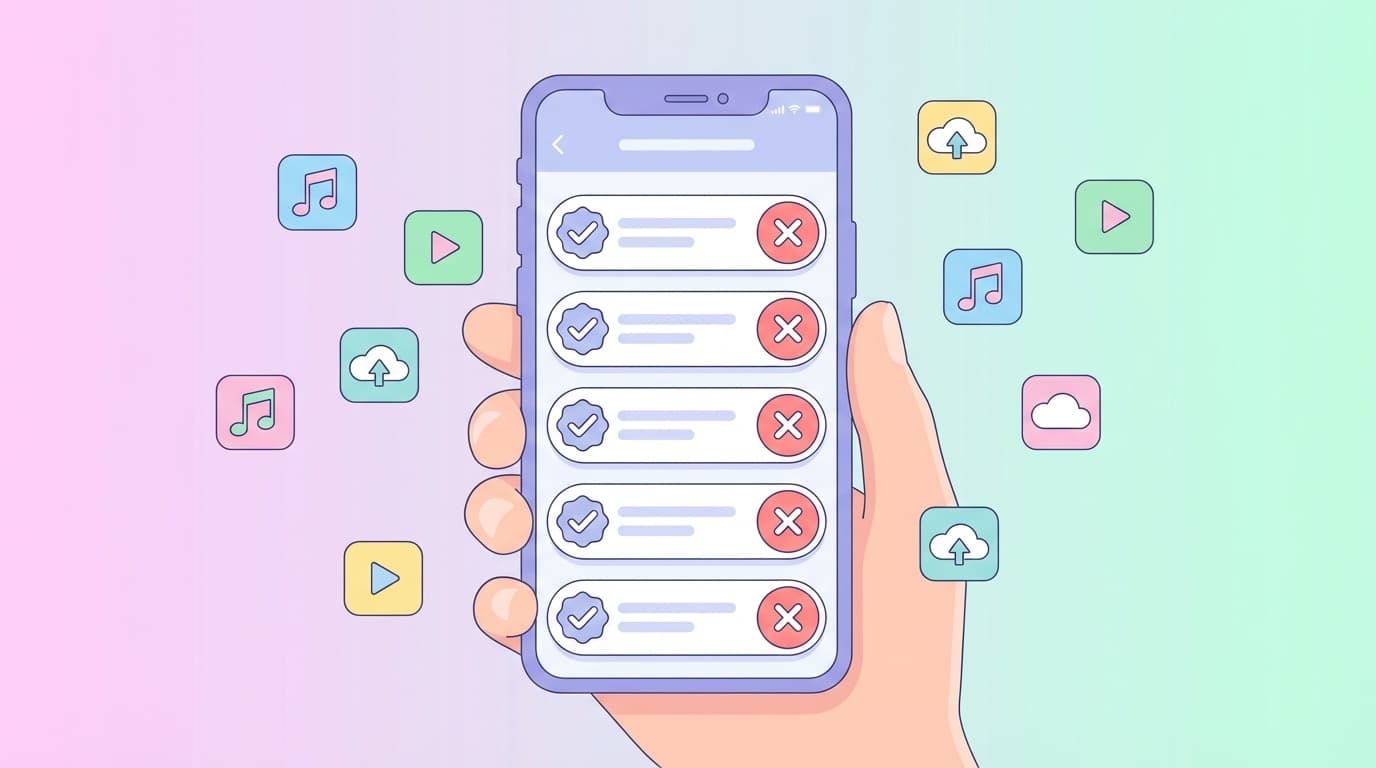
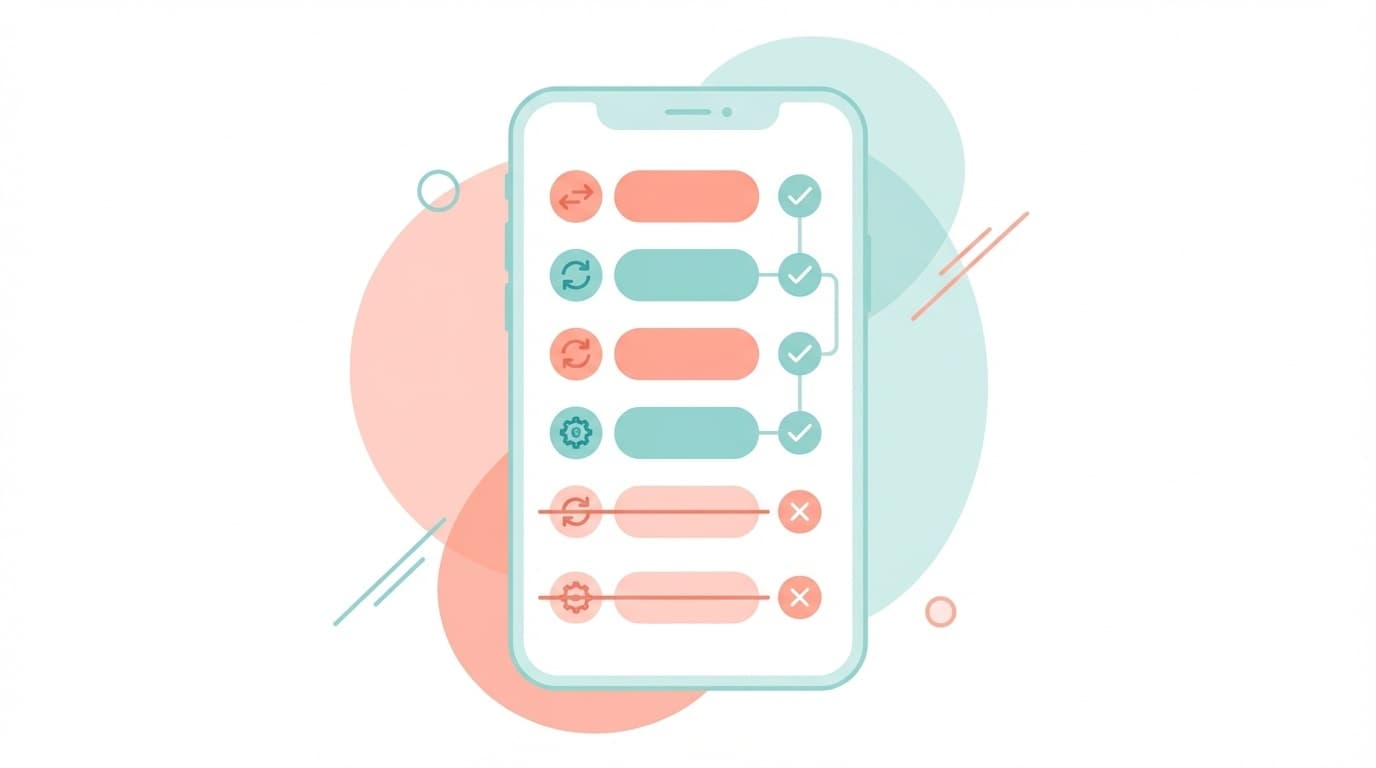
In this article, we will explain in an easy-to-understand manner how to check your subscriptions on both iPhone and Android, and the correct cancellation procedure. Roughly speaking, there are 3 steps: ``Check from the Settings app → Cancel unnecessary items → Check for omissions on your credit card statement.''
Why do subscription cancellations occur in the first place?
There are three main reasons why people forget to cancel their subscriptions (monthly billing services).
1. I feel like I canceled my subscription just by deleting the app.
This is the most common pitfall. Whether it's an iPhone or Android, simply uninstalling the app will not cancel the contract. Even if the app disappears, subscriptions tied to your Apple ID or Google account will continue to exist. In other words, you will continue to pay money every month without the app.
2. Forget about free trial expiry
This is a pattern of people forgetting to cancel services during the trial period after trying the service for ``7 days free'' or ``1 month free''. When the free period ends, you will automatically switch to a paid plan, so you will be charged even if you are not using it.
3. Contract routes are disparate and difficult to understand
There are various ways to apply for a subscription: via the App Store, via Google Play, or directly from the website. Since each check location is different, it's easy to end up thinking you checked everything but missed something.
How to check and cancel your subscription on iPhone
For iPhone, you can check the list of subscriptions you signed up for via the App Store from the "Settings" app. The steps for iOS 26 as of March 2026 are as follows.
Steps:
- Open the Settings app from the home screen
- Tap Your name (Apple ID) at the top of the screen
- Tap Subscription
- Services that are displayed as "active" are currently being charged
- Tap the service you want to cancel and select Cancel subscription
- Tap "Confirm" on the confirmation screen to complete
Even if you cancel, you can continue to use the service until your next renewal date. In short, it doesn't mean you won't be able to use it right away, so there's no harm in canceling unnecessary items as soon as possible.
Note:Only services that you have subscribed to via the App Store will be displayed here. Services that you subscribed to directly from websites, such as Netflix and Amazon Prime, will not appear on this screen. You must cancel them individually from each service's official website or app.
How to check and cancel your subscription on Android
For Android, check from Google Play Store. According to Google official help, the steps are as follows:
Steps:
- Google Play StoreOpen app
- Tap the account icon (profile picture) on the top right
- Tap Payments & Subscriptions
- Tap “Subscription”
- The services displayed under "Active" are the services you are currently subscribed to
- Tap the service you want to cancel and select Cancel subscription
On Android, only services contracted through Google Play will be displayed here, as indicated by Android official website. If you contract directly within the app or on the website, you will need to confirm each service individually.
Also, if you are using multiple Google accounts, make sure that you are logged in with the account you subscribed to. If you use a different account, your subscription will not be displayed.
How to find subscriptions that don't appear on the App Store or Google Play
Subscriptions that cannot be found using the methods up to this point are those that were contracted directly from a website or app. The best way to find these is tocheck your credit card statement.
How to check:
- Open credit card app or web statement
- Check your statements for the past 3 months
- Pick up items that are debited in the same amount every month
- If there are any services that you do not recognize or do not use, proceed to the cancellation procedure
If "APPLE.COM/BILL" is displayed, the charge will be made via the App Store, and if "GOOGLE *〇〇" is displayed, the charge will be made via Google Play. For services displayed under other names, log in directly to each service and cancel your subscription.
As of March 2026, "Subscription Management" (App Store) is popular as a subscription management app for individuals. By manually registering your contracted services, you can see the total monthly amount and next payment date at a glance.
5 tips to prevent wasteful subscription payments
In order to prevent cancellations in the future, it is a good idea to practice the following habits.
1. Add a reminder to your calendar when registering for a free trial
If you register "Cancel by month/day of XX" on your smartphone's calendar, you can prevent yourself from forgetting it. We recommend setting it two days before the end date.
2. Take a “subscription inventory” once a month
Pick a day, such as the 1st of every month, and get in the habit of reviewing your subscriptions. If you use it less than once a month, you should consider canceling your subscription.
3. Choose your annual payment plan carefully
Annual payments are often cheaper than monthly payments, but in most cases there are no refunds even if you stop using the service. It is safe to try paying monthly for 1 to 2 months first, and then if you want to continue using it, switch to annual payment.
4. Utilize plans that can be shared by the family
A surprising number of services have family sharing plans, such as Apple One, YouTube Premium Family, and Netflix Standard. It can be significantly cheaper than signing up individually.
5. Check your credit card statement every month
Even if it's a hassle, check your credit card statements every month. It can also help you notice charges you don't recognize. Lifehacker article also recommends checking your statement regularly.
FAQ
Q. Will my subscription be canceled if I delete the app?
No, Just deleting the app will not cancel your subscription. If you are using an iPhone, you will need to go to "Settings" → "Subscription", or if you are using Android, you will need to go to "Google Play" → "Subscription" to cancel the cancellation procedure.
Q. Why am I still being billed even though I canceled my contract?
Depending on the timing of the cancellation process, billing may continue until the next billing cycle. After canceling, be sure to check your credit card statement for the following month to see if charges have stopped.
Q. If I cancel during the free trial, will I be unable to use it immediately?
Depends on the service. If you subscribe via the App Store, according to Apple's official page, even if you cancel during the free period, you can often use it until the end of the period. However, some services may result in immediate suspension, so please check the terms of each service.
Q. Can I get a refund for the amount I forgot to cancel in the past?
For the App Store, you can request a refund from Apple's "Report a Problem" page. For Google Play, the procedure can also be done from Google Play Help. However, refunds are not guaranteed and will be determined depending on the situation.
Q. What apps do you recommend for managing subscriptions?
For the iPhone, the "Subscription Management" app is popular because it is simple and easy to use. Once you register your contract service and price, you can see the monthly total and annual cost in a list. If you want to understand your entire household finances, we also recommend ``Money Forward ME.''
References
- If you want to cancel a subscription from Apple - Apple Support
- Cancel, pause, or change your subscription on Google Play - Google Play Help
- How do I check/cancel my subscription on Android? - Android official
- Automatic renewal forever unless canceled! How to cancel and confirm subscription - BIGLOBE
- Did you forget to cancel? How to check unnecessary subscriptions and subscriptions - darkpatterns.jp