After switching your Sumitomo Mitsui Banking account to Olive, have you encountered any of these problems: ``V points are not reflected'', ``cannot be registered with Vpass'', ``old T points ID linking does not work''?
Olive is a convenient service that allows you to manage your bank account, credit, debit, and point payments with one app, but it has a reputation for settings around points being difficult to understand immediately after switching. As of February 2026, there are constant voices on X (formerly Twitter) saying, ``V points cannot be linked'' and ``Vpass errors occur all the time.''
In this article, we will explain the causes and solutions for V point linkage problems and Vpass registration errors that are likely to occur after switching to Olive, with easy-to-understand on-screen instructions.
Why Olive's V point is complicated in the first place
You may be wondering, "Why is it so complicated?" There are two main reasons.
The first is the integration of T and V points. In April 2024, T points and V points were integrated and unified into "New V points." Due to this integration, it is now necessary to perform ``ID linkage (combining)'' between the old T Points account and the Sumitomo Mitsui Card account. If you have been using Sumitomo Mitsui Card before Olive, your points will be displayed separately if this link is not made.
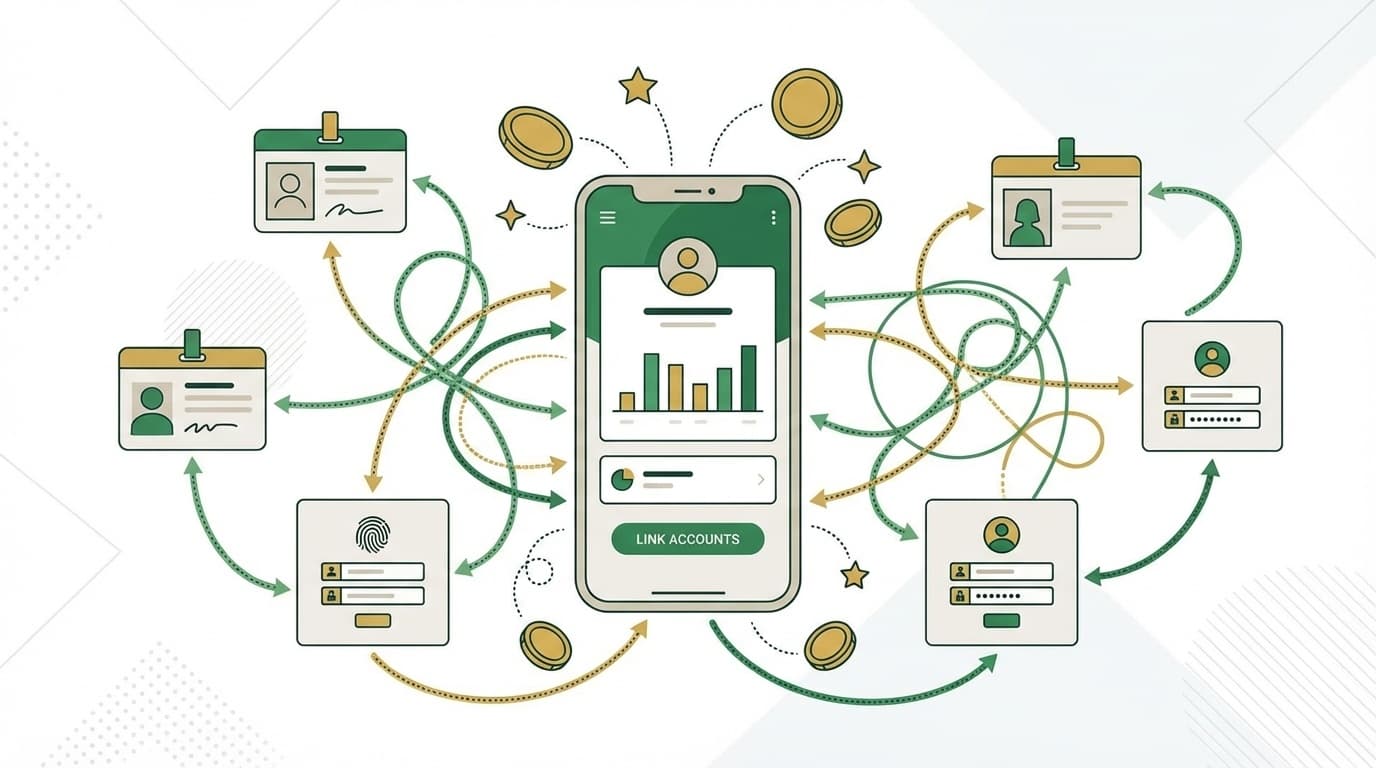
The second is the dual structure of SMBC ID and Vpass ID. When you apply for Olive, you will be issued an "SMBC ID", but this is an ID for the Sumitomo Mitsui Banking Corporation app. On the other hand, "Vpass", which is used to check credit card details and manage points, is a different ID system. Olive users can access Vpass functions from the Sumitomo Mitsui Banking Corporation app, but they must register a separate Vpass ID to log in to the Vpass standalone website. This is where the confusion comes from.
In other words, after switching to Olive, there are cases where you need to perform two separate tasks: "Summary of V points (ID linkage)" and "New registration of Vpass ID".
What to do when V points cannot be linked or reflected
This is what to do if your V point balance is not displayed or the old T points are not added up even though you have switched to Olive.
Step 1: Link ID from Sumitomo Mitsui Banking App
According to the Sumitomo Mitsui Banking Corporation official guide, you can link your V Point ID by following the steps below.
- Log in to Sumitomo Mitsui Banking App
- Tap the "V POINT" area on the home screen
- Tap "Set up and start using"
- Proceed with the procedure according to the displayed V Point site screen
In addition, Those who signed up for an Olive account after July 7, 2025 do not need to complete this procedure as the ID will be automatically linked with the V membership number (from Sumitomo Mitsui Banking Corporation FAQ).
Step 2: Old T points consolidation procedure
If T points from before the integration remain in another account, Point consolidation procedure is required.
- Access V point official website
- Tap the V membership number at the top right of "Mobile V Card"
- Select "Point summary procedure"
- Proceed from "Add points from other V membership numbers"
Step 3: If an error occurs, wait a while
If you receive the error ``Point-related transactions are currently unavailable,'' according to Sumitomo Mitsui Banking Corporation FAQ, it may be due to maintenance or a temporary system failure. Wait a day or two and try again.
If the problem is still not resolved, please contact Sumitomo Mitsui Banking Corporation's toll-free number 0120-28-6079 (reception hours: 9:00-17:00, excluding weekends and holidays).
What to do when an error occurs during Vpass registration
After switching to Olive, there are many cases where errors occur when trying to register with Vpass. According to Sumitomo Mitsui Card Official FAQ, there are three main causes:
Cause 1: Wrong card number
This is the most common cause. When registering for Vpass with Olive Flexible Pay, the card number you enter must not begin with 4708. You must enter your Credit mode card number starting with 4980.
You can check this number by following the steps below.
- Log in to Sumitomo Mitsui Banking App
- Open Olive Flexible Pay card screen
- Tap "Confirm card number"
- Note the number starting with 4980
Cause 2: Credit mode review has not been completed
Vpass can be registered after the credit mode review is completed. If you have just applied to Olive, your application may still be under review. Wait until you receive the review result email. Usually, it takes about a few days to a week from the time of application.
Cause 3: SMS cannot be received
If an error occurs during the phone number verification step, please check the following.
- Turn off Wi-Fi and receive SMS using mobile data communication
- Check if your smartphone is set to "Do not receive SMS"
- Enter mobile phone number instead of IP phone number
Roughly speaking, ``Enter the correct number (4980~)'', ``Wait for the verification to complete'', and ``Enable to receive SMS'' - if you follow these three steps, most Vpass registration errors will be resolved.
Three things to note before switching
For those who are about to switch to Olive, we have summarized the points you should know beforehand.
Note 1: Use up your old card's V points before switching
If you switch your existing credit card-integrated cash card to Olive, V points (including old Wakuwaku points) accumulated with the old card's credit may disappear after the switch. Before switching, check your balance and use it up or transfer.
Note 2: iD payment will automatically switch to debit mode
The selling point of Olive Flexible Pay is that you can choose the payment mode from ``credit,'' ``debit,'' or ``points,'' but if you pay with iD, the mode will automatically switch to debit mode regardless of the selected mode. If you want to use credit mode, use Visa touch payment.
Note 3: The default option for select benefits is ATM fee free
Olive's ``selectable benefits'' are initially set to ``free ATM fee once a month.'' If you want to increase the point return rate, we recommend changing to something like V Point Up Program +1% from the Selectable Benefits menu on the Sumitomo Mitsui Banking Corporation app.
Quick table of differences between SMBC ID, Vpass ID, and V membership number
We have summarized the three IDs that are often confused around Olive in a table.
| ID name | What is it used for? | Where do I register? |
|---|---|---|
| SMBC ID | Login to Sumitomo Mitsui Banking App | Automatically issued when applying for Olive |
| Vpass ID | Log in to Vpass (web version), check card details | Separate registration required with card number from 4980 |
| V membership number | Management and summary of V points (ID linkage) | Number displayed on the top right of the mobile V card |
In short, Bank app login uses SMBC ID, web login for credit card management uses Vpass ID, and point management uses V membership number. They are all different things, so don't mix them up.
FAQ
What will happen to T points if I choose Olive?
In April 2024, T points and V points will be integrated, and now they are all unified into "V points." However, the points remaining in your old T Points account will not be added up unless you link your ID (consolidation procedure). Complete the summary procedure from the Sumitomo Mitsui Banking Corporation app or the V Point official website.
Can I use Olive without a Vpass ID?
Yes, you can access the main functions of Vpass from the Sumitomo Mitsui Banking App with just your SMBC ID. However, if you want to log in to the web version of Vpass or to link your card with some external services, you will need to register your Vpass ID.
Will the points from the old card disappear when switching to Olive?
V points (including old Waku Waku points) accumulated with the old credit card integrated cash card may be lost when switching. Please check your balance and use it up before switching, or complete the transfer procedure using the V Points app.
What if the message "Point-related transactions are currently unavailable" appears?
The cause is likely to be maintenance or temporary system failure. Please wait a day or two and try again. If the problem is not resolved, please contact Sumitomo Mitsui Banking Corporation's call center (0120-28-6079).
References
- V point setting — Sumitomo Mitsui Banking Corporation official website
- [V points] I want to know why summary (ID linkage) is not working — Sumitomo Mitsui Banking Corporation Frequently Asked Questions
- Cannot register Vpass for Olive flexible pay — Sumitomo Mitsui Card FAQ
- I don't know the card number to register for Vpass with Olive Flexible Pay — Sumitomo Mitsui Card FAQ
- [Official] V points | T points go to V points — V point site