"I haven't done the year-end adjustment this year, but can I use my smartphone to file my tax return?" There are quite a lot of people who are worried about this. There are many reasons why you may have changed jobs, retired, become a freelancer, etc. If you have not received the year-end tax adjustment, you must file your tax return yourself.
But don't worry. As of February 2026, you can complete your tax return from home if you have a smartphone and a My Number card. What's more, starting this year, it is no longer necessary to read your My Number card on your iPhone, making it much more convenient.
In this article, we have summarized the steps for filing a tax return (e-Tax) using a smartphone for people who have not done their year-end tax adjustment, while explaining in advance the points that are likely to cause trouble.
What happens if you don't do the year-end adjustment in the first place?
Normally, office workers do not need to file a tax return as their employer will do the year-end adjustment for them. However, in the following cases, year-end adjustment will not be carried out, so you will need to file your own tax return.
- Retired in the middle of the year and was not working anywhere at the end of the year
- I changed jobs but I couldn't submit my previous job's withholding slip to the new company
- Freelance/side job Income other than salary exceeds 200,000 yen
- Receives salary from more than one place
No year-end adjustment = Income tax settlement has not yet been completed. If you leave it as is, you may not get your overpaid taxes back, or you may have to pay additional taxes.
By the way, the tax return period for 2026 (Reiwa 7) is Monday, February 16, 2026 to Monday, March 16, 2026 (National Tax Agency Tax return special feature).
What you need to file your tax return with your smartphone
It's a waste for people who think, "I have to go to the tax office, right?" If you have a smartphone, you can do it all at home. All you need are these four things.
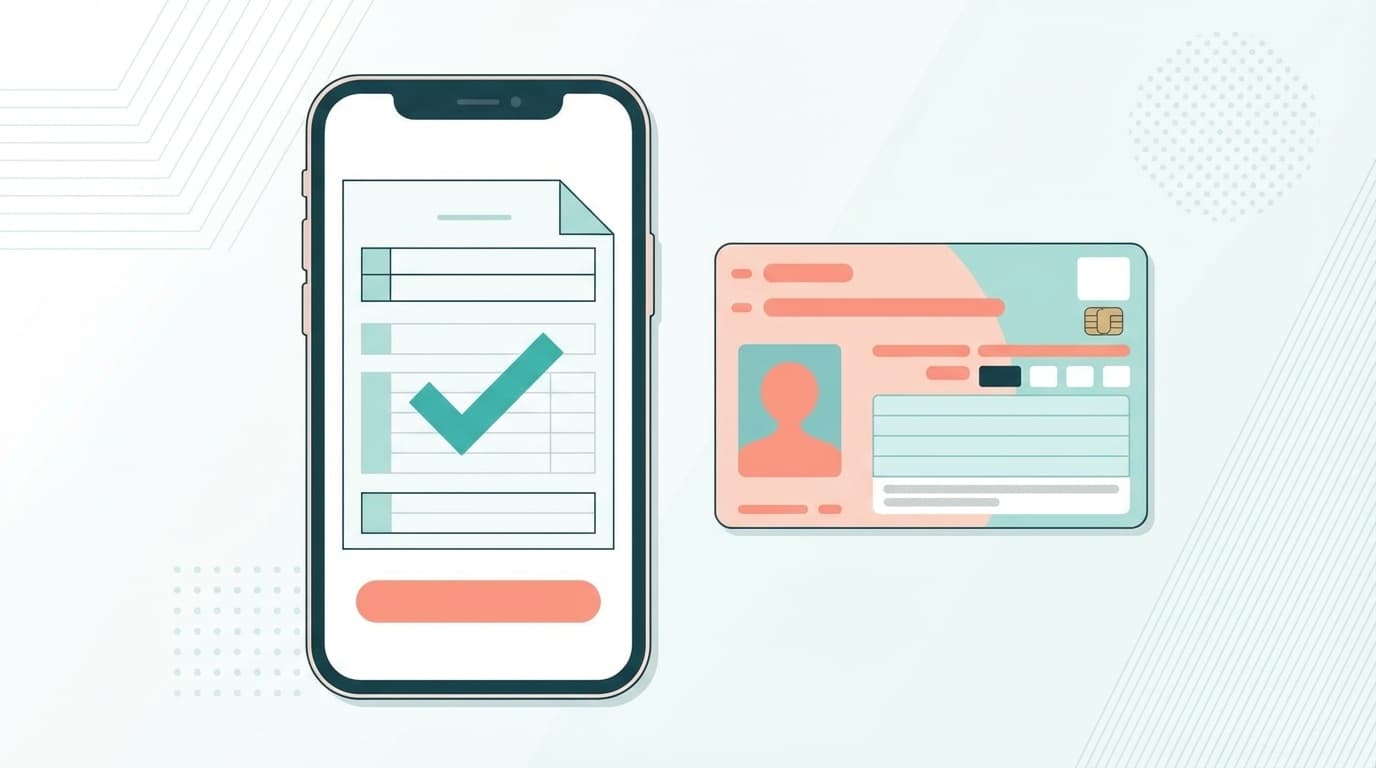
- My Number Card (notice card is not acceptable!)
- Smartphone that can read My Number Card (iPhone 7 or later / Android 2016 or later)
- Myna Portal App (App Store / Google Play)
- Two types of passwords (4 digits for user verification + 6 to 16 alphanumeric characters for signature)
The password is the one you set when you received your My Number Card. If you forget, you can reset it at the municipal office (a lot of people get stuck here).
Roughly explain the smartphone e-Tax procedure in 5 steps
Access the National Tax Agency's Final tax return preparation corner with your smartphone and proceed. The general flow is as follows.
Step 1: Verify your identity with the Mynaportal app
Access the tax return preparation corner and tap "Start preparation". Select the My Number Card method. The Myna Portal app will launch, so hold your My Number Card against the back of your smartphone and scan it. Enter the user verification password (4 digits).
As a new feature starting in 2026, "smartphone electronic certificates" can now be used on iPhone (Business Insider Japan). If you set it up in advance with the Mynaportal app, there is no need to read the actual My Number card, and you can authenticate with Face ID or Touch ID.
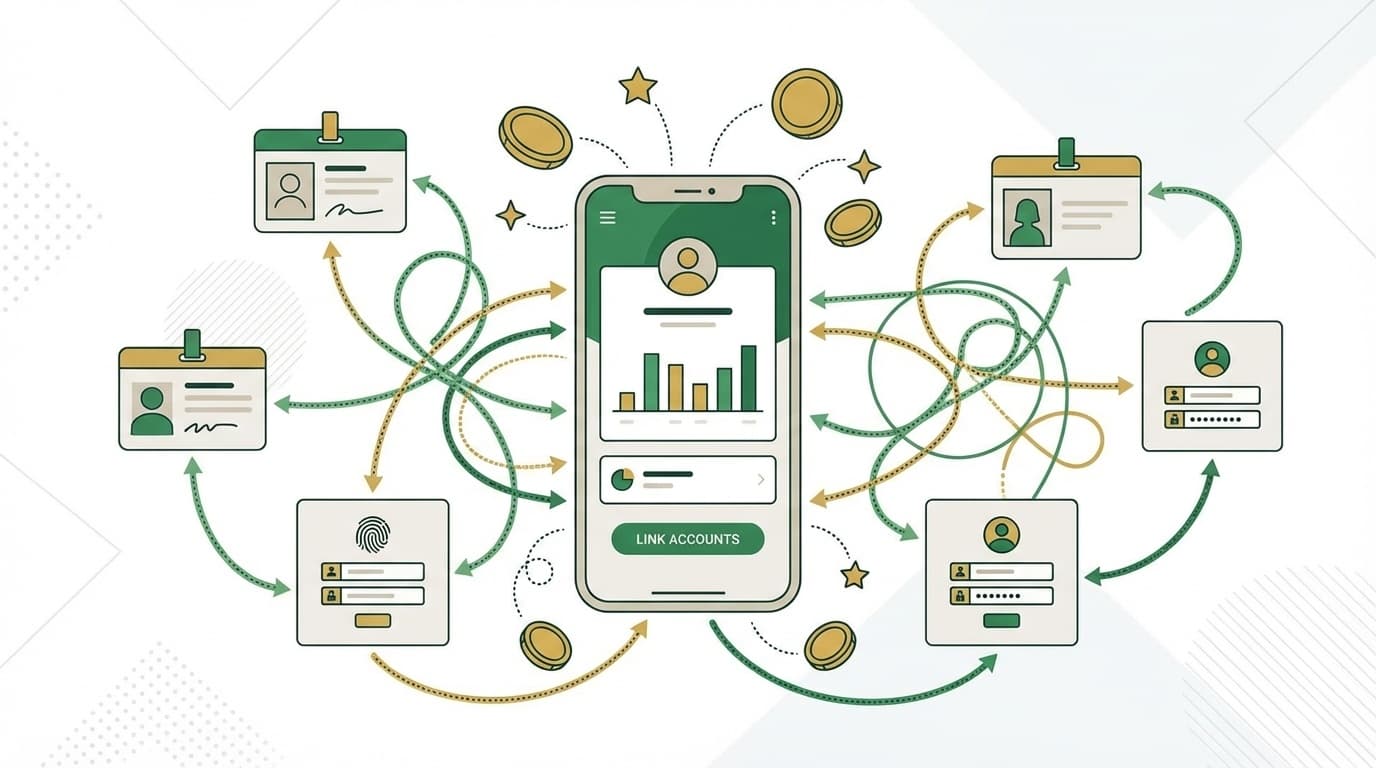
Step 2: Automatically acquire data through Mynaportal linkage
If you use the Mynaportal linkage, data such as withholding tax slips, medical expenses, hometown tax deduction certificates will be retrieved all at once and automatically entered. It will greatly reduce the amount of time required for manual input, so let's work together.
From 2026, the scope of cooperation will be further expanded, and it will now be possible to automatically receive life insurance lump sums and pensions and donations other than hometown tax payments (UNHCR, Médecins Sans Frontières, Japan Committee for UNICEF).
Step 3: Enter income/income
For those who have not made the year-end adjustment, Enter the amount in the "Employment Income" column while looking at the withholding tax slip. If you have changed jobs and have multiple withholding tax slips, just enter each one. Just follow the instructions on the screen and you'll be fine.
Step 4: Enter deduction
This is the crossroads of whether or not you will get your taxes back. Don't forget to enter the deductions below.
- Basic deduction: From 2026 (Reiwa 7), increased from 480,000 yen to 580,000 yen (automatically calculated)
- Social insurance premium deduction: Health insurance and pension payments
- Life insurance premium deduction: In some cases, it can be entered automatically by linking with Mynaportal
- Medical expenses deduction: If you have medical expenses of more than 100,000 yen per year
- Hometown tax payment: If you are not using the one-stop special exception, you need to declare it
In addition, the minimum guaranteed amount for employment income deduction has also been raised from 550,000 yen to 650,000 yen (National Tax Agency). In other words, annual income of 1.03 million yen or less → 1.23 million yen or less is exempt from income tax.
Step 5: Send and Done!
After confirming the contents, enter the signature password (6 to 16 alphanumeric characters) and send e-Tax. If the transmission completion screen appears, it's OK. The reception number will be displayed, so take a screenshot.
"5 pitfalls" of smartphone e-Tax and how to deal with them
Although the steps are simple, there are some points that will make you wonder if you actually try it. I will introduce it along with the real voices I found in X.
Pitfall 1: Forgot the password for my number card
This is by far the most common trouble. If you enter the wrong signature password (alphanumeric characters) five times and the user verification password (4 digits) three times, your account will be locked. Unlocking can only be done at the municipal counter. We recommend saving it to a notepad on your smartphone (but be careful about security).
Pitfall 2: My number card reading does not work properly
The trick is to place the card exactly on the NFC reading position of your smartphone. For iPhone, it is at the top of the device, and for Android, it varies depending on the model. If your smartphone case is thick, it may not respond, so try removing the case. From 2026, if you set up a "smartphone digital certificate" on your iPhone, reading itself will no longer be necessary.
Pitfall 3: I don't have the withholding tax slip at hand
If you haven't done the year-end adjustment, you should have received a withholding tax slip from the company you retired from. If you haven't received it,contact your previous company and requestit to be issued. The company is obliged to publish. In some cases, it is possible to obtain it automatically by linking with Mynaportal, but there are still many companies that do not support it.
Pitfall 4: Not being able to make a reservation to visit the tax office
At X, we heard someone say, ``When I registered on LINE for visitor reservations, I couldn't make reservations until late next week.'' Tax offices are extremely crowded during the tax return filing period. That's why it is correct to file your tax return from home using your smartphone e-Tax. You can send it 24 hours a day (excluding maintenance hours).
Pitfall 5: I don't know how to pay taxes
If you file a tax return and it says "Additional tax is due", there are multiple ways to pay the tax.
- Transfer tax payment: Automatic withdrawal by bank transfer (pre-registration required)
- Direct payment: Direct debit from e-Tax
- Credit card: National tax credit card payment site (payment fees apply)
- Smartphone app payment: PayPay, d payment, au PAY, etc. (up to 300,000 yen)
- Convenience store: Print the QR code and pay at the counter
On the other hand, If you want a refund (money returned), just enter the transfer account at the time of filing. The funds will be transferred in about 1 to 2 months.
What's changed about the 2026 tax return
Finally, we will summarize the changes you should keep in mind when filing your tax return for 2026 (Reiwa 7).
- Basic deduction increased by 100,000 yen: 480,000 yen → 580,000 yen. The minimum guaranteed amount for salary income deduction is 550,000 yen → 650,000 yen
- Smartphone electronic certificates now available on iPhone: Authentication with Face ID, no need to read cards
- Expansion of Mynaportal linkage: Addition of life insurance lump sum, annuity, and some donations
- Scanning of attached documents now supports grayscale: OK even if it is not in color
- Sunday consultation will be abolished from next year (Reiwa 8): It is better to get used to e-Tax now
FAQ
I haven't done the year-end adjustment, but what will happen if I don't file a tax return?
Overpaid income tax may not be refunded. It also affects the calculation of residence tax, so if you do not declare it, the following year's residence tax will not be calculated correctly. If you do not file a tax return, you may be subject to late tax or additional non-filing tax.
Can I file a tax return using my smartphone even if I don't have a My Number card?
As of February 2026, the My Number Card method is recommended for using e-Tax. There is also an ID/password method, but you will need to verify your identity face-to-face at the tax office in advance. If you do not yet have a My Number Card, you can obtain one by online application (it will take about a month to receive it).
What types of income can be filed using a smartphone?
We support a wide range of income, including salary income, miscellaneous income, temporary income, dividend income, business income, and real estate income. However, for some complex tax returns (such as those related to inheritance and gifts), it is necessary to use the PC version or file the tax return at a tax office.
Can I deduct my mortgage loan using my smartphone?
The first year's mortgage deduction (special deduction for housing loans, etc.) can be declared at the tax return preparation corner on your smartphone. From the second year onward, you will no longer need to file a tax return, as it can be processed through year-end adjustment.
References
- Reiwa 7 tax return special feature — National Tax Agency
- e-Tax with your smartphone and My Number card! — National Tax Agency
- Finding your tax return for 2020 will be more convenient by linking your smartphone with Mynaportal! — National Tax Agency
- Check out 5 "changes" before you start filing your tax return — Business Insider Japan, 2026
- Please use e-Tax to file your tax return! — Government Information Online