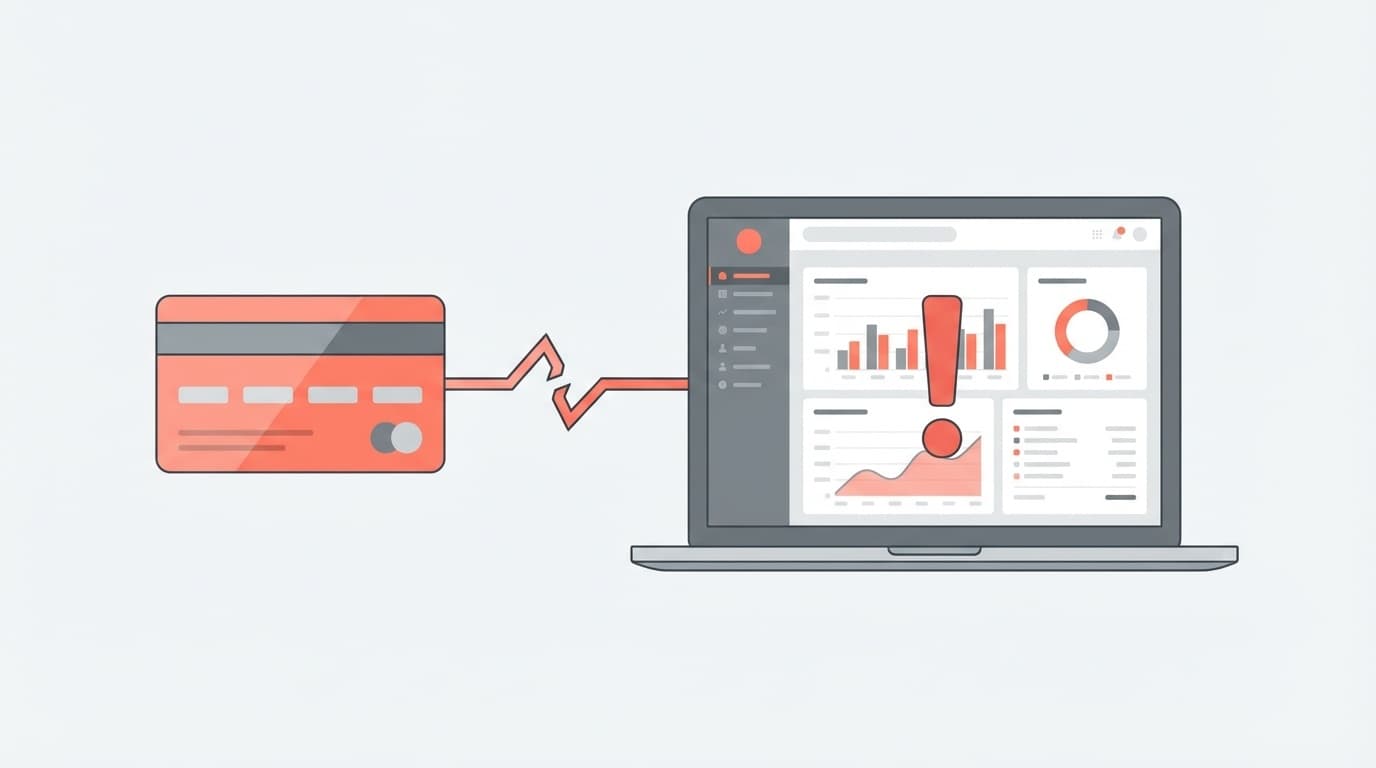
Are you trying to link your accounting software and credit card to prepare your final tax return, but are facing problems such as "sync error", "details cannot be imported", or "it is not supported in the first place"?
As of February 2026, the three major cloud accounting software are mainstream for tax returns for sole proprietors and freelancers: Yayoi (Yayoi's Blue Tax Return Online), Freee Accounting, and Money Forward Cloud Tax Return. All of them have automatic linkage functions with credit cards, but the number of complaints that they cannot be linked increases rapidly around this time every year.
In this article, we have broken down the reasons why different software cannot be linked and summarized the immediate solutions in an easy-to-understand manner. We'll even explain how to manually import CSV when automatic linkage simply doesn't work, so if you read to the end, you'll be able to get through your final tax return.
In the first place, what does credit card integration for accounting software do?
First, let's have a rough understanding of the mechanism. Accounting software's credit card linkage is a function that automatically logs in to your credit card company's website and downloads your usage statements.
Behind the scenes, Account Aggregation (a technology that collects data from banks and credit card company sites) is used. In other words, the accounting software logs into the credit card company's website and retrieves the statement on your behalf.
This means that if the card company's site changes or the login method changes, the linkage may break. This is the true meaning of "suddenly unable to cooperate."
5 reasons for not being able to link (common to all software)
We have summarized five common causes of credit card cooperation problems among Yayoi, Freee, and Money Forward.
Cause 1: Changed the password for the credit card company's website statement
This is a case where you changed your password on the credit card company's website, but did not update the registered information on the accounting software side. Accounting software tries to log in with old password and fails. The only solution is to open the account link settings in your accounting software and update the password to a new one.
Cause 2: Additional authentication (one-time password/two-step authentication) is required
Recently, in order to strengthen security, credit card companies are increasingly requesting additional authentication. The automatic linkage of accounting software will not be able to auto-enter one-time passwords, so synchronization will stop.
The workaround is to log in directly to the card company's website, complete additional authentication, and then press the sync button again in the accounting software. This procedure is also explained in freee official help.
Cause 3: Card company website is under maintenance
Data cannot be retrieved if the card company is performing system maintenance. According to Money Forward Official, in this case it may be displayed as "temporarily suspended". Waiting a few hours to a day and synchronizing again will resolve the issue.
Cause 4: Credit card details are still “unconfirmed”
This is the most common "oversight". Credit card statements have two statuses: Unconfirmed and Confirmed. The accounting software only importsconfirmed details.
This means that your statement for the amount you used on your card this month will not appear in your accounting software until the closing date has passed and the charges have been finalized. This is by design, not an error, so please wait until the deadline.
Cause 5: The card does not support automatic linkage in the first place
Some credit cards (particularly local bank cards and some corporate cards) do not support automatic linkage with accounting software. You can check whether it is compatible with each software on its official page.
- List of financial institutions compatible with Yayoi automatic account linkage
- List of accounts that can be linked (synchronized) with freee accounting
- Input from Money Forward Cloud linked service
By software: Specific measures to take when cooperation is not possible
From here, we will introduce specific solutions based on the screen operations of Yayoi, freee, and Money Forward.
For Yayoi (Yayoi's Blue Return Online / Yayoi Accounting Next)
- Open "Smart Transaction Import"
- Click "Account linkage settings" on the left menu
- Check if there is an error mark on the linked card
- If an error occurs, click the "Relink" button and re-enter the credit card company's login information
- Wait a few minutes to several hours for the details to appear on the "Pending Transactions" screen
Yayoi Official: If the transaction is not displayed on the unconfirmed transaction screen Please also refer to this page.
For freee accounting
- Find the applicable credit card account on the home screen
- Click "▼" below the account name → press "Sync account"
- If a synchronization error occurs, update your login information by going to "Account Settings" → "Reauthentication"
- If that doesn't work, unsync your account and re-register
With freee, synchronization errors may occur frequently when linking multiple accounts at the same financial institution. freee official: If synchronization errors occur frequently for multiple accounts at the same financial institution, there is a solution.
For Money Forward Cloud
- Check the linkage status on the "Data Linkage" → "New Registration" screen
- If "Error" or "Paused" is displayed, click "Reacquire"
- When asked to update your login information, enter your latest ID and password from your credit card company
- Be careful as unintended strings may be entered if Caps Lock is ON
Last resort when automatic linkage fails: CSV manual import
It's okay even if you say, "I've tried various things, but I can't get it to work," or "It's not a compatible card in the first place." There is a way to download the statement as a CSV file from the credit card company's website and import it manually.
Step 1: Download CSV from the card company's website
Log in to your credit card company's Web statement site and look for menu items such as "Download usage statement" and "CSV output." Most credit card companies support downloading statements in CSV or Excel format.
Step 2: Import into accounting software
For Yayoi: Upload the CSV file from "Smart transaction import" → "Deposit/withdrawal details file import". If there is a title line, specify the import start line. Yayoi Official: Importing credit card details in CSV format has detailed instructions.
For freee: Select the CSV file from "Account" → Applicable account → "Upload statement". Even for financial institutions that do not support automatic linkage, there is a method to import statements manually.
For Money Forward: You can import a CSV file by selecting "Automatic journal entry" → "Input from linked service" → "Import". You can also download the template and enter it manually. Money Forward Official: Import transaction details will be helpful.
Notes on importing CSV
- Since the CSV format differs depending on the credit card company, it is necessary to correctly specify "which column is the date and which column is the amount" when importing.
- If automatic linkage and CSV import are used together, duplication of details may occur, so it is recommended to use one of them.
- Automatic journal entry estimation (automatic account determination using AI) will still work even if imported using CSV.
Three preventive measures you should take before filing your tax return
In order to avoid worrying about not being able to collaborate every year, we have put together a list of things you should do on a regular basis.
Prevention 1: Check the synchronization status monthly
If you try to deal with all the issues all at once just before filing your tax return once a year, it will be a hassle as errors will accumulate. Open your accounting software at least once a month and check to see if your statements are being imported properly.
Prevention measure 2: Update your accounting software when changing your credit card company password
Make it a habit to update your accounting software integration settings immediately after changing your password. This alone will prevent half of the errors.
Prevention 3: Make the link-compatible card the main card
When choosing a credit card for business, check in advance whether the accounting software you are using supports automatic linkage before signing the contract to avoid problems later.
FAQ
Is my card information safe when I link my credit card to accounting software?
None of Yayoi, Freee, and Money Forward save the card number itself. Login information to the credit card company's Web statement site is used for linkage, and communication is encrypted. However, avoid reusing passwords.
How long can the details be linked?
Many credit card companies allow you to obtain statements for the past 3 to 15 months. However, the period of time that can go back to the time of initial integration of accounting software varies depending on the software. With freee, it is necessary to make up for the past statement acquisition deadline by "uploading the statement".
Can automatic linkage and CSV manual import be used together?
Although technically possible, it is not recommended as duplication of details is likely to occur. It is best to supplement with CSV only during periods when automatic linkage is not working, and unify to automatic linkage at other times.
Can it be linked with a corporate card?
Compatibility with corporate cards depends on the combination of card company and accounting software. Please check the official page of each software for a list of compatibility. Generally, corporate cards from major card companies (Sumitomo Mitsui, Rakuten, JCB, etc.) are often compatible.
References
- What to do when accounts cannot be linked (synchronized) — freee Help Center
- Transactions are not displayed on the unconfirmed transaction screen — Yayoi Support Information
- An error message is displayed when linking data — Money Forward Cloud Accounting Support
- List of financial institutions compatible with automatic account linkage — Yayoi Co., Ltd.
- Register financial institutions that do not support synchronization and import statements — freee Help Center