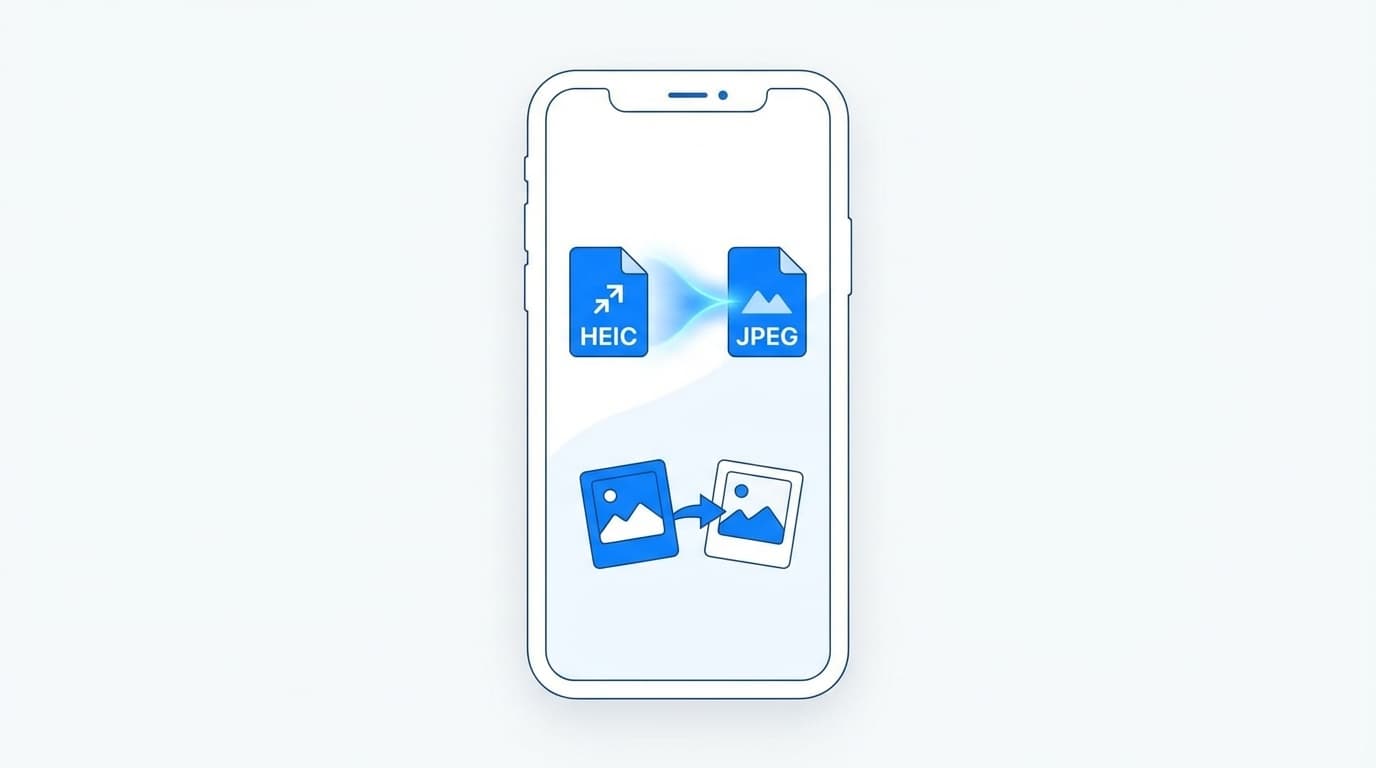
What is HEIC? Why can't you open it?
Have you ever sent a photo you took with your iPhone to a Windows computer and it couldn't be opened because it had an unfamiliar extension of ".heic"?
HEIC is an image format adopted by Apple. It's an excellent format, with the file size being about half that of JPEG, but the image quality is almost the same, but the problem is that Windows and some web services don't support it.
In this article, we will explain how to convert HEIC to JPEG using three methods: "iPhone settings," "conversion on a computer," and "online tools."
Method 1: Change iPhone settings and shoot in JPEG from the beginning
The easiest thing to do is to change the settings so that it is saved as JPEG in the first place.
- Open "Settings" → "Camera" → "Format"
- Select "Compatibility Priority"
That's all. All photos you take from now on will be saved as JPEGs.
The disadvantage is that JPEG has a larger file size, so it takes up more storage space. If you don't have enough storage space on your iPhone, we recommend the following method.
Method 2: Setting to automatically convert to JPEG when transferring
On the iPhone, there is a convenient setting that allows you to save the image as HEIC, but automatically convert it to JPEG only when sending to a computer or email.
- Open "Settings" → "Photos"
- Select "Automatic" for "Transfer to MAC or PC" at the bottom
Now, when transferring to a computer via AirDrop or USB connection, it will be automatically converted to JPEG. Since the iPhone is still HEIC, you can save storage space and kill two birds with one stone.
Method 3: Convert using a computer or online tools
Click here if you want to convert a HEIC file you already have.
For Windows:
If you install "HEIF Image Extensions" (free) from the Microsoft Store, you will be able to open HEIC files as is on Windows. You don't even need to convert.
For Mac:
Mac supports HEIC by default. If you want to convert it to JPEG, open it in the preview app and go to "File" → "Export" → set the format to "JPEG" and save.
Online tools:
Convertio and CloudConvert to convert them to JPEG in your browser. It's easy and doesn't require any app installation.
FAQ
Is there a difference in image quality between HEIC and JPEG?
Hardly. HEIC is a new format with almost the same image quality as JPEG, but with about half the file size. There is no need to worry about image quality and use JPEG.
Does it remain HEIC when sending via LINE or email?
LINE and email apps automatically convert it to JPEG when sending, so there is almost no chance that the recipient will not be able to open it. This problem mainly occurs when using USB transfer or cloud storage.
What if I want to return to HEIC?
Select "High Efficiency" in "Settings" → "Camera" → "Format" to return to HEIC.
References
- About iPhone camera format — Apple Support
- HEIF Image Extensions — Microsoft Store