When I tried to save a scene I was interested in on Netflix, it turned black. When I tried to take a picture of the bank app's transfer screen as a memo, it said, "Screenshots are prohibited." Have you ever had such an experience?
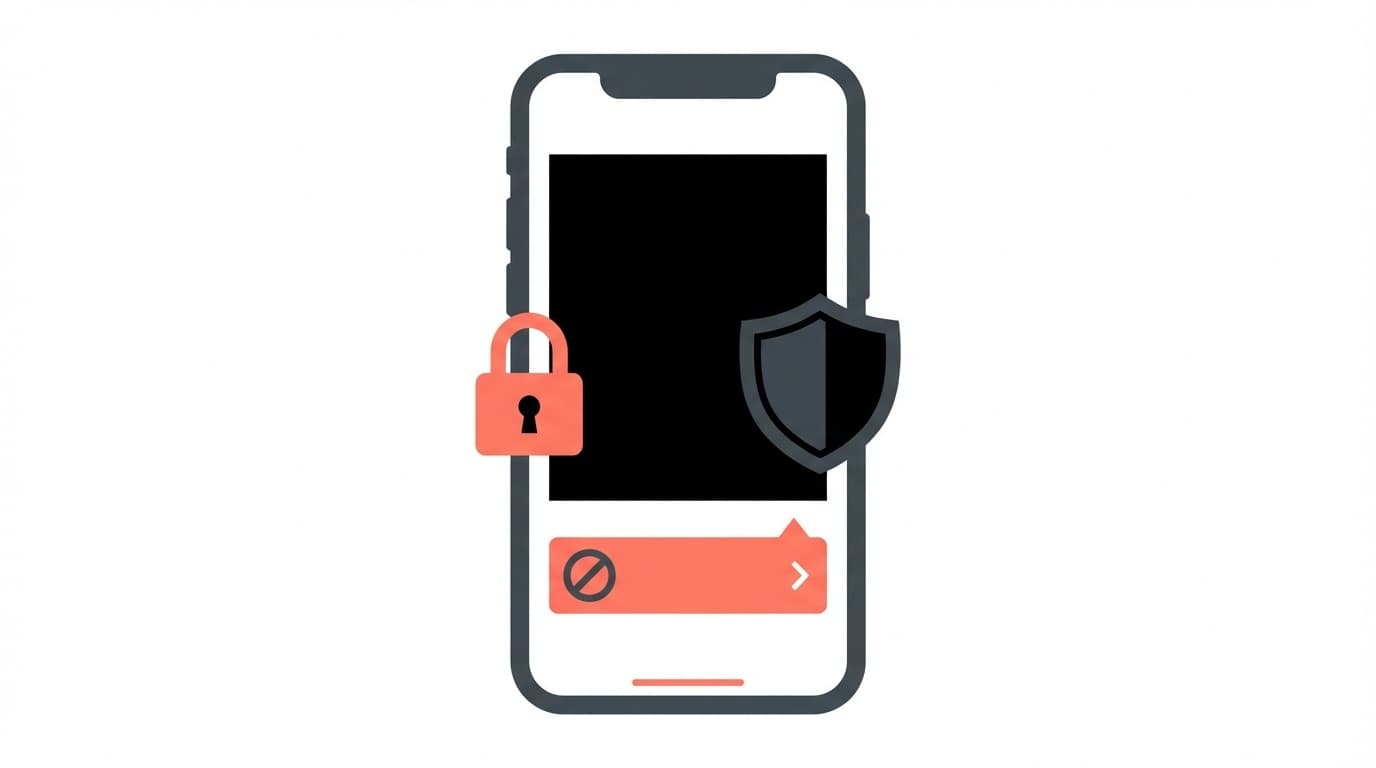
Actually, this does not mean that the smartphone is broken or that I made a mistake in operating it. The app intentionally prohibits screenshots. As of March 2026, as security awareness increases, the number of apps that block screenshots is increasing.
In this article, we will explain in an easy-to-understand manner the reasons why screenshots cannot be taken or the screenshots become black, by type of app, and will answer the question, "What should I do?"
Why are screenshots banned? Two reasons
There are two main reasons why you cannot take screenshots on your smartphone.
Reason 1: Protection by copyright/DRM (digital rights management)
Video distribution services such as Netflix, Amazon Prime Video, and Disney+ use technology called Digital Rights Management (DRM) to prevent unauthorized copying of video content. If you take a screenshot with this on, only the image part will be black.
In other words, it's not that your smartphone's camera or screenshot function is broken, but that the app is restricting it by saying, ``You won't be allowed to take pictures of this screen.'' A similar mechanism is used in manga apps (Jump+, LINE Manga, etc.).
Reason 2: Protection by security policy
Bank apps and payment apps (PayPay, Mobile Suica, etc.) may prohibit screenshots on the password entry screen or account information screen. This isto prevent personal and financial information from being leaked.
Android has a security feature for developers called "FLAG_SECURE", which blocks screenshots and screen recording on screens where this is set. iPhone also has a mechanism to limit screenshots for each app.
Representative examples of apps that cannot take screenshots
As of March 2026, we have summarized the most popular apps that have restrictions on screenshots by genre.
Video distribution service
- Netflix — Screen becomes black during playback (thumbnails and settings screen can be photographed)
- Amazon Prime Video — Block both screenshots and screen recording of playback screen
- Disney+ — Video parts become black due to DRM
- Apple TV+ — Screenshots cannot be taken while playing on iPhone/iPad
- TVer・ABEMA — Restrictions on some content
Finance/payment app
- Each bank app (Mitsubishi UFJ, Sumitomo Mitsui, Mizuho, etc.) — Prohibited on login screen and balance display screen
- PayPay/Rakuten Pay — There may be restrictions on the QR code display screen
- Securities apps (Rakuten Securities, SBI Securities, etc.) — Prohibited on password entry screen
Manga/book app
- Jump+/Magapoke — Screenshot not possible on manga viewing screen
- LINE Manga Piccoma — Paid content screen turns black
- Kindle — Limited for some books (depending on publisher settings)
Other
- Snapchat — When you take a screenshot, the other person will receive a notification (you can still take the screenshot itself)
- A disappearing message on Instagram — When you take a screenshot, the other person will be notified
- Company business apps (under MDM management) — IT administrator may have set screenshots to be prohibited
5 things to do when you can't take screenshots
If you really want to keep this screen!, here are 5 methods you can try. However, Unauthorized storage of copyrighted content may violate the terms of use, so please limit your use to personal notes only.
Solution 1: Use the app's "share" and "save" functions
Even apps that cannot take screenshots may have a "share" button or "save" function within the app. For example, with Netflix, even if you can't take a screenshot of the work page, you can send the work link to LINE or a memo app from the "Share" button.
The best way to start is by looking for the functions within the app.
Solution 2: Try taking a screenshot with AssistiveTouch (iPhone)
If you have trouble operating the buttons on your iPhone, try using AssistiveTouch.
- “Settings” → “Accessibility” → “Touch” → Turn on “AssistiveTouch”
- Tap the round button that appears on the screen
- Tap “Device” → “Other” → “Screenshot”
However, this is an effective method if the cause is a physical defect in the button. If the app prohibits it due to DRM or security policy, it will be black even with this method.
Solution 3: Screenshot via Google Assistant (Android)
For Android, there is a way to use Google Assistant's screenshot function.
- Launch Google Assistant by "OK Google" or long press the home button
- Say "Take a screenshot"
However, as of March 2026, in most apps with FLAG_SECURE set, shooting is blocked even via Google Assistant. According to Google Play policy, distribution of apps that circumvent FLAG_SECURE is prohibited.
Solution 4: Use the PC version/browser version
If your bank or web service has a PC version or browser version, you may be able to take screenshots there. Even if screenshots are prohibited on smartphone apps, there are many cases where screenshots are not restricted on PC browser versions.
For example, you can display your online banking transaction history on a PC browser and take a screenshot using "Win + Shift + S" on Windows or "Cmd + Shift + 4" on Mac.
Countermeasure 5: Manually note down the necessary information
If you can't take a screenshot, the best way is to record it manually in the memo app, even though it's primitive. In some cases, you may be able to copy and paste text information, such as the bank account number or error message.
Also, you can take a picture of the screen directly with another smartphone or digital camera, but please be aware that the image quality will be lower and that publishing the picture on social networking sites may result in copyright infringement or privacy violation.
Android/iPhone: Check basic screenshot operations
There is also a possibility that you are just using the wrong operation method in the first place. Let's check the basic screenshot operations.
For iPhone
- Models with Face ID (iPhone X or later): Press the side button + volume up button at the same time
- Models with home button (iPhone SE3, etc.): Press the side button + home button at the same time
If you cannot take screenshots, please update your iOS to the latest version by going to Settings → General → Software Update and try again.
For Android
- Most models: Press and hold the power button + volume down button at the same time for 1-2 seconds
- Some models (Galaxy, etc.): Power button + home button or swipe with palm
For Android, If there is not enough storage space, saving the screenshot may fail. Make sure you have at least 1GB of free space.
It can't be helped to ban screenshots, but it's safe to know
The ban on screenshots is a mechanism to protect our money, personal information, and creators' copyrights. I understand the frustration of thinking, "Why can't I take pictures?", but just by knowing the reason why it's prohibited, you can relieve your worries like "My smartphone is broken".
If you really want to keep the screen information, first look for the sharing function within the app. If you don't have that, try the PC version. The last resort is to manually enter the memo app. If you remember these three steps, you won't have any trouble in most situations.
FAQ
Is it because the smartphone is malfunctioning that the screenshot turns black?
No, in most cases it is not a malfunction of the smartphone. Video apps such as Netflix and Amazon Prime Video, banking apps, etc. restrict screenshots for copyright protection and security reasons. If you can take screenshots normally with another app, this is due to the app's specifications.
Are there any apps to avoid the screenshot ban?
Although some such apps exist, distribution of apps that circumvent FLAG_SECURE is prohibited due to Google Play policy. Also, avoiding screenshots of DRM-protected content may violate copyright law, so we do not recommend using it.
Will the other person find out if I take a screenshot on LINE or Instagram?
In normal LINE chat, the other party will not be notified even if you take a screenshot. However, with Instagram's "disappearing message" or Snapchat, if you take a screenshot, the other person will receive a notification. Specifications as of March 2026.
Why can't I take screenshots with my office smartphone?
For company-issued smartphones, screenshots may be prohibited by the IT administrator using MDM (mobile device management) software. This setting is to prevent information leaks, so if you need a screenshot, please consult your IT department.
References
- Secure your apps and protect against fraud using the FLAG_SECURE and REQUIRE_SECURE_ENV security flags — Google Play Console Help
- Fix your Google Assistant screenshot settings — Google Assistant Help
- Secure sensitive activities - Fraud prevention — Android Developers
- Take a screenshot on iPhone — Apple Support