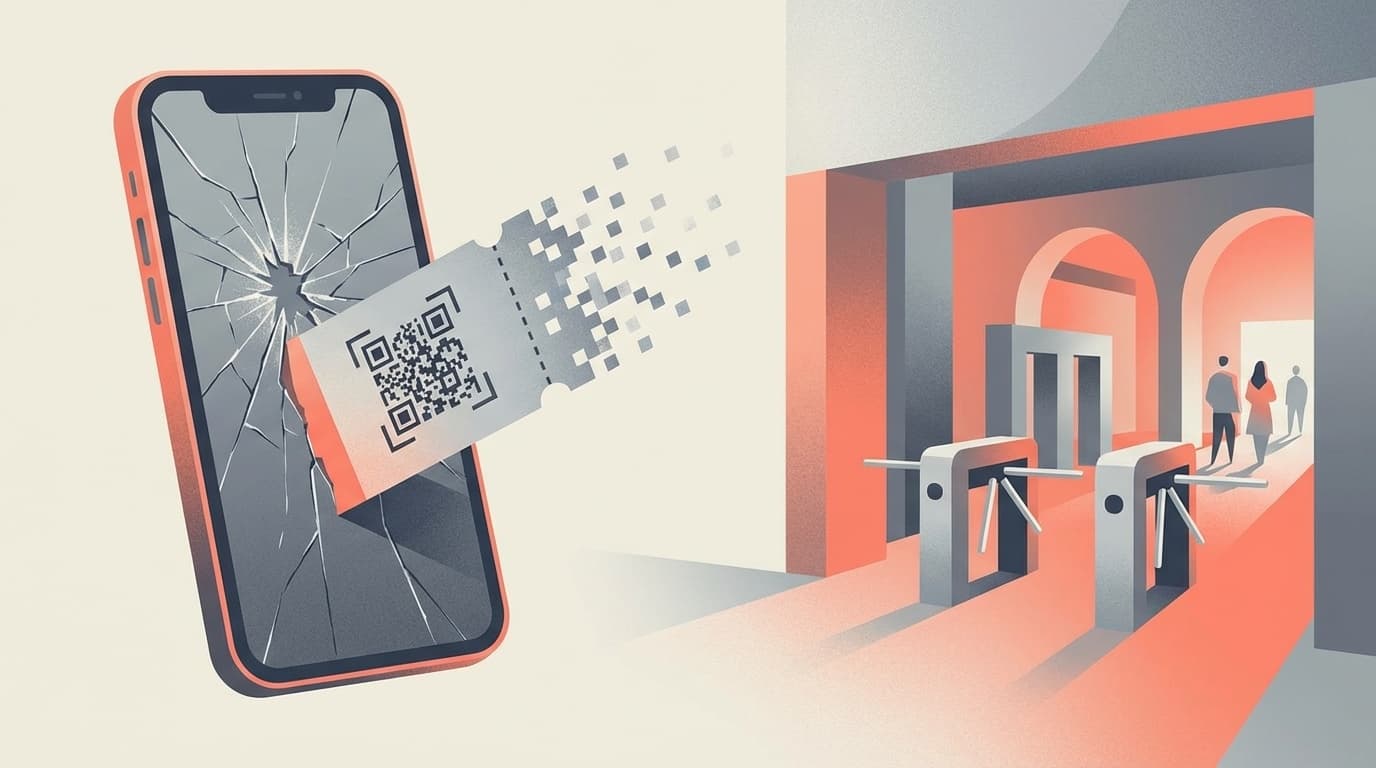
On the day of the concert, my smartphone broke and I couldn't display the electronic ticket - just thinking about it makes me break out in a cold sweat. As of 2026, tickets for concerts and events are almost all electronic. The scary thing about electronic tickets is that unlike paper tickets, you can't do anything without your smartphone.
In this article, we will explain what to do when you can no longer use your ticket due to a smartphone malfunction or model change for each of the three main platforms: E+ (Smartike), Low-Ticket Electronic Ticket, and TicketPla. Furthermore, we will introduce advance preparations to prevent any trouble from occurring, so be sure to check them out before purchasing your ticket.
How electronic tickets become unusable due to smartphone malfunction
Electronic tickets are linked to smartphone device information and phone numbers to prevent unauthorized resale. In other words, if the device you downloaded the ticket to breaks down, you won't be able to view it on another smartphone.
Roughly speaking, "ticket = only exists in your smartphone". If you have a paper ticket, you can put it in your wallet, but this is not the case with electronic tickets.
The following cases are particularly dangerous.
- My smartphone became inoperable due to water damage or a cracked screen
- I changed the model before the performance and traded in my old device
- I accidentally uninstalled the app
- I changed my phone number
They all lead to the same problem: "I can't access downloaded tickets." But don't worry. Each platform has remedies available.
[E+] What to do when your Smartphone disappears due to model change or malfunction
E+'s electronic ticket "Suma Ticket" is linked to the terminal after downloading. As of February 2026, what to do in the event of a model change or failure is as follows.
Pattern 1: If you still have your old device
If you can connect to Wi-Fi, you can transfer tickets from your old device to your new device using the "Distribute" function. All you have to do is follow the instructions "Please read before changing model" from the ticket menu of the e-plus app and enter the email address that you can receive on your new device.
Pattern 2: When the old device cannot be used (broken/lost)
In this case, you cannot migrate on your own. Call the Suma-Chike dedicated support center (050-3185-6483, reception 12:00-20:00, including Sundays and holidays). If you provide your phone number and order number at the time of purchase, they will be able to resend your ticket.
The key is to contact us before the performance date. If it is the same day, we may not be able to respond in time.
Pattern 3: If you change the model before downloading
If you haven't downloaded it yet, it's safe. All you need to do is log in to the e-plus app on your new device and download your ticket.
[Lo-ticket] What to do in case of electronic ticket app malfunction or model change
Lawson Ticket (Law Ticket)'s electronic ticket app uses a phone number for authentication. According to the official FAQ as of February 2026, tickets can only be viewed on the smartphone with the phone number registered at the time of purchase.
If your phone number has not changed
All you have to do is replace the SIM card with a new smartphone and reinstall the Low-Ticket Electronic Ticket app. If your phone number is successfully verified, your ticket will be redisplayed.
If the device completely breaks down
Contact the Lawson Ticket Customer Center. Official Help clearly states, ``Even if you are no longer able to redisplay your electronic ticket, this does not mean that your rights to the electronic ticket you purchased will expire.''
In short, "broken smartphone = invalid ticket" does not mean. If you contact us properly, your rights will be protected.
[Chikepla] Rules and precautions when changing devices
Chikepla is a platform often used for artists' fan club pre-sales. According to Official Help, there are the following rules as of February 2026.
- Changing your device and reinstalling the app: Up to twice a month
- Change of registered phone number: Up to twice a year
In other words, even after changing the model, you can still use the e-ticket app by installing it on your new smartphone and logging in with the same account. However, please note that if you exceed the twice-a-month limit, you will not be able to change devices during that month.
If your smartphone is completely broken on the day of your arrival
At Chikepura, as an irregular measure, there are cases in which Entry by ID verification at the venue on the day of the event is permitted. Official Information requires you to bring an ID with a photo (driver's license, passport, etc. that is still valid).
However, depending on the performance, it may not be possible to enter by verifying your identity, so it is best to contact Ticketpla support in advance. Please note that digital IDs displayed on smartphone apps may not be accepted, so be sure to bring the original physical card or notebook.
Prevent trouble! Three things to do after purchasing a ticket
The worst pattern is to panic after something breaks. Here are three things you should do as soon as you buy your ticket.
Preparation 1: Take a screenshot of the ticket information
Save a screenshot of the screen displaying your order number, performance name, seat number, etc., and back it up to the cloud (Google Photos, iCloud, etc.). It won't replace the ticket itself, but it will make it easier to verify your identity when contacting support.
Preparation 2: Change the model after using the ticket
If you are planning to change your smartphone before the performance, it is safest to wait until the event is over before changing your smartphone. If you must make a change before the performance, be sure to complete the distribution or transfer of ticketsbefore letting go of your old device. Once you trade in your old device, it's too late.
Preparation 3: Make a note of support contact information in advance
If your smartphone is broken, you cannot look up your contacts on your smartphone. For peace of mind, please write down the contact information below on paper or in a memo on your computer.
- E+ (Smashke): 050-3185-6483 (12:00-20:00)
- Lawson Ticket: Check from Lawson Ticket Contact Page
- Chikepura: Check from Chikepura inquiry form
In addition, be sure to bring Identification with a photo (driver's license, passport, etc.) on the day of the performance. It is necessary in case of irregularities.
Last resort if you still cannot display the same-day ticket
Even if you have taken all the measures mentioned above, your smartphone won't work on the day of the event and you won't be able to view the ticket. Even in the worst case scenario, don't give up yet.
- Go to the venue's "Failure Response Desk": Many concert venues have a troubleshooting counter for electronic tickets. Please bring your ID and order information with you.
- Have your companions enter first if they have already distributed tickets: If you cannot enter for yourself, it is more efficient to have your companions enter first and wait at the ticket counter.
- Give your phone number and registration information verbally: In some cases, staff can verify your identity through the system. It is advantageous to memorize or write down your registered email address, phone number, and order number.
However, depending on the performance, there may be no relief available on the day of the performance. The most important thing is not to be overconfident and think that things will turn out well, but to prepare thoroughly in advance.
FAQ
If my smartphone breaks after downloading the electronic ticket, will the ticket be invalidated?
No, it will not be disabled. Law Ticket's official FAQ also states that ``The right to electronic tickets does not expire.'' If you contact the support of each platform, you may be able to enter through reissue or irregular support.
If I log in to the e-ticket app on a different smartphone after changing the model, will my ticket be automatically reinstated?
Depends on the platform. If you log in to Ticketpla on a new terminal, your tickets will be carried over (up to twice a month). If you have already downloaded E+'s Smartphone, you will need to perform distribution operations from your old device or contact support.
If my smartphone breaks on the day of the concert, can I enter with just my ID?
The official Chikepla help page states that in some cases, you may be required to enter by verifying your identity with a photo ID. However, this cannot be guaranteed as the response varies depending on the performance. Be sure to bring your ID with you and contact support as far in advance as possible.
If I have already distributed tickets to my companions, will they be able to enter even if my smartphone breaks?
Yes, the distributed tickets are tied to the other party's device, so even if your smartphone breaks, it will not affect the admission of your companion. All you have to do is contact support for yourself.
References
- Smatike [Advanced] How to troubleshoot issues such as refunds and model changes — uni-voyage.com
- Can I use it if I change the model? — Official Law Ticket FAQ
- Can I still use the electronic ticket app even if I change the model? — Chikepura Help
- Irregular support for electronic tickets (identity verification) — Chikepla Help
- 6 common problems with electronic tickets! Detailed explanation of how to prevent resale — CLOUD PASS