“Signing up took three seconds, but where’s the cancellation page?” If that sounds familiar, you’re not alone. Now that subscription services are everywhere, one design choice has become a real problem: joining takes one tap, but canceling is weirdly difficult.
These UI designs that push users toward actions they didn’t intend are called dark patterns. In April 2025, Japan’s Consumer Affairs Agency published a fact-finding report, and regulatory discussions in Japan are now picking up. This article explains seven common dark patterns that get in the way of cancellation, plus concrete steps you can take to leave a subscription reliably, based on the latest developments as of April 2026.
I first became interested in dark patterns because I’d seen the same kind of thing back in my SIer days. A legacy internal system had a one-screen form for submitting a request, but canceling it required three paper approval forms. I remember thinking, “Some web services are doing the exact same thing.”
What Are Dark Patterns, and Why Are They a Problem for Subscription Cancellations?
A dark pattern is a design technique that uses a website or app interface to steer users into actions they don’t actually want to take, such as buying something, staying subscribed, or handing over personal information. The term was originally introduced in 2010 by British UX designer Harry Brignull, and in recent years it’s drawn special attention around subscription cancellations.
According to Japan’s National Consumer Affairs Center, there were more than 89,000 complaints about recurring purchases in fiscal 2024, up from about 80,000 the previous year. Reports like “I want to cancel but can’t” and “I don’t know how to unsubscribe” keep increasing.
In other words, dark patterns aren’t just something shady operators use. You’ll find them in major services, too. Knowing the tricks is the first step in protecting yourself.
7 Dark Pattern Tricks That Make Cancellation Harder
Based on Japan’s Consumer Affairs Agency research and regulatory examples from overseas, here are seven dark patterns that show up especially often in subscription cancellations. Check whether any of the services you use are doing these things.
Trick 1: The Cancel Button Is Extremely Hard to Find
The cancellation link may be buried deep inside settings, or the text color may blend into the background. Some services make you click through five or more levels, like “Account Settings” → “Plan Management” → “Other Options” → “Subscription Information” → “Cancel.”
Trick 2: “You Can Only Cancel by Phone,” but Nobody Answers
You can sign up online, but to cancel you have to call. Then the call center is always busy, creating a second wall. If support is only open from 10 a.m. to 5 p.m. on weekdays, canceling becomes almost impossible for people who work during the day.
Trick 3: Long Surveys and Retention Pages Before You Can Cancel
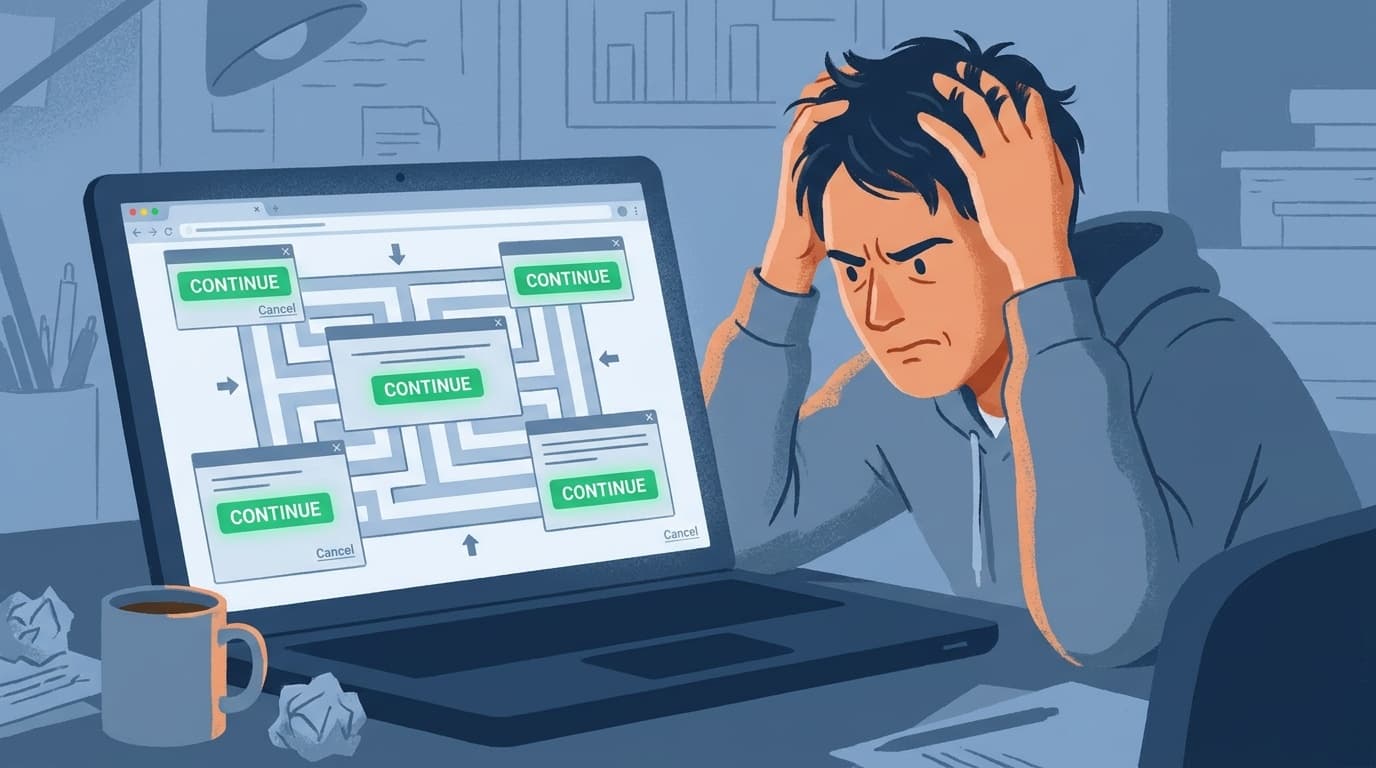
You click cancel, then get several screens asking why you’re leaving, followed by two or three “Are you sure?” confirmations. The goal is to make you think, “Maybe I’ll just deal with this later.” Some services won’t even let you continue unless you write a certain number of characters.
Trick 4: Only the “Keep My Plan” Button Stands Out
On the cancellation confirmation screen, “Keep my plan” appears as a bright blue or green button, while “Cancel” is a small gray text link. If you’re in a hurry, you may tap the more visible option by mistake. This is a classic dark pattern known as misdirection.
Trick 5: You Thought You Canceled, but Billing Continues
You may think you finished canceling, but all you actually did was stop auto-renewal, so charges continue until the end of the contract period. In other cases, you receive an email saying “We’ve received your cancellation request,” but the cancellation itself hasn’t actually been processed.
Trick 6: Special Discounts Used to Keep You Around
After you click cancel, a pop-up appears: “Three months at half price!” or “We’ve prepared a special plan for you.” It may look like a good deal, but often it just delays cancellation. Once the discount ends, the price goes back to normal, and you may forget to cancel again.
Trick 7: Warnings That All Your Data Will Be Deleted
“If you cancel, all saved data will be deleted and can’t be restored.” You’ll often see this in cloud storage and photo management services. The key issue is that even when an export feature exists, the cancellation screen may not tell you about it.
Dark Pattern Regulations in Japan and Overseas as of April 2026
Rules around dark patterns vary a lot between Japan and other regions. Here’s where things stand as of April 2026.
Japan
Japan still doesn’t have a comprehensive law that regulates dark patterns as a whole. However, some practices are covered by existing laws.
- Specified Commercial Transactions Act: A June 2022 amendment requires businesses to clearly show contract terms and cancellation methods on the final confirmation screen for recurring purchases. Violations can lead to administrative action
- Premiums and Representations Act: Some dark patterns may be regulated as misleading representations about quality or pricing advantages
- Consumer Affairs Agency activity: In April 2025, the agency published a report on so-called dark patterns in online transactions. It reviewed 102 websites and identified multiple dark patterns
New legislation or amendments to related laws may move forward based on these findings.
European Union
The EU is further ahead. Under the Digital Services Act (DSA), dark patterns on online platforms have been explicitly prohibited since 2024. The EU is also expected to propose a Digital Fairness Act in 2026, likely turning the principle that “canceling should be as easy as signing up” into law.
United States
In the U.S., the Federal Trade Commission (FTC) finalized its “Click-to-Cancel” rule in October 2024. The rule requires businesses to make subscription cancellation as easy as signup. In June 2024, the U.S. Department of Justice also sued Adobe, alleging that the company intentionally made cancellation difficult.
5 Ways to Cancel or Unsubscribe Reliably
Once you know the tricks, what should you actually do? Awareness alone won’t help unless you take action, so here are practical steps.
Step 1: Search Google for “[Service Name] Cancel”
Instead of hunting through the service’s own menus, it’s often faster to search Google for “[service name] how to cancel” or “[service name] unsubscribe”. You may find the official help page, along with blog posts from people who’ve already canceled. Because of amendments to the Specified Commercial Transactions Act, many services are required to publish cancellation instructions, so official cancellation guides are easier to find than before.
Step 2: If You Subscribed in an App, Cancel Through the App Store or Google Play
Even if you can’t cancel inside the service’s app, you can often cancel through the subscription management screen in the App Store or Google Play.
- iPhone: Settings → your name → “Subscriptions” → select the service → “Cancel Subscription”
- Android: Google Play app → top-right profile icon → “Payments & subscriptions” → “Subscriptions” → select the service → “Cancel subscription”
Just remember that this won’t work for services you signed up for directly in a web browser.
Step 3: Contact Your Credit Card Company
If you truly can’t cancel, one option is to contact your credit card company and ask whether they can stop the recurring charge. Depending on the card issuer, they may be able to block charges from a specific merchant. But this can be treated as nonpayment under your contract with the service, so think of it as a last resort.
Step 4: Save Screenshots of the Cancellation Confirmation Email
Once you finish canceling, always save screenshots of the completion screen and confirmation email. They’ll serve as evidence if you later find that billing has continued. Just as I once had Claude summarize business notes and watched it insert a fictional project name, you shouldn’t blindly trust a “processing complete” message. Confirm it yourself and keep a record.
Step 5: Contact a Consumer Affairs Center
If a company is blocking your cancellation, call Japan’s Consumer Hotline at 188, which connects you to a nearby consumer affairs center. In cases that may violate the Specified Commercial Transactions Act, your report could even lead to administrative action. Don’t just give up and absorb the charge.
For Next Time: 3 Things to Check Before Starting a Subscription
To avoid trouble before it starts, check the following before signing up for a new subscription.
- Is the cancellation method clearly stated?: Check whether the official site’s terms or help pages clearly explain how to cancel. If they don’t, be careful
- Free trial auto-renewal terms: If the trial automatically turns into a paid plan, confirm when you need to cancel to avoid being charged
- Know your payment route: Cancellation steps differ depending on whether you subscribed through the App Store, directly by credit card, or through carrier billing. Check how you’ll be billed when you sign up
FAQ
Are dark patterns illegal?
As of April 2026, Japan doesn’t have a comprehensive law banning dark patterns. However, some practices are regulated under the Specified Commercial Transactions Act and the Premiums and Representations Act, and the Consumer Affairs Agency is investigating the issue. In the EU, dark patterns are explicitly prohibited under the Digital Services Act (DSA).
What should I do if I really can’t find the cancellation page?
First, search Google for “[service name] how to cancel.” If you still can’t find it, contact the service through its inquiry form or chat and ask directly, “Please tell me how to cancel my account.” Under the Specified Commercial Transactions Act, businesses are required to disclose cancellation methods.
What should I do if I canceled but I’m still being charged?
Save screenshots of the cancellation completion screen and confirmation email as evidence, then contact the service provider first. If they won’t help, consider asking your credit card company to stop the charge or contacting the Consumer Hotline at 188.
Is it okay to accept a retention offer like “three months at half price”?
If you genuinely plan to keep using the service, that’s fine. Just make sure you carefully check what happens after the discount period ends. The important thing is to avoid simply postponing a cancellation you already meant to make.
Is there a way to see all my active subscriptions in one place?
On iPhone, go to Settings → your name → “Subscriptions.” On Android, open Google Play → “Payments & subscriptions” → “Subscriptions.” It’s also smart to review your credit card statement once a month, which can help you catch subscriptions you forgot about.
References
- Fact-Finding Survey on Transactions Involving So-Called “Dark Patterns” — Consumer Affairs Agency International Consumer Policy Research Center, April 2025
- Can’t Cancel? What About Refunds? Common Problems with Popular Subscriptions — darkpatterns.jp
- Consumer Affairs Agency Publishes Fact-Finding Survey on Dark Patterns — darkpatterns.jp, April 2025
- Dark Patterns Are Now Illegal in the EU — CBTW
- Consumer Protection Laws and Regulations Report 2026 Japan — ICLG