You’re listening to music on your wireless earbuds when, out of nowhere, sound only comes from one side. Or maybe the audio keeps cutting in and out so badly you can’t enjoy anything. Sound familiar?
True wireless earbuds (TWS) are wonderfully convenient because there’s no cable, but their weak point is that Bluetooth connection problems can happen fairly easily. The good news: most causes are just settings issues or small environmental problems, and in many cases you can fix them yourself.
In this article, based on information current as of March 2026, we’ll clearly explain the six common causes and fixes when Bluetooth earbuds only play in one ear or the sound keeps cutting out. These steps cover iPhone, Android, and PC.
Cause 1: The Left and Right Earbuds Are Out of Sync (Most Common)
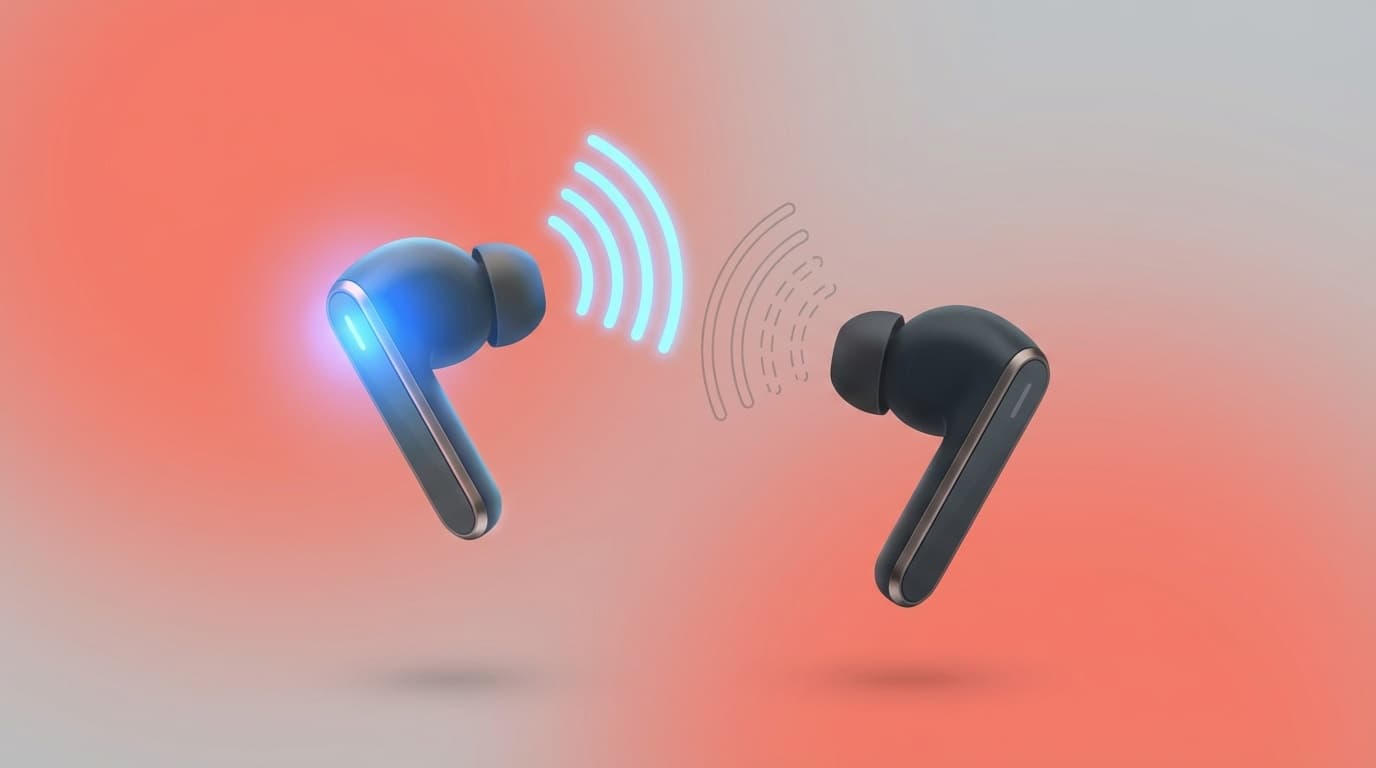
True wireless earbuds use a double connection: the left and right earbuds connect to each other over Bluetooth, and then they also connect to your phone over Bluetooth.
If that left-right connection gets out of sync, only one earbud may play sound. This often happens when you take the earbuds out of the case at different times, or when one side wasn’t properly touching the charging contacts while inside the case.
Fix: Reset the Pairing
Most TWS earbuds can reset the left-right connection with the steps below.
- Forget the earbuds on your phone
- iPhone: Settings → Bluetooth → tap the “i” next to your earbuds → Forget This Device
- Android: Settings → Connected devices → tap the gear icon next to your earbuds → Forget or Unpair
- Put the earbuds back in the charging case, close the lid, and wait 10 seconds
- Press and hold the reset button on the earbuds or case (the button location and required hold time vary by model, so check your manual)
- Pair the earbuds again
According to Apple’s official support page, AirPods can be reset by holding the button on the back of the case for 15 seconds.
Cause 2: One Earbud Isn’t Charging
An easy thing to miss is a charging problem. Even if you think both earbuds are in the charging case, one side may not be seated correctly.
A very common cause is dust, lint, or earwax stuck to the charging terminals, the small metal contact points. It can be hard to see, so try wiping the contact points with a cotton swab or dry cloth.
Fix
- Gently wipe the metal contacts inside the charging case with a dry cotton swab
- Clean the contact points on the earbuds the same way
- When you place the earbuds in the case, make sure both charging lights turn on
- Charge them for about 30 minutes, then try connecting again
Cause 3: Wireless Interference (Wi-Fi and Microwaves Use Similar Frequencies)
Bluetooth uses the 2.4 GHz band. As it turns out, Wi-Fi routers and microwave ovens use that frequency range too.
That means if you’re using your earbuds right next to a Wi-Fi router, or listening to music in the kitchen while the microwave is running, the signals can interfere with each other and cause audio dropouts or disconnect one earbud.
Fix
- Move away from the kitchen while the microwave is running (even 6 to 10 feet can often help)
- Switch your Wi-Fi router to the 5 GHz band (you can change this from the router settings page; 5 GHz doesn’t interfere with Bluetooth)
- Keep in mind that dropouts are more likely in places crowded with Bluetooth devices, such as cafes and trains
Cause 4: Distance or Obstacles Between Your Phone and Earbuds
For typical earbuds, Bluetooth range is generally listed at about 30 feet. But that’s under ideal conditions with nothing blocking the signal.
In real life, something as simple as keeping your phone at the bottom of your bag can weaken the signal. If your body is between the phone and one earbud, one side may have a harder time staying connected. Older Bluetooth 4.x earbuds are especially prone to this.
Fix
- Keep your phone closer to the earbuds, such as in a chest pocket or front pants pocket
- If you keep it in a bag, an outside pocket is best
- Don’t leave your phone in another room behind a wall
- If the problem doesn’t improve, consider upgrading to earbuds that support Bluetooth 5.0 or later, which usually offers much better connection stability
Cause 5: Bluetooth Settings or Audio Balance on Your Phone or PC
Your device settings can also make audio play from only one side. One setting people often overlook is the audio balance, or left-right balance.
On iPhone
- Go to Settings → Accessibility → Audio & Visual
- Check that the Balance slider is centered
- If Mono Audio is on, turn it off if you want normal left-right stereo playback
On Android
- Go to Settings → Accessibility → Audio adjustment
- Check that the left-right audio balance is centered
On Windows PC
- Right-click the speaker icon on the taskbar → Sound settings
- Select your earbuds as the output device → Device properties
- Check that the left and right balance levels are the same
Cause 6: The Earbuds Are Damaged or Worn Out
If you’ve tried all the fixes above and nothing works, the unfortunate possibility is hardware failure inside the earbuds.
True wireless earbuds pack a battery and circuit board into a very small body, so drops or water exposure can damage the inside. Batteries are also consumable parts, so after two to three years of use, one side may wear out earlier than the other.
Fix
- If they’re still under warranty (often one year for many brands), contact the manufacturer’s support team for repair or replacement
- Specialty shops like e☆イヤホン may offer paid repair options
- Some manufacturers let you replace just one earbud, including AirPods and Galaxy Buds. Apple, for example, allows single-ear replacement purchases
- If you’re buying new earbuds, choosing a model with Bluetooth 5.3 or later and multipoint support can reduce connection trouble
FAQ
What if I don’t know how to reset my Bluetooth earbuds?
The reset steps vary by manufacturer and model. Search for “product name + reset instructions” or check the support page on the manufacturer’s official website. Many earbuds can be reset by placing them in the charging case and holding the button for 10 to 15 seconds.
The sound cuts out constantly. Are my earbuds defective?
Start by suspecting wireless interference. Audio is more likely to cut out near microwaves, around train station ticket gates, or in offices crowded with Bluetooth devices, because the 2.4 GHz band gets congested. If changing location fixes it, the problem is environmental.
Are Bluetooth earbuds more compatible with iPhone or Android?
There’s no universal answer, but AirPods tend to pair more reliably with iPhone thanks to Apple’s own connection features. With Android phones, Bluetooth chip quality varies by model, so it’s worth checking reviews for compatibility before buying.
Can I buy just one earbud?
Some brands, including AirPods and Galaxy Buds, support single-ear replacement purchases. For Apple, you can order just one earbud through the Apple Store or Apple Support. As of March 2026, the price is roughly around 13,000 to 15,000 yen per earbud.
References
- If the sound from your wireless headphones cuts out or is distorted — Apple Support
- One Ear Not Working? Cable Damage? Hardware Failure? How to Handle Earbud Repairs and No-Sound Problems — e☆イヤホン, February 2026
- Bluetooth Headphones Cutting Out? 6 Common Causes And How To Fix Them — Soundcore (Anker)
- No Sound, or Sound Only Comes from One Side — Sony Support