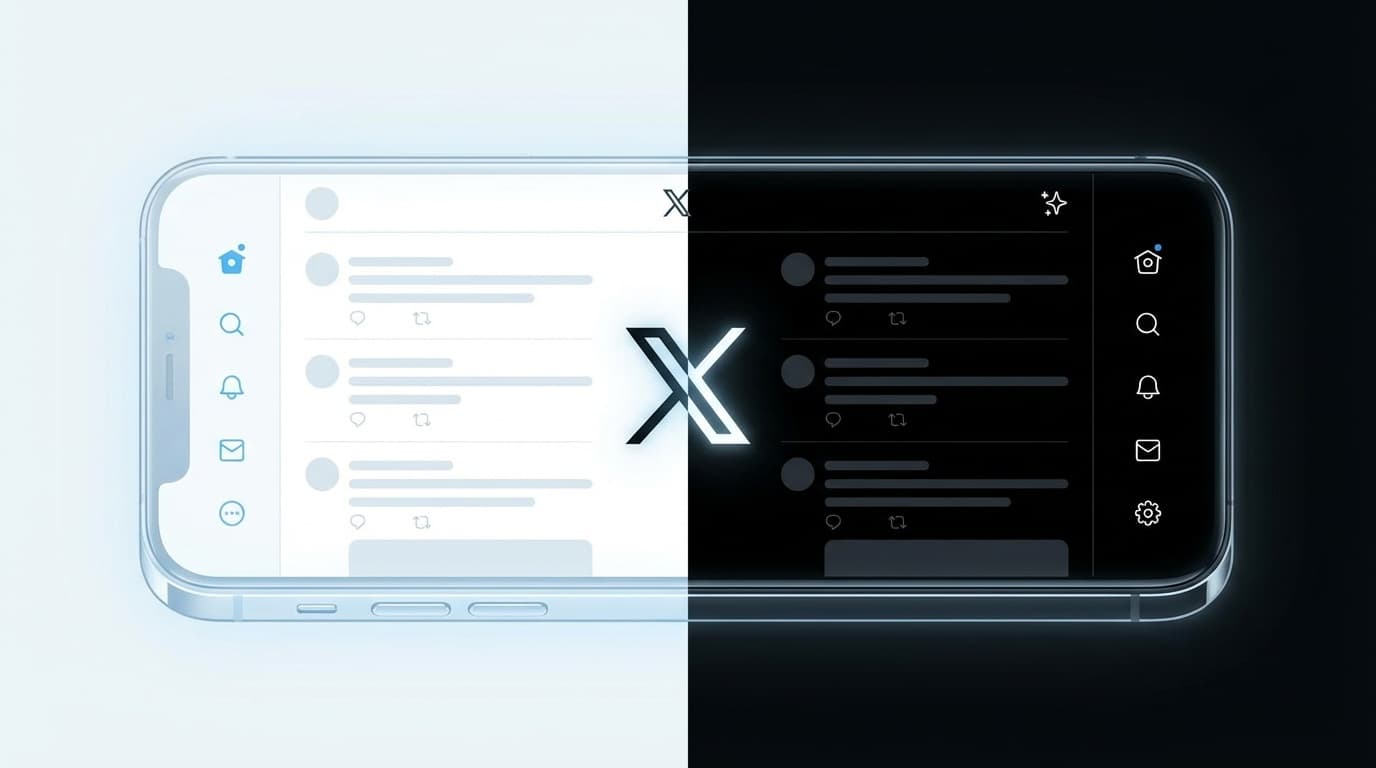
``Hmm, the background of X suddenly turned black...?'' ``Where did the dark blue go?'' - From around February 12, 2026, such voices quickly spread among users who opened the web version of X (formerly Twitter).
Actually, this is not a bug. X management has officially discontinued the dark mode "Dim (dark blue)" theme from the web version. That bluish dark background that I had been using for about 10 years suddenly disappeared.
This article provides an easy-to-understand explanation of how and why Dim mode was discontinued, the current alternatives available, and how to restore the original dark blue color using a browser extension. This is the latest information as of February 2026.
What happened? Dim (dark blue) theme suddenly disappeared
On February 12, 2026, the "Dim" theme was removed from the web version of X (formerly Twitter). Dim is a theme with a deep blue-gray background.It was introduced in 2016 as "Night Mode" and was renamed to "Dim" in 2019 when "Lights Out" with a completely black background was added.
So far, there have been three background themes in the web version of X.
- Default: Light mode with white background
- Dim: Bluish dark blue background
- Lights Out: Completely black background
Of these three, the middle "Dim" was removed, leaving two choices: white or black. Many users loved Dim because it was ``easy on the eyes,'' so there were many voices who were confused by the sudden change.
Why was it deprecated? Official explanation: “Insufficient resources”
The question you may be wondering is, "Why did they reduce the number of colors by one?"
Nikita Bier, head of product at X, responded to a user's inquiry as follows:
"We don't have the capacity to support more than two colors right now"
Roughly speaking, "We can't maintain the three themes because we don't have enough development resources." If you have three different themes, you will have to test each color scheme every time you make a design change or fix a bug, which increases the amount of man-hours. X has undergone a large-scale restructuring in recent years, and it is believed that this is due to a significant decrease in the number of engineers.
Bier also said, ``After receiving feedback, we are considering making the Web version's Lights Out (black) a little brighter.'' However, as of February 2026, no changes have been confirmed yet.
What happened to the smartphone app version?
Here's the good news. As ofFebruary 2026, the X app on iPhone and Android still has Dim (dark blue).
This change applies only to the web version (when accessing x.com from a browser). You can still select Dim using the smartphone app by following the steps below.
For iPhone:
- Open the X app and tap the profile icon in the top left
- Tap "Settings & Support" → "Settings & Privacy"
- Tap "Accessibility, Display, Language" → "Display"
- Select “Dim” in the “Background” section
For Android:
- Open the X app and tap the profile icon in the top left
- Tap "Settings & Support" → "Settings & Privacy"
- Tap "Accessibility, Display, Language" → "Display"
- Select “Dim” in the “Background” section
However, please note that there is a non-zero possibility that Dim will be abolished in the app version in the future.
Also, if it is linked with the smartphone's OS settings (if "Use device settings" is turned on), X will automatically switch to dark mode according to the device's dark mode. In this case, whether Dim or Lights Out depends on the "background" setting on the app side.
3 ways to bring back dark blue in the web version
For those who want to use Dim on their PC, we will introduce three ways to restore dark blue using browser extensions. All can be used with Chrome-based browsers (Google Chrome, Microsoft Edge, Brave, etc.).
Method 1: X Dim Mode (dedicated extension)
This is the easiest method. X Dim Mode is a dedicated extension developed immediately after Dim was abolished, and has the following features.
- Automatically adds a "Dim" button to the X settings screen
- Mechanism of applying dark blue color scheme with CSS from above Lights Out mode
- No data collection or tracking
- Available for free
Setup steps:
- Search for X Dim Mode in the Chrome Web Store and click Add to Chrome
- Open X (x.com) or reload the page if already open
- Select the newly added “Dim” in “Settings” → “Display” → “Background”
Method 2: Restore Dim Mode for X/Twitter
Restore Dim Mode for X/Twitter is a similar Chrome extension. This has an additional feature that allows you to select your favorite background color using the color picker.
- Restore traditional Dim color by default
- You can also customize the original background color
- Privacy focused (no data collection)
Method 3: Stylus (Advanced/General CSS extension)
You can also write and apply CSS yourself using the extension "Stylus'. This is a tool that allows you to customize the look of any website, not just X, to your liking.
Setup steps:
- Install Stylus and create a new style for x.com
- Write CSS like below (example)
body, div#react-root {
background-color: #15202b !important;
}
However, this method is recommended for those with CSS knowledge, as the style may break if the HTML structure of X changes. If you are looking for simplicity, we recommend methods 1 and 2.
Notes when using extensions
Although it is a useful extension, there are some caveats.
- Not an official feature: It is not provided by official X, but was created by a third party developer. It may suddenly stop working due to an update on the X side
- Check permissions: Check the permissions required by the extension before installing it. There is no problem if the permission is to "read and modify data on x.com", but please judge carefully when requesting "data from all sites"
- Firefox version: As of February 2026, most of the above extensions are for Chrome browsers. Firefox users should definitely use Stylus (Firefox version) to respond with CSS
- Easy to uninstall: If Dim is officially reinstated or is no longer needed, you can easily remove it from Chrome's Settings → Extensions
FAQ
Is X's Dim (dark blue) no longer officially usable?
As of February 2026, the Dim theme has been officially discontinued in the web version (browser). However, You can still select Dim in the X app for iPhone and Android. If you want to use the web version, you can restore it using a Chrome extension.
Why does dark mode automatically revert to light mode?
There are three main causes. 1) The settings were reset by clearing the browser's cache or deleting cookies, 2) A setting linked to the device's OS setting (light/dark) was turned on, or 3) The settings were initialized by an update on the X side. Please check the settings and try again.
What is the difference between Lights Out (complete black) and Dim (dark blue)?
Lights Out has a pure black background (#000000) and an organic EL display that saves battery power. Dim has a dark blue-gray background (#15202B) with a gentle contrast, making it less tiring to look at for long periods of time, and was liked by many users.
Will installing the extension affect X's account?
No, there isn't. The extensions we introduced only change the CSS displayed on the browser, and do not send any data to X's servers or access account information. However, be sure to check the permissions during installation.
References
- X removes classic Dim display option because they "don't have capacity" for 3 colors — Dexerto, February 2026
- [X] The reason why dark blue disappeared is lack of resources. Explaining how to restore using extensions — SBAPP, February 2026
- X Dim Mode - Chrome Web Store — Chrome Web Store
- Benefits of dark mode on X (Twitter) and how to change settings — Roboin Blog, November 2025