Since the March 2026 update of the iOS version of the X (formerly Twitter) app (version 11.71), there has been a rapid increase in complaints that dark mode cannot be switched within the app. ``When I wake up in the morning and open X, it's so bright!'' ``Can't I use dark mode without paying?'' I've heard such concerns, but they actually have nothing to do with paying. This is due to a change in specifications due to a review of the development system.
In this article, based on the latest information as of March 2026, we will explain in detail the reason why dark mode disappeared, how to return to a black background in iPhone settings, and the steps to set up "shortcut automation" to make only X dark.
What happened? How the dark mode setting of iOS version X disappeared
Since the version 11.71 update of iOS version X released on March 4, 2026, the "background" settings in the app have changed significantly.
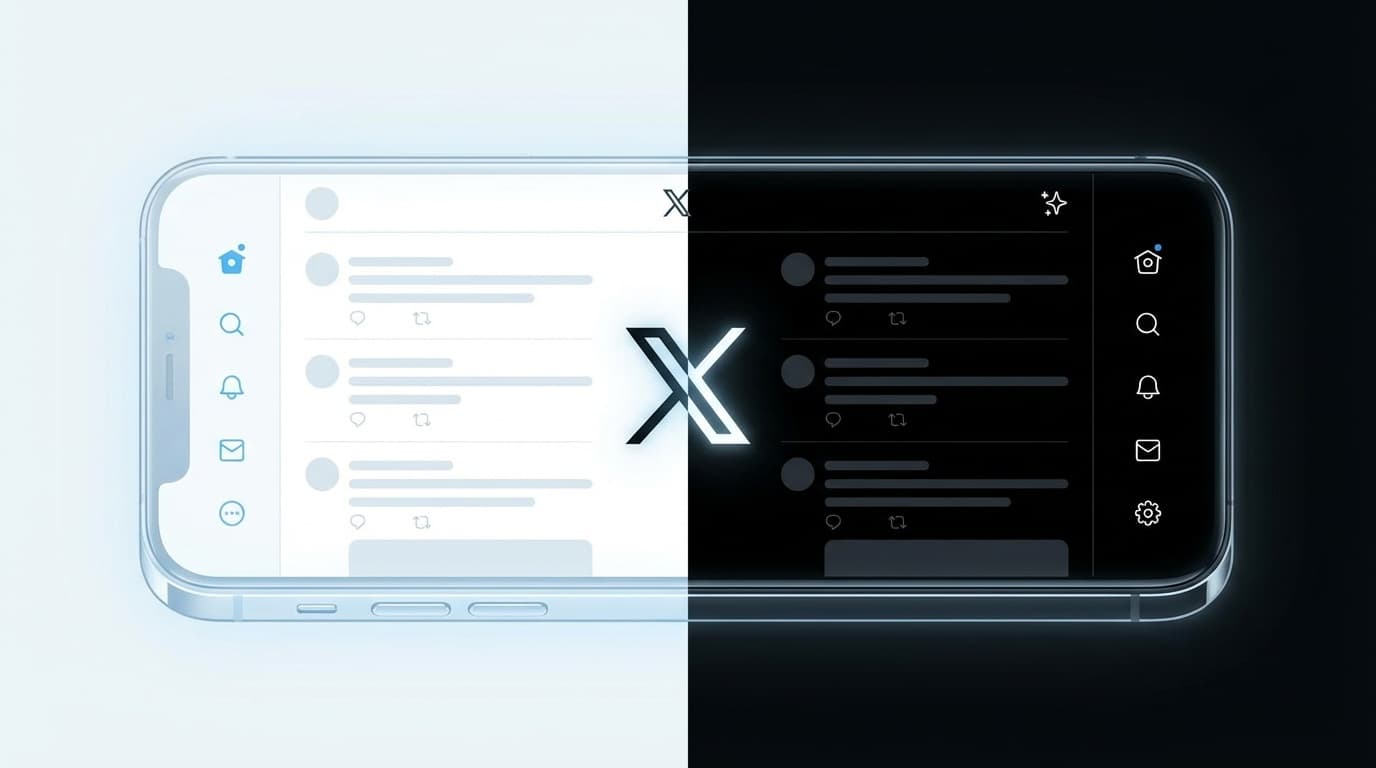
Until now, you could select the background color from three options: Day (white), Dim (dark blue), and Night (pure black) from the X app's Settings and Privacy → Accessibility, Display, Language → Display.
After the update, this option is completely removed and changed to Automatically link to the appearance mode of the device (iPhone). In other words, it is no longer possible to turn dark mode on or off for the X app alone.
The cause is not “billing”—the lack of development resources at Company X is the background
There is a widespread misconception on SNS that ``you can't use dark mode unless you subscribe to premium (paid)'', but this has nothing to do with billing. Dark mode is available even to free users.
The actual cause is a lack of development resources at Company X. "We don't have the capacity to support more than two colors right now," said Nikita Bier, head of product at X. href="https://www.dexerto.com/entertainment/x-removes-classic-dim-display-option-because-they-dont-have-capacity-for-3-colors-3318084/" target="_blank" rel="noopener">Commenting.
Roughly speaking, the situation is such that I have my hands full with just two colors: "light (white)" and "dark (black)." The conventional "Dim (dark blue)" was also discontinued from the web version first on February 12, 2026 for the same reason, and the same trend is progressing in the iOS version.
Solution 1: Set the entire device to dark mode from iPhone settings
This is the simplest method. If you set the entire iPhone to dark mode, the X app will automatically have a black background.
Setup steps:
- Open the Settings app on your iPhone
- Tap Display & Brightness
- Select "Dark" in the appearance field
However, with this method, all apps other than X (LINE, email, Safari, etc.) will also become dark. For those who say, "I just want to make X black...", we recommend the following solution ②.
Countermeasure 2: Setting procedure for "shortcut automation" to make only X dark
iPhone's "Shortcuts" app has a function called "Automation," which allows you to set actions such as "automatically doing ○○ when you open a specific app." By using this, you can achieve dark mode only when you open X, and return to light mode when closed.
Step 1: Create an automation to make X dark when opened
- Open the "Shortcuts" app on your iPhone
- Tap the Automation tab at the bottom of the screen
- Tap +'' or New Automation in the top right
- Select "App" from the trigger list
- Tap "Select" on the app, look for "X" and check it → "Done"
- Select Open and Run Now and click Next
- Tap Create new shortcut
- Enter Appearance in the search field and tap Set Appearance Mode
- Make sure “Change appearance mode to Dark” and tap “✓” in the top right corner
Step 2: Create an automation to return to the light when X is closed
- Select “Automation” → “+” → “App”
- Check "X" from "Select" in the app → "Done"
- Now select Closed and Run now and click Next
- Tap Create new shortcut
- Enter "Appearance" in the search field and tap "Set Appearance Mode"
- Set “Change appearance mode to Light” and tap “✓” in the top right corner
Now, when you open X, it will automatically switch to dark mode, and when you close X, it will automatically switch to light mode. It does not affect the display of other apps.
Workaround 3: For Android/Browser version X
For Android
As of March 2026, some Android X apps still have in-app dark mode settings. However, there is a possibility that similar changes will be made in future iOS versions, so it is recommended that you also check the steps below.
- Tap the "profile icon" on the top left of the X app
- "Settings and Support" → "Settings and Privacy"
- "Accessibility, Display, Language" → "Display"
- Select "Night" background
If you can't find the setting in the app, turn on Android's "Settings" → "Display" → "Dark theme" to make X also have a black background.
For PC (browser version)
In the PC browser version X, you can change the background from "More" → "Settings and Privacy" → "Accessibility, Display, Language" → "Display" in the left menu. However, from February 2026, "Dim (dark blue)" will be discontinued, and there will only be two options: "Light (white)" and "Lights out (pure black)."
If you find that pitch black has too much contrast and makes your eyes tired, you can use Chrome extensions such as ``X Dim Mode'' or ``Control Panel for Twitter'' to restore the discontinued Dim-style display. However, third-party extensions come with risks, so be sure to check their reviews and reputation before implementing them.
Background of the abolition of "Dim" and future outlook
X (formerly Twitter) originally had three background themes.
- Day (Default)…White background. For use in bright locations
- Dim…A calming shade of dark blue. Easy on the eyes and popular with many users
- Lights Out…Complete black. OLED displays save battery power
``Dim'' has been a popular theme for about ten years, and its abolition caused a great backlash, as many users said that ``pure black has a harsh contrast, but dim is just right.'' In particular, users with astigmatism say that ``Dim was the only option they could read comfortably.''
It is undecided whether Dim will be revived in the future. However, since X abolished it due to lack of development resources, don't expect it to be revived in a short period of time. Once you set up shortcut automation, you can use it forever, so we recommend setting it up as soon as possible.
FAQ
Is X's dark mode now exclusive to premium (paid)?
No, dark mode itself is available to free users. The in-app toggle button has just been abolished, and if you switch to dark mode from the iPhone settings, X will also have a black background.
Does setting shortcut automation affect the battery?
Switching the appearance mode itself is a very light process, so it has almost no effect on the battery. In fact, using dark mode on an iPhone with an organic EL display can reduce the power consumption of the screen display and improve battery life.
Is there a way to revive Dim (dark blue)?
There is currently no way to restore the iOS app. If you are using the PC browser version, you can return to the Dim style display by using the Chrome extensions ``X Dim Mode'' or ``Control Panel for Twitter.''
Will it go back to normal if I downgrade the X app?
Reverting to an older version may restore in-app settings, but older versions are usually not available for download on the App Store. Additionally, downgrading is not recommended due to security risks. It is safe to use shortcut automation.
References
- X dark mode gone? Countermeasures and causes for returning to black background (iOS version update impact) — SBAPP, March 2026
- X removes 'Dim' theme from website after nearly a decade — PiunikaWeb, February 2026
- X removes classic Dim display option because they "don't have capacity" for 3 colors — Dexerto, February 2026
- X Dim Mode — Bring Back the Dim Background on X (Twitter) — X Dim Mode official website