
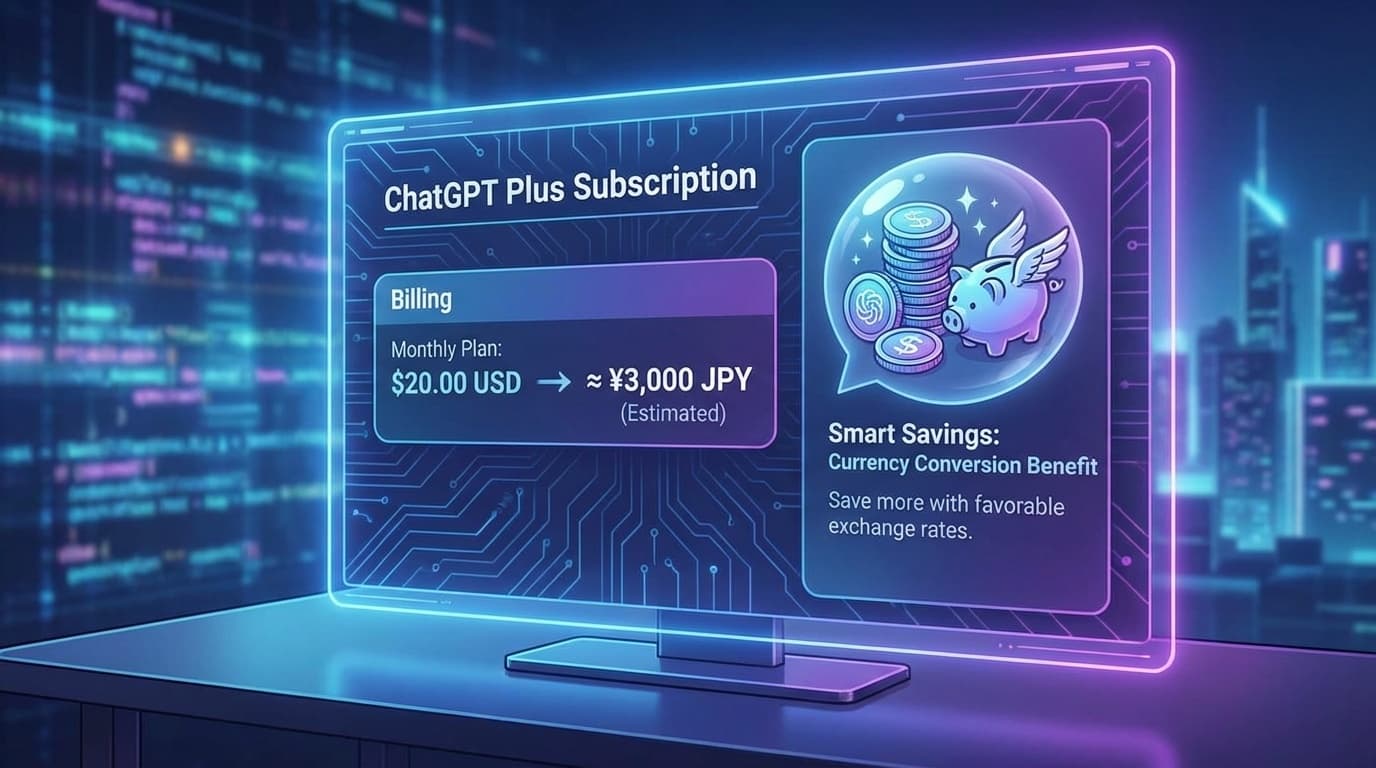
For those using ChatGPT Plus, do you check your monthly bill? In fact, depending on when you signed the contract and your account settings, you may be billed in US dollars (USD), and if the yen depreciates, you will end up paying that much more.
On X, a post that said, ``It seems like my ChatGPT subscription was denominated in dollars and I was losing money due to the weak yen...I was able to change it to yen after I re-registered'' attracted attention with 36 likes and 5 RTs. In this article, we will explain how to check the billing currency of ChatGPT Plus and change it to yen based on information as of February 2026.
What is the difference between dollar-denominated and yen-denominated prices?
First, let's take a look at how much you might be losing.
As of February 2026, the monthly fee for ChatGPT Plus is $20 (USD). If this is charged in USD, the actual amount paid in Japanese Yen will vary depending on the exchange rate.
Rough calculation:
If 1 dollar = 150 yen: 20 dollars × 150 yen = 3,000 yen
If 1 dollar = 155 yen: 20 dollars × 155 yen = 3,100 yen
If 1 dollar = 160 yen: 20 dollars × 160 yen = 3,200 yen
On the other hand, if you contract in yen (JPY), according to OpenAI's official price page, the price in Japan is fixed at 3,000 yen (tax included) per month (as of February 2026).
In other words, if you continue to pay in dollars when the yen is depreciating by more than 150 yen per dollar, you will be paying an extra 100 to 200 yen every month. In addition, the credit card company's foreign transaction fee (usually 1.6-2.2%) is added, so the actual difference is even larger.
If you think about it over a year, the difference is more than 1,200 to 3,000 yen. This is seriously painful.
How to check whether your bill is denominated in dollars or yen
First, check your billing currency. The confirmation method is easy.
Method 1: Check your credit card statement
This is the most reliable method. Check your credit card statement and if the ChatGPT charge is displayed as "USD" or ".00", it is denominated in dollars. "JPY" or "¥3,000" is denominated in yen.
You can find it by searching for "OPENAI" on your card company's app or website.
Method 2: Check on the ChatGPT settings screen
1. Log in to ChatGPT
2. Click on the account name at the bottom left
3. Open "Settings" → "Subscription"
4. Click "Manage Plans"
5. Check the currency displayed in your billing information
If "/month" is displayed, the price is in dollars, and if "¥3,000/month" is displayed, it is in yen.
Steps to change from dollar to yen denomination
Unfortunately, as of February 2026, there is no button to switch only the billing currency. To change the currency, you must cancel your subscription and re-register in yen.
Step 1: Cancel your current subscription
1. Log in to ChatGPT
2. "Settings" → "Subscription" → "Manage your plan"
3. Click “Cancel Subscription”
4. Click "Confirm Cancellation" on the confirmation screen
Even if you cancel, you will continue to use Plus features until the end of your current billing cycle. Don't worry, it won't become unusable during the process. OpenAI Help Center also states that ``Even after cancellation, you can use the service until the end of the period.''
Step 2: Wait until the billing period ends
After canceling, wait until the end of your current billing period. At the end of the period, your account will revert to the free plan.
Step 3: Re-register in yen
Once you return to the free plan, sign up for the Plus plan again.
1. Login to ChatGPT
2. Click “Upgrade to ChatGPT Plus”
3. On the payment information input screen, Make sure the currency is "JPY"
4. Register a Japanese issued credit card
5. Click "Apply"
Note: If the currency is not JPY
OpenAI determines the currency based on your account's regional settings and IP address. If USD is displayed when re-registering, please check the following.
Make sure you're not using a VPN: If you're connecting to a server overseas with a VPN, that country's currency may be used. Turn off your VPN and access using a Japanese IP address.
Clear your browser cache: Old settings may remain in the cache. Please clear your browser's cache and cookies and try accessing again.
About billing via Apple (App Store)
If you apply for a subscription through the App Store from the ChatGPT app on your iPhone, you will be billed through Apple. In this case, the currency will automatically be Japanese Yen (JPY), so there is no need to worry about it being denominated in dollars.
However, if you use the App Store, Apple's fees will be added, so the price may be higher. As of February 2026, ChatGPT Plus via the App Store costs 3,200 yen per month. If you contract directly from the web, you save 200 yen for a monthly fee of 3,000 yen.
To manage your subscriptions via the App Store, you can check and change them from "Settings" → Your name → "Subscriptions" on your iPhone.
FAQ
Q. If I cancel and re-register, will my chat history disappear?
No, it won't disappear. Your chat history is tied to your account, so if you re-register with the same account, your chat history will remain intact. GPTs and custom instructions are also preserved.
Q. Can I use the same method for ChatGPT Team and Enterprise plans?
Since Team and Enterprise plans are for businesses, changes to the billing currency must be made directly to OpenAI's sales team. Please note that the procedure is different from the Plus plan for individuals.
Q. If I change to yen denomination, will I lose money if the yen appreciates?
If the payment is in yen, the monthly payment is a fixed amount (3,000 yen), so it is not affected by exchange rate fluctuations. The amount is the same whether the yen appreciates or the yen depreciates. You won't lose money due to the strong yen, but you can also say that you won't be able to benefit from the strong yen. However, the benefit of not having to worry about exchange rates every month is greater.
Q. Can I pay in yen with a debit card or prepaid card?
Visa/Mastercard debit cards and prepaid cards issued in Japan are generally charged in yen. However, some cards may treat overseas transactions, so we recommend checking your statement.
Q. Is there a possibility that the Plus slot is full when I re-register and I can't register?
Around 2024, the Plus plan had a limit on the number of people and a waitlist, but as of February 2026, the limit has been lifted. We have not seen any reports of failure to re-register.
References
- ChatGPT Pricing — OpenAI
- OpenAI Help Center — OpenAI
- Check, change, or cancel your subscription — Apple Support