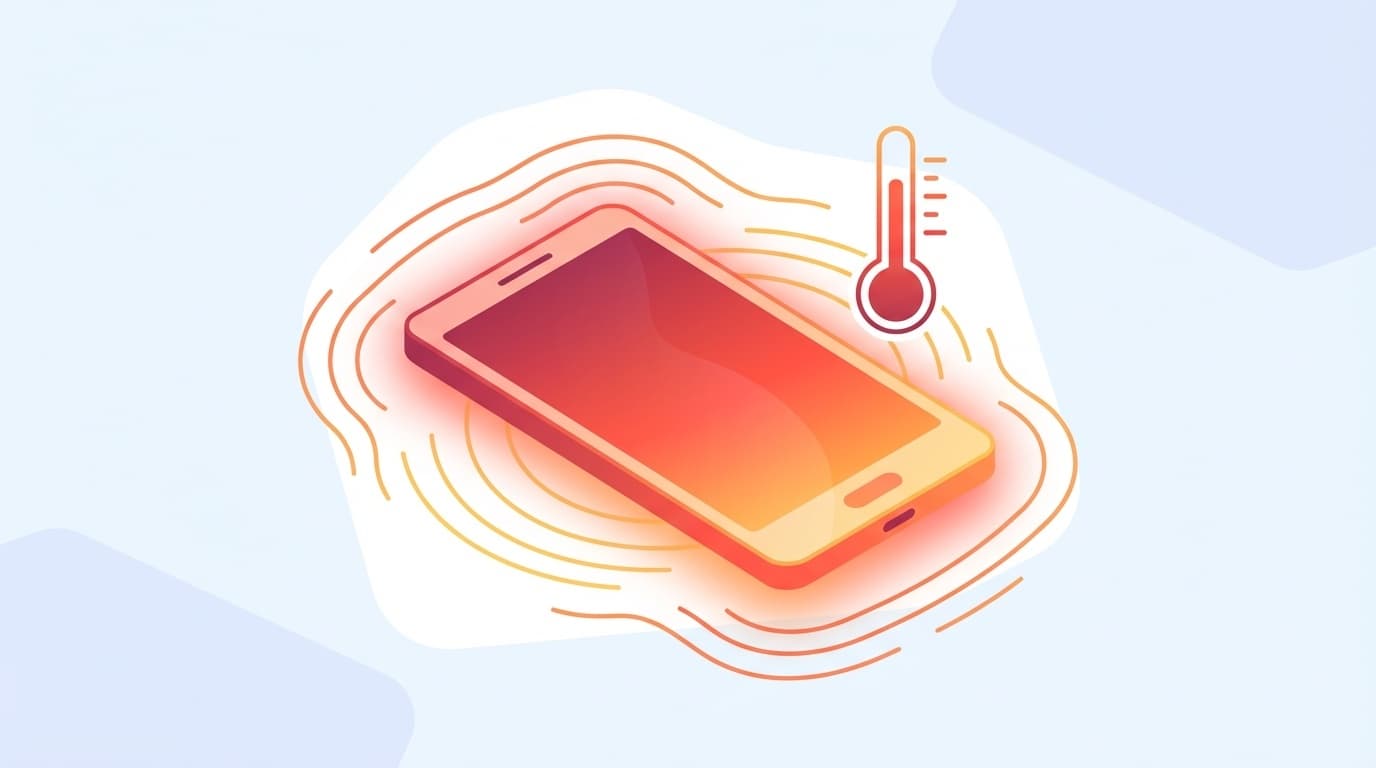
“My iPhone is really hot, is it okay?” ——When I was watching a video while charging, the device got all hot, and after just 30 minutes of playing a game, it got so hot that I couldn't hold it... Have you ever had that experience?
As of February 2026, the number of people complaining that their iPhone has become hotter than before after the iOS 26 update is increasing on social media. In conclusion, it is normal for the iPhone to generate some heat. However, if left unattended, the life of the battery will be shortened, and in the worst case scenario, a "high temperature warning" warning may appear and the device may become inoperable.
In this article, we will explain in an easy-to-understand way the six reasons why your iPhone gets hot, the correct way to cool it down, and the things you should never do.
How hot can an iPhone be? Apple official standards
The first thing you should know is the operating temperature standards written on the Apple official support page.
- Recommended operating temperature: 0~35℃
- Storage temperature: -20~45℃
In other words, it is completely out of the question to leave it in the car in the middle of summer (where it can get over 60 degrees Celsius). Apple clearly states that continued use in environments above 35 degrees Celsius will accelerate battery deterioration.
If you touch it and it feels warm, there is no problem. If it is ``too hot to hold,'' or ``a high temperature warning has been issued,'' you need to take immediate action.
6 reasons why your iPhone gets hot
There are two main causes of iPhone overheating: software-related causes and hardware/environmental causes.
Cause 1: Playing heavy apps and games for long periods of time
Apps that use the CPU and GPU at full capacity, such as 3D games and video editing apps, are the biggest cause of heat generation. Even with X, I often hear people say, ``I can only use it for a short time because my iPhone gets really hot.''
Roughly speaking, the "brain" inside the iPhone is running at full speed and sweating. Just like humans, it's only natural that you get hot when you exercise intensely.
Cause 2: Using while charging
The battery itself generates heat while charging. When playing games and watching videos are added to that, the heat of charging + heat of processing becomes a double punch. This is one of the uses that accelerates battery deterioration the most.
According to Apple, if the device becomes hot while charging, a "Charging On Hold" message will be displayed and charging will automatically stop until the temperature drops.
Cause 3: Background processing immediately after iOS update
Right after a major update such as iOS 26, your iPhone is doing a lot of work behind the scenes. Specifically:
- Reindexing Spotlight search
- Reanalysis of photo library (face recognition/object recognition)
- App optimization
These background processes usually take a few hours to a day to complete. There's no need to panic and think, "It suddenly got hot!" right after an update. If it doesn't improve after a day or two, suspect another cause.
Cause 4: Use in direct sunlight or high temperature environment
Places exposed to direct sunlight, such as outdoors in the summer, on car dashboards, and next to windows, are harsh environments for iPhones. When the temperature outside is high, it becomes harder for heat to escape inside, making it much hotter than normal.
Cause 5: Battery aging
The battery is a consumable item. As deterioration progresses, internal resistance increases and more heat is generated during the same process. If the maximum capacity is below 80% in Settings → Battery → Battery Status and Charging, it's time to consider replacing the battery.
As of February 2026, Apple's official battery replacement cost is 14,500 yen (tax included) for the iPhone 15 series and 16,800 yen (tax included) for the iPhone 16 series (you can check the latest price on Apple official repair page).
Cause 6: Use of non-genuine charger/cable
Cheap non-genuine chargers may not be able to charge the iPhone at the optimal current. Excessive current flow can cause heat generation. It is safe to choose a product with the MFi certified (Made for iPhone) mark.
5 steps to properly cool down your iPhone when it gets hot
If you think it's hot, take the following steps.
Step 1: Disconnect the charging cable
If charging is in progress, first unplug the cable. The top priority is to cut off the heat source for charging.
Step 2: Remove the case
Smartphone cases can cause heat to build up. Notebook-type cases in particular tend to block heat dissipation, so if you feel the phone getting hot, remove it immediately.
Step 3: Quit the app
Close heavy apps such as games and video editing. Swipe up from the bottom of the screen to open the app switcher, then swipe to close any apps you don't use.
Step 4: Place in a cool place
Avoid direct sunlight and place in a cool place such as an air-conditioned room. However, it is not a good idea to directly apply cold air from an air conditioner (the reason will be explained later).
Step 5: Turn off the power and leave it alone
If the above does not improve the problem, turn off the power and leave it for 10 to 15 minutes. Since the iPhone has a metal body, it cools down relatively quickly when turned off.
Don't do this! 4 bad things to do when cooling your iPhone
I understand that you want to cool your iPhone quickly, but the following actions may damage your iPhone.
NG1: Put it in the refrigerator/freezer
This is absolutely no good. Sudden temperature changes can cause condensation (water droplets) to form inside the iPhone, causing a short circuit to the circuit board. Repair costs can run into the tens of thousands of yen.
NG2: Apply ice pack directly
It's the same reason as the refrigerator. Since the surface temperature of the ice pack is below 0℃, condensation will occur due to the sudden temperature difference.
NG3: Directly apply cold air from the air conditioner
There is no problem if it cools down slowly, but there is a risk of condensation if you continue to expose it to extremely cold wind at close range. It is OK to "leave" it in an air-conditioned room.
NG4: Cool with water
You may think, ``It's waterproof, so it's okay, right?'' However, the iPhone's waterproof performance (IP68) is based on ``submerging it in fresh water at room temperature for a certain period of time.'' Apple clearly states on its official page that "damage caused by liquids is not covered by warranty." Avoid damage caused by water damage, as repairs will be expensive.
4 preventative measures to prevent it from getting hot in the first place
It is best to use the device in a way that does not cause it to get hot in the first place, rather than dealing with it after it starts to heat up.
Prevention 1: Do not play games or watch videos while charging
Charging while charging is the biggest cause of heat generation and battery deterioration. Ideally, you should charge it before going to bed and use it during the day without charging.
Prevention measure 2: Utilize low power mode
Turn on "Settings" → "Battery" → "Low power mode" to limit background updates and some visual effects and reduce heat generation. The frame rate of the game is also limited, but it is useful in situations where heat generation is a concern.
Prevention 3: Organize location services
Go to "Settings" → "Privacy and Security" → "Location Services" and check if there are any apps that are constantly using location information. Since GPS places a load on the battery and CPU, we recommend changing unnecessary apps to "Allow only while in use".
Prevention measure 4: Choose a case that dissipates heat easily
Notebook-type and thick silicone cases tend to trap heat. A case with a mesh structure or a bumper type that exposes the back has high heat dissipation, making it easier to suppress heat generation.
What should you do if you receive a "High Temperature Caution" warning?
If the internal temperature of your iPhone exceeds the limit, a warning will appear on the screen: "High Temperature Warning—Please wait until the device temperature cools down". In this state, you will not be able to perform any operations other than making an emergency call.
According to Apple officials, here's what happens when you get this warning:
- Charging (including wireless charging) stops
- Display dims or disappears
- Camera flash temporarily disabled
- Mobile phone signal becomes weak
If you receive a warning, don't panic and follow the "5 Steps for Correct Cooling" above. Normally, the temperature will drop in about 10 to 20 minutes and you can use it normally.
If the warning appears frequently, it may be due to battery deterioration or hardware failure. Contact Apple official repair or an Apple authorized service provider.
FAQ
Is it okay to continue using the iPhone while it is hot?
There is no problem if it is slightly warm, but if you continue to use it when it is too hot to hold, the battery will deteriorate faster. Apple officially states that using the device in environments above 35 degrees Celsius will have a negative impact on battery life. If you feel hot, first close the app and let it rest in a cool place.
Is it abnormal for my iPhone to get hot while charging?
It is normal for the device to become slightly warm while charging. However, playing games or watching videos while charging may cause excessive heat generation. Refrain from operating the device while charging and remove the case to prevent heat from building up.
It suddenly became hot after updating iOS, is it a malfunction?
Immediately after a major update such as iOS 26, background processes such as rebuilding search indexes and reanalyzing photos may temporarily generate heat. It usually subsides within 1-2 days. If it doesn't improve after a few days, try restarting your iPhone.
Are smartphone cooling fans and Peltier coolers effective?
Smartphone cooling fans for gaming are products that help dissipate heat by blowing air from the outside. Although it has a certain cooling effect, you need to be careful with the Peltier element type, which has the risk of condensation. When using a cooling plate, the ventilation type is safer than the type that has the cooling plate attached directly to the back of the iPhone, as there is less worry about condensation.
Will replacing the battery fix the heat generation?
If the cause is battery deterioration (less than 80% maximum capacity), there is a high possibility that the problem will be resolved by replacing it. However, if the cause is due to how you use the app or the environment, replacing it will not make a difference. First, try the preventive measures in this article, and if the problem still does not improve, consider replacing the battery.
References
- If your iPhone or iPad gets too hot or cold — Official Apple Support
- About iPhone's splash, water, and dust resistance performance — Apple Official Support
- About iPhone and iPad accessories — Official Apple Support
- iPhone repair service — Apple official support