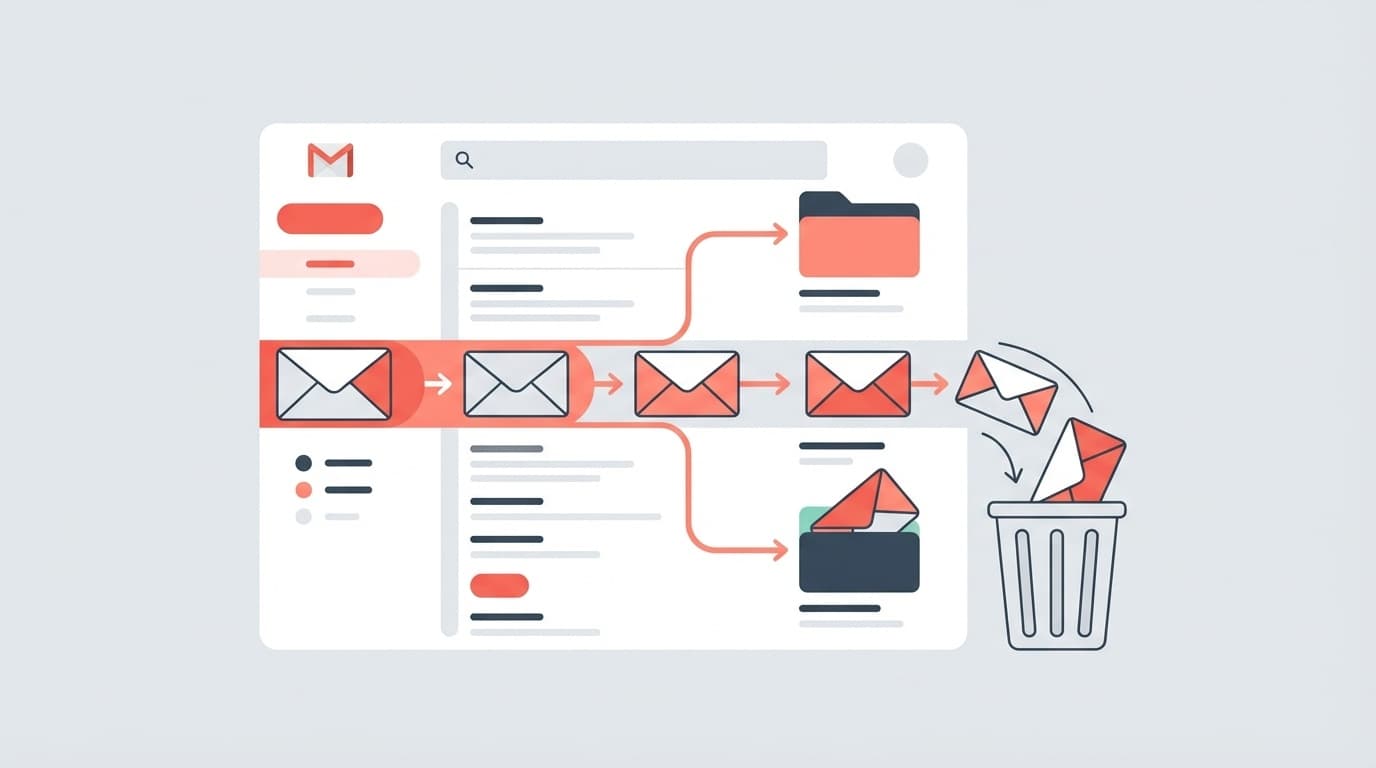
Have you ever bought an e-book on Amazon, but it doesn't appear in your Kindle app's library?
I've also seen people on social media say that their accounts have been locked as a result of repeated cancellations and repurchases in haste. As of February 2026, this issue is a regularly reported trouble among Kindle users.
This article explains 5 reasons why purchased Kindle books are not displayed and specific solutions. We will also introduce ``NG actions that you should not do,'' so please read to the end.
5 reasons why purchased Kindle books are not displayed
There are five main reasons why Kindle books are not appearing in your library. Let's check them in order.
Cause 1: Purchasing with another Amazon account
This is the most common cause. Amazon treats the same email address as separate accounts on amazon.co.jp and amazon.com.
For example, be careful if you have previously created an account on Amazon in the United States. There are cases where the Kindle app is linked to an overseas account and books purchased in Japan are not displayed.
Amazon official help also recommends that you first check whether you are logging in with the correct account.
Cause 2: Kindle app syncing has stopped
Purchase processing is completed in Amazon's cloud, but if the synchronization (communication with the server) on the Kindle app side is not successful, it will not be reflected in the library.
This is especially likely to occur if you make a purchase in a place where Wi-Fi is unstable or if you leave the app running for a long time.
Cause 3: Delivery destination is incorrect in "Content and device management"
Amazon has a settings page called "Manage content and devices". If the destination device for the book is different from the device you are currently using, it will not be displayed.
For example, you want to read it on your smartphone, but the destination is an old Kindle device.
Cause 4: Purchase process was not completed successfully
In some cases, the payment fails due to the expiration date of the credit card or insufficient balance on the Amazon gift card. Check to see if you have received an order confirmation email.
Please check whether the purchase status is "Completed" from Amazon order history page.
Cause 5: The Kindle app version is outdated
If the app version is old, it may not be possible to read e-books in new formats correctly. Update to the latest version on the App Store or Google Play.
Steps to recover Kindle books that are not displayed
Once you know the cause, take the following steps to deal with it. We recommend trying them in order from the top.
Step 1: Manual sync with Kindle app
For iPhone, open the Kindle app and tap "Library" at the bottom of the screen → Pull the screen down and release to start synchronization.
For Android, tap "Sync" from the "More (≡)" menu in the Kindle app.
In many cases, this is all that is displayed.
Step 2: Confirm login account
Check the email address you are currently logged in from ``More'' → ``Settings'' in the Kindle app. Is this the same email address as the Amazon account you used to make the purchase?
If you are using a different account, please sign out and log in again with the correct account.
Step 3: Distribute from "Content and device management"
Open Amazon's "Manage your content and devices" page in your browser.
Click the "..." button next to the purchased book → select "Distribute" → change the distribution destination to the device you are currently using, and it will be displayed in your library.
Step 4: Reinstall the app
If the above does not resolve the issue, try deleting the Kindle app and reinstalling it. Data on purchased books is stored in Amazon's cloud, so even if you close the app, the books will not be deleted. rest assured.
Don't do that! Repeat cancellation → repurchase
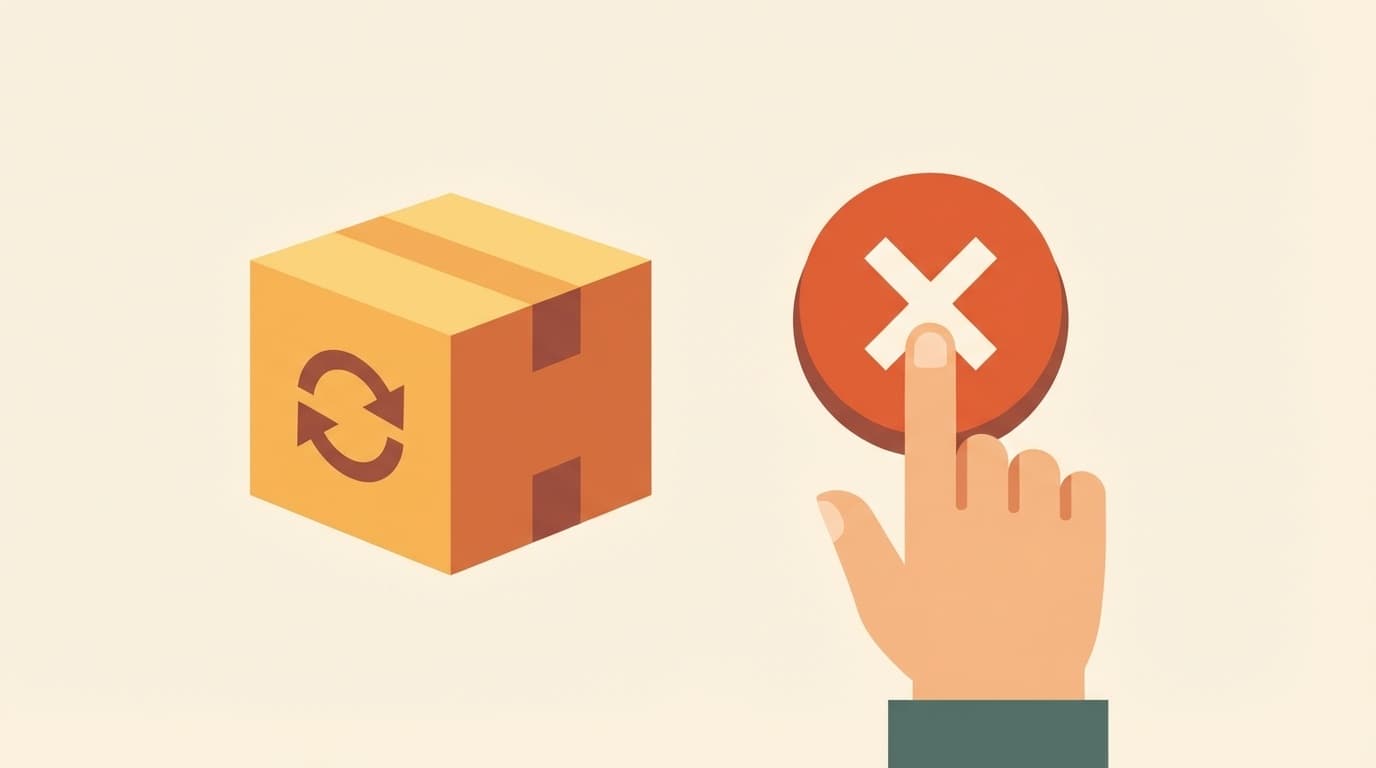
You may be thinking, "I can't see it, so should I cancel it and buy it again?" ButPlease don't do this.
If you repeatedly cancel and repurchase the same product within a short period of time, Amazon's system may determine that this is fraudulent use and your account may be locked (temporarily suspended).
In fact, there have been reports on social media that ``I canceled and repurchased the e-book several times because it wasn't showing up, but my account got locked and I couldn't even log in.''
If your account is locked, you will not be able to use not only Kindle books but also all Amazon services (shopping, Prime Video, Amazon Music, etc.). Unlocking requires contacting customer service by phone, and it takes time to verify your identity.
What to do if your account is locked
If your account has already been locked, you can unlock it by following the steps below.
Call Amazon Customer Service
As of February 2026, account locking can only be done by phone call. Cancellations cannot be made via chat or email.
Telephone number: 0120-899-543 (toll-free)
Business hours: 7:30-22:00 (Open all year round)
Please also refer to the page Amazon official: Recovering access to a suspended account.
You will be asked for the following information on the phone, so please prepare it in advance.
- Name registered in your account
- Registered phone number
- Registered email address
- Last 4 digits of credit card number
If your identity is verified, your phone will usually be unlocked during the call. However, depending on the situation, it may take several days.
Notes when you cannot log in
If your account is locked, you may not be able to contact customer service from the Amazon site. In that case, please call the toll-free number above directly.
Also, contact information may be included in the email you receive from Amazon when your account is locked, so be sure to check your inbox.
Things to do on a regular basis to prevent Kindle book troubles
Finally, we will summarize preventive measures to avoid repeating the same problem.
- Unify your Amazon accounts into one: If you have multiple accounts, consult Amazon customer service to consider merging your accounts
- Check your order confirmation email immediately after purchase: If you haven't received the email, there may be a problem with your payment
- Kindle apps are always up to date: We recommend turning on automatic updates
- Even if it doesn't appear, never cancel → Do not repeat the purchase: Try syncing first, and if that doesn't work, contact customer service
FAQ
If I delete the Kindle app, will the purchased books also disappear?
No, it won't disappear. The data of purchased e-books is stored in Amazon's cloud. Once you reinstall the app and log in with the same account, your purchased books will appear in your library.
Is this the same reason why Kindle Unlimited books suddenly disappeared?
For Kindle Unlimited, the situation is a little different. Unlimited has an upper limit on the number of books that can be used at the same time (20 books as of February 2026), and if the upper limit is exceeded, you will need to complete the procedure to terminate usage starting with the oldest books. Publishers may also remove books from Unlimited coverage.
Can I read e-books purchased from places other than Amazon on Kindle?
Basically, it is unreadable. The Kindle app only supports books (or files in Kindle-compatible formats) purchased on Amazon. Books purchased from Rakuten Kobo or BookLive! must be read using their respective dedicated apps.
How long does it take to unlock my account?
When you contact customer service over the phone, in most cases the request will be canceled during the call if your identity is verified. However, if there is a strong suspicion of unauthorized use, the investigation may take several days to a week.
References
- Help with Kindle content — Amazon Official Customer Service
- What to do if Kindle books don't download — Amazon Official Customer Service
- Recovering access to a suspended account — Amazon Official Customer Service
- Why purchased books are not displayed in Kindle library and what to do — Amazon Complete Guide.com