If you see "Storage space is low"
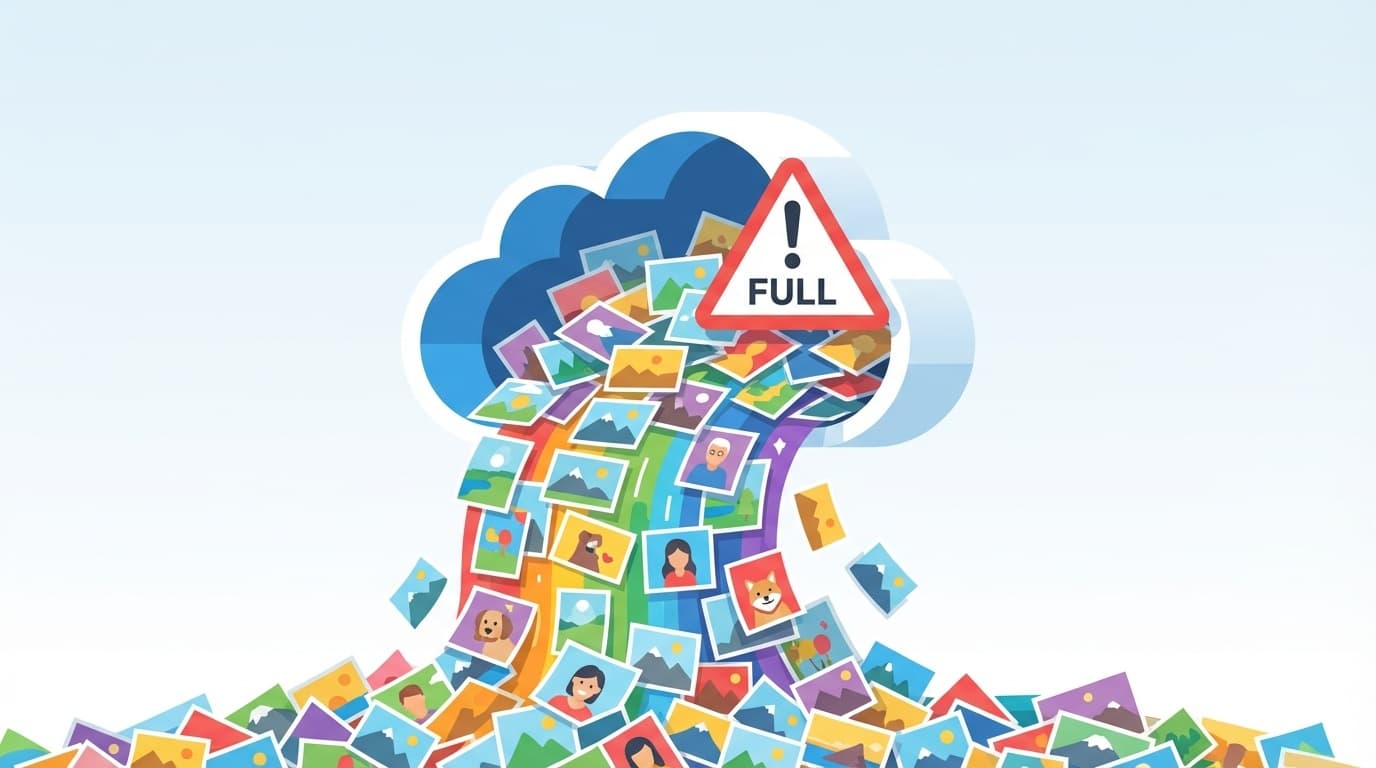
Are you panicking when you receive a notification from Google Photos saying "Storage space remaining"?
Google's free storage is 15GB. This is divided between Gmail, Google Drive, and Google Photos. If you take a lot of photos, it will fill up quickly.
The quickest way is to upgrade to a paid plan (Google One), but there are many things you can do before that.
Method 1: Delete unnecessary files in bulk from "Manage Storage"
Google Photos has a feature that automatically finds unnecessary files.
- Open Google Photos storage management page
- "Blurry photos", "Screenshots", and "Large photos and videos" are automatically categorized
- Select and delete unnecessary items
Especially Screenshots take up a lot of space. I often have hundreds of screenshots that I took as temporary notes.
Method 2: Convert from original image quality to "Storage saving image quality"
If you convert photos saved in "original quality" to "storage-saving quality" (formerly known as high quality), the file size will be significantly reduced while retaining most of the image quality.
- Open Google Photos settings
- "Manage storage" → "Compress existing photos and videos"
- Convert to “storage space saving image quality”
You can hardly tell the difference when looking at photos taken with a smartphone. Unless you are a professional photographer, the frugal image quality is sufficient.
Method 3: Organize Gmail attachments
Gmail is surprisingly a blind spot. Shares the same 15GB as Google Photos, so if large attachments accumulate in Gmail, the photo space will be compressed.
- Open Gmail
- Type
has:attachment larger:5Min the search bar - Emails with attachments larger than 5MB are displayed in a list
- Delete unnecessary emails → empty trash
It's common to find that heavy attachments from years ago took up several GB.
Methods 4-5: If you want more space
4. Delete unnecessary files from Google Drive
You can check and delete large files on the Google Drive capacity check page. Old PDF and video files often remain intact.
5. Transferring photos to another service
Another method is to download photos from Google Photos to your PC or hard disk and then delete them. With Google Takeout, you can download all your photos at once.
or Amazon Photos (unlimited photos for Prime members).
How much does the paid plan (Google One) cost?
If you are still not satisfied after trying the above methods, another option is to pay to Google One.
- 100GB: 250 yen per month (2,500 yen per year)
- 200GB: 380 yen per month (3,800 yen per year)
- 2TB: 1,300 yen per month (13,000 yen per year)
100GB for 250 yen a month is quite cost-effective. If you are someone who takes tens of thousands of photos, it may be stress-free to just pay for it.
FAQ
Will the deleted photos free up space immediately?
No. Deleted photos will first be moved to the Trash and will bepermanently deleted after 60 days. If you want to free up space immediately, open the Trash and perform "Empty Trash".
Do images received on LINE also use space in Google Photos?
Yes, if you have set it to back up to Google Photos. People who automatically save LINE images to Google Photos may have a large number of images backed up without realizing it.
Which should I use, iCloud or Google Photos?
If you are an iPhone user, iCloud is the best option to integrate with your device. However, iCloud's free tier is 5GB, which is less than Google Photos' 15GB. It is also possible to use both properly.
References
- Manage your Google Photos storage — Google Support
- Google One plans — Google