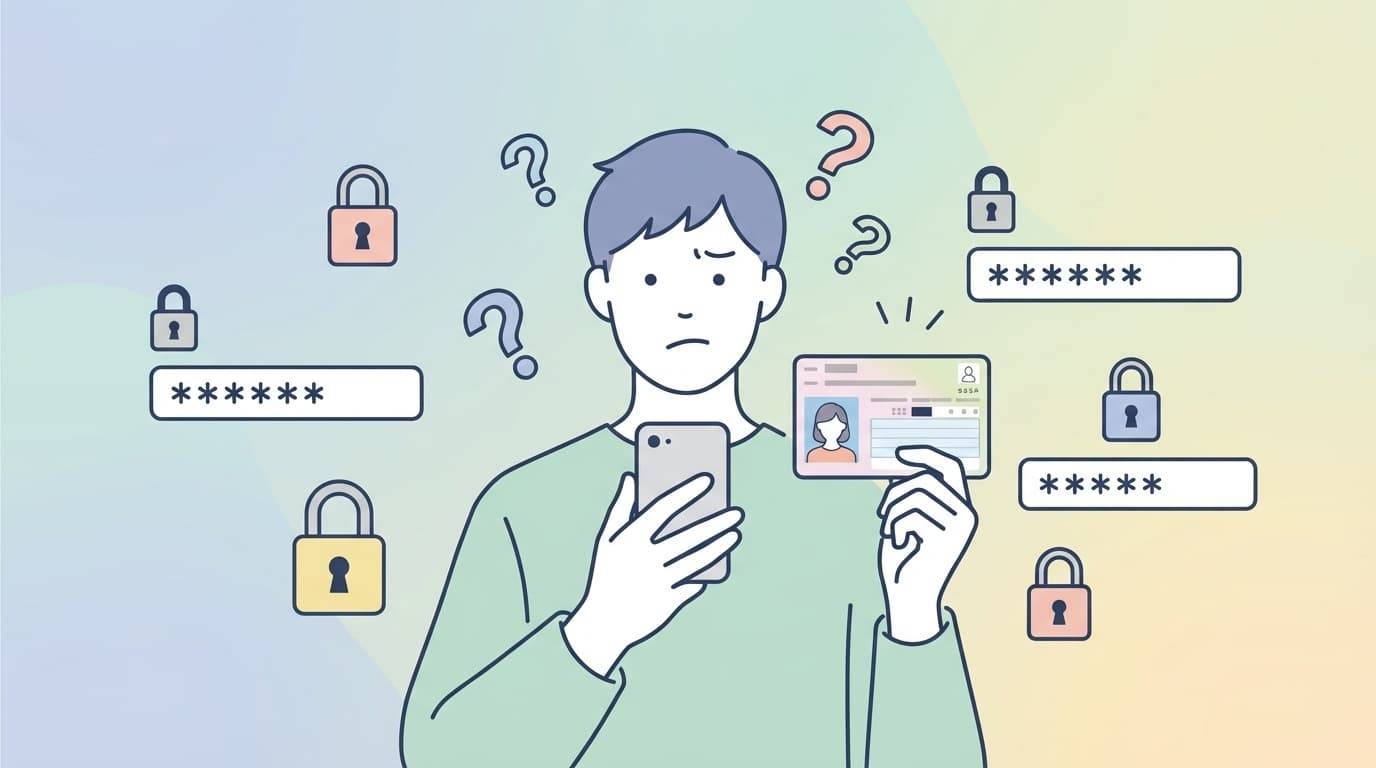
My Number Card PINs can be confusing. There are several of them, and it's easy to lose track of which one is which. Have you ever tried to file your tax return through e-Tax, only to see a message saying your PIN was wrong and panic a little?
The truth is, a My Number Card has four different PINs and passwords, and each one is used for a different purpose. If you enter the wrong one too many times, it gets locked and you won't be able to use it as-is.
This article explains, based on the latest information as of March 2026, the differences between the four PINs/passwords, when they get locked, and how to reset them at a convenience store or municipal office. We'll also cover a common question: why the signature certificate may not work on a child's My Number Card.
There Are 4 Types of My Number Card PINs/Passwords
When you picked up your My Number Card, you may have been asked to set four different PINs or passwords at the counter and thought, “Isn't that a bit much?” First, let's sort out what each one does.
1. Signature electronic certificate password (6-16 alphanumeric characters)
Think of this as your registered seal for online procedures. It's used for electronic signatures, such as filing taxes through e-Tax or completing government procedures on Mynaportal. You set it using 6 to 16 characters with a combination of uppercase letters and numbers. It's locked after 5 wrong attempts in a row.
2. User authentication electronic certificate PIN (4 digits)
This is your identity verification password. You use it to log in to Mynaportal or to get a residence certificate at a convenience store. It's locked after 3 wrong attempts in a row.
3. Basic Resident Register PIN (4 digits)
This is the PIN you're asked to enter at the municipal office when changing your address after a move. You won't use it often in everyday life, but you'll need it when filing a moving-in notice. It's locked after 3 wrong attempts in a row.
4. Card information input assistance PIN (4 digits)
This password is used to read information stored on the IC chip, such as your name, address, and date of birth. It's used at government counters and for online applications to save you from typing everything manually. It's locked after 3 wrong attempts in a row.
By the way, the three 4-digit PINs listed as numbers 2 through 4 can all be set to the same number. Many people were probably asked, “Do you want these to all be the same?” when they received their card.
When Do They Get Locked, and How Many Tries Do You Get?
Here's a quick summary of the lock conditions.
| Type | Format | Attempts before lock |
|---|---|---|
| Signature electronic certificate | 6-16 alphanumeric characters | 5 wrong attempts in a row |
| User authentication electronic certificate | 4 digits | 3 wrong attempts in a row |
| Basic Resident Register | 4 digits | 3 wrong attempts in a row |
| Card information input assistance | 4 digits | 3 wrong attempts in a row |
Once you enter the correct PIN or password, the failed-attempt count resets. So if you enter it wrong twice but get it right on the third try, you're safe. That said, some screens don't make it very clear which PIN or password has been locked, so it's important to know which one you used in which situation.
How to Reset Your PIN at a Convenience Store (JPKI PIN Reset)
Since December 2023, you've been able to initialize and reset certain My Number Card passwords using a convenience store multifunction copier. That means you can complete the process with just your smartphone and a convenience store visit, without going all the way to city hall.
What you'll need
- Your My Number Card
- A smartphone with NFC and a camera for facial verification
- The “JPKI PIN Reset” app (available for iOS and Android)
Steps
Step 1: Make a reservation on your smartphone
- Download and open the JPKI PIN Reset app
- Use the camera to photograph the front of your My Number Card
- Hold your My Number Card against your smartphone to read the IC chip
- Enter your user authentication PIN (4 digits)
- Take a photo of your face with your smartphone camera, then verify your identity by matching it with the face photo stored on the IC chip
Step 2: Reset it at a convenience store within 24 hours
- Select “Government Services” on the convenience store multifunction copier
- Hold your My Number Card over the reader
- Enter your user authentication PIN
- Set a new signature password
Supported convenience stores: You can use this service at stores with compatible multifunction copiers, including 7-Eleven, Lawson, and FamilyMart.
Important notes
This convenience store reset process assumes that you know your user authentication PIN (4 digits). If both your signature password and user authentication PIN are locked or unknown, you can't reset them at a convenience store. In that case, you'll need to go to your municipal office.
How to Reset It at a Municipal Office
If you can't reset it at a convenience store, or if you don't have a smartphone, you'll need to complete the procedure at the municipal office where you live.
What to bring
- Your My Number Card (if you're going in person, this is usually all you need)
- If the cardholder can't go in person, a legal representative, such as a parent or adult guardian, should bring identity verification documents
Process
- Apply for PIN/password initialization and reset at the municipal office counter in charge of My Number Card procedures
- After identity verification, set a new PIN or password on the spot
- The process usually takes about 10-15 minutes, depending on how busy the office is
At the municipal office, you can reset all four PINs/passwords at once. If you've reached the “I don't know any of them anymore!” stage, going to the office is the most reliable option.
Can a Child's My Number Card Have a Signature Password?
Plenty of parents run into trouble when trying to use a child's My Number Card for e-Tax or online applications and discover that the signature password doesn't seem to work.
In principle, signature electronic certificates aren't issued to people under age 15. According to the official Ministry of Internal Affairs and Communications page, a signature electronic certificate is treated like a registered seal, so the standard practice is not to issue one to children under 15.
However, in some cases, it may be issued as an exception if the legal representative, such as a parent, and the child under 15 go to the municipal office together. If you need one, check with your local municipal office in advance.
The user authentication electronic certificate is issued regardless of age. That means a child's card can still be used to log in to Mynaportal or obtain a residence certificate at a convenience store, with the PIN set by the legal representative.
3 Tips for Not Forgetting Your PINs
Even once you know how to reset them, it's better not to forget them in the first place. These habits can help.
1. Keep the PIN record sheet you received when the card was issued
When you received your My Number Card, you should have been given a form where you could write down your PINs/passwords. If you still have it, that's the most reliable record. Store it somewhere separate from your My Number Card.
2. Use the same number for the three 4-digit PINs
The user authentication, Basic Resident Register, and card information input assistance PINs can all be set to the same number. If you want to reduce what you have to remember, making those three the same is the practical choice.
3. Save them in a password manager
If you register them under “My Number Card” in a password manager, such as the iPhone Passwords app, Google Password Manager on Android, or 1Password, you can check them from your phone anytime.
FAQ
How many wrong attempts lock a My Number Card PIN or password?
The signature electronic certificate password is locked after 5 wrong attempts in a row. The other three types, user authentication, Basic Resident Register, and card information input assistance, are locked after 3 wrong attempts in a row. If you enter the correct PIN or password once, the failed-attempt count resets.
Can I unlock or reset my PIN at a convenience store?
Yes. Using the JPKI PIN Reset app and a convenience store multifunction copier, you can reset the signature password. However, you must know your user authentication PIN (4 digits). If both are unknown or locked, you'll need to go to your municipal office.
Does a child's My Number Card include a signature electronic certificate?
In principle, signature electronic certificates aren't issued to people under age 15. If it's necessary, it may be issued as an exception if the legal representative and the child apply together at the municipal office.
Where can I change my PIN if it isn't locked?
If your PIN or password isn't locked but you still want to change it, you can do so at your municipal office. You can also change it at home using the “JPKI User Software” with a computer and IC card reader. You'll need to enter your current PIN or password.
References
- Initialize Your My Number Card Password at a Convenience Store — Public Certification Service Portal Site (JPKI)
- My Number Card User Authentication PIN — Digital Agency
- The My Number System and My Number Card — Ministry of Internal Affairs and Communications
- My Number Card Passwords Can Be Initialized at Convenience Stores and Similar Locations — National Tax Agency e-Tax