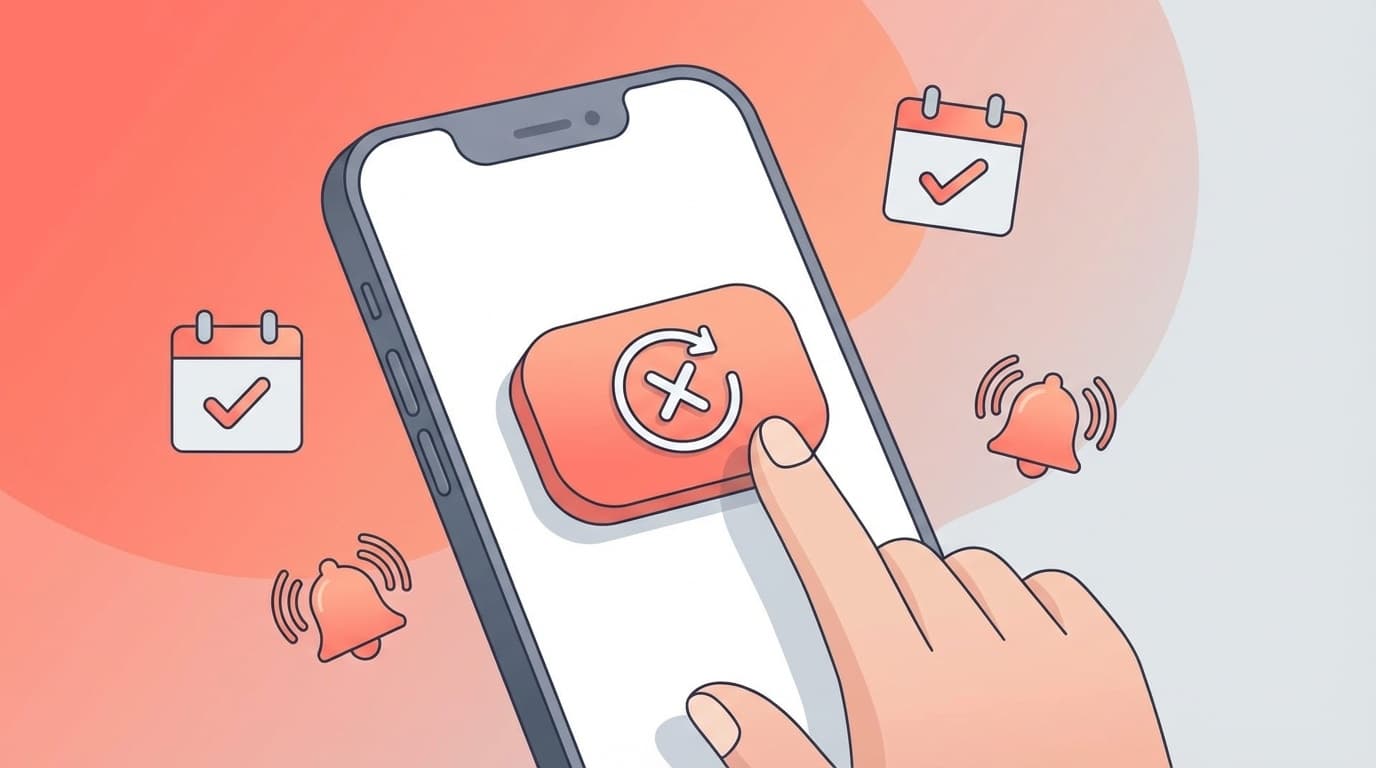
I signed up thinking, ``I'm going to get Netflix for just one month,'' but before I knew it, I had been paying for it for half a year. Have you ever had such an experience?
Unnecessary expenses due to forgetting to cancel is a problem faced by many people, as a post saying, ``The first thing you should do after signing a subscription contract is canceling'' has become a hot topic on social media. In the 2024 National Consumer Affairs Center of Japan's alert, problems with canceling subscriptions are at the top of the list of consultations.
In this article, based on information as of March 2026, we will explain the mechanism of the technique for canceling a reservation immediately after signing a contract, as well as the response status and procedures for each major service.
Won't it hurt to "cancel the contract immediately after signing"? Explaining the mechanism
In conclusion, Even if you cancel most subscriptions, you can continue to use the service until the end of the contract period.
For example, let's say you signed up for Netflix on March 1st and canceled your subscription on March 5th. In this case, you can watch videos normally until the day before your next billing date, April 1st, which is March 31st. It doesn't mean that you can't watch it the moment you press the cancel button.
This is because many subscriptions use a "prepayment system." Since you have already paid for one month, you have the right to use the service during that period.
In other words, ``cancel the contract immediately after signing'' is a reasonable technique that prevents you from forgetting to cancel and allows you to make full use of the paid period.
"Immediate cancellation" correspondence table for major services - Can it be used even after cancellation? Can't you use it?
However, not all services can be used in the same way. We have summarized the support status of major services as of March 2026.
| Service name | Can I use it until the end of the period even after cancellation? | Notes |
|---|---|---|
| Netflix | ○ Usable | Can be watched until the end of the billing period |
| YouTube Premium | ○ Usable | You can enjoy benefits such as no ads until the next billing date |
| Amazon Prime | ○ Can be used | If you select "End on renewal date", you can use the benefit until the end of the period |
| Spotify Premium | ○ Usable (for paid plans) | Cancellation during free trial may result in immediate termination |
| Audible | ○ Usable | Unlimited listening is available until the end date, purchased works are retained forever |
| Apple Music | ○ Can be used | Downloaded songs cannot be played after subscription ends |
| Disney+ | ○ Usable | Can be watched until the end of the billing period |
As you can see, Most major subscriptions allow you to use them until the end of the period even if you cancel immediately. However, please be aware that with some free trials, the service may stop the moment you cancel (such as Spotify's free trial).
Procedures for "immediate cancellation" for each service - this is all you need to do after signing the contract
Netflix
According to Netflix official help, the cancellation procedure is as follows.
- Log in to Netflix official website in your browser
- Tap the profile icon in the top right → “Account”
- Select "Cancel Membership"
- Tap "Complete cancellation procedure"
That's all. Even after cancellation, you can still watch videos until your next billing date. Please note that simply deleting the app will not cancel your subscription. Additionally, if you contracted through a carrier such as Docomo, au, or Softbank, you will need to cancel your contract from each carrier's My Page.
YouTube Premium
According to YouTube official help, you can cancel your subscription by following the steps below.
- Go to youtube.com/paid_memberships in your browser
- Tap "Deactivate Membership"
- Select "Cancel"
Even after canceling your subscription, you can still use features such as hiding ads and playing in the background until the next billing date. It is important to complete the procedure at least 24 hours before automatic renewal.
Amazon Prime
Amazon Prime members will be presented with two options when canceling their membership.
- Open "Account & Lists" → "Prime Member Information" in the Amazon app or browser
- Select "Terminate Prime Membership"
- Select "End on renewal date" (*If you select "Cancel now", the contract will end on the same day)
If you select "End on renewal date," you can enjoy all benefits such as expedited shipping and Prime Video until the end of the contract period. Similarly, during the free trial, you can prevent automatic charges after using the service for 30 days.
Spotify Premium
- Log in to Spotify account page in your browser
- Select “Change plan” → “Downgrade to Spotify Free”
For paid plans, you can use Premium features until your next billing date. However, if you cancel during the free trial period, you may be immediately switched to the Free plan, so we recommend that you complete the procedure immediately before the end of the free trial period.
Audible
According to Audible official help, even if you cancel, you can still use unlimited content until your membership ends.
- Log in to Audible official website in your browser
- Select “Account Service” → “Proceed to Cancellation Procedure”
- Follow the on-screen instructions to complete your withdrawal
Please note that You can continue listening to audiobooks purchased individually even after canceling your membership. This is a mechanism in which only the content eligible for unlimited listening becomes unavailable.
There are other options besides "immediate cancellation"! 5 tips to avoid forgetting to cancel
"Immediate cancellation" is the best technique, but it may not work with all services. Combine the methods below to completely block unnecessary spending.
1. Set a reminder "3 days before the update date" on your smartphone's calendar
The moment you sign the contract, set a reminder three days before your next billing date. It's best to do it 3 days in advance so you have plenty of time, as it's easy to get busy and forget about it on the day of.
2. Check your credit card statement every month
Make it a habit to check your statement at least once a month to make sure there are no charges you don't recognize. Many credit card apps have a usage notification function, so you can feel safe if you turn this on.
3. Check the list in iPhone's "Settings" → "Subscriptions"
For iPhone, you can check and cancel your current subscriptions via the App Store by going to "Settings" → Your name → "Subscriptions." For Android, you can check from Google Play Subscriptions.
4. Use a credit card or prepaid card for subscriptions
If you consolidate your subscription payments onto one card, checking your statements will be much easier. With a prepaid card, payments will automatically stop when the balance runs out, so you can avoid the worst case of "continuing to pay".
5. List your current subscriptions in the memo app
The most dangerous situation is ``I can't remember what subscription I'm in.'' Once you sign the contract, record the service name, monthly amount, contract date, and renewal date in the memo app on the spot.
What you should not do: Deleting the app does not cancel your contract!
Finally, we will summarize failure patterns that are common when canceling a subscription.
People think they have “cancelled” just by deleting the app
This is the most common problem. The contract continues even if you delete the app. Be sure to carry out the cancellation procedure from the official website or the in-app settings screen.
Assuming that "it will stop automatically when the free period ends"
Generally, a free trial automatically switches to a paid plan when the period ends. If you intend to "just try it out", it is safe to cancel your subscription on the same day you register.
Do not confirm cancellation completion
Even if you intend to complete the cancellation procedure, there are cases where you close the screen midway through and the process is not completed. Be sure to check the confirmation email that you receive after canceling, or make sure that "Cancelled" is displayed on your account screen.
FAQ
Will there be any penalties or fees if I cancel my subscription immediately?
For major subscription services such as Netflix, YouTube Premium, Amazon Prime, and Spotify, there are no penalties or fees for cancellation. The cancellation procedure is free, and you can continue to use the services you have already paid for.
Can I still use the free period even if I cancel immediately during the free trial?
Depends on the service. Amazon Prime's free trial can be used for 30 days after cancellation, but Spotify's free trial may switch to the Free plan immediately upon cancellation. Be sure to check the help page for each service before signing a contract.
Can I rejoin a subscription once canceled?
Yes, it is possible to renew the contract for most services. Netflix retains your account information for up to 10 months after cancellation, so your profile and favorites list will be restored when you re-register. However, the campaign price at the time of cancellation may not be reapplied.
Is it possible to "immediately cancel" the annual plan?
For annual plans, cancellation procedures are possible, but the refund rules for the remaining period vary depending on the service. With Amazon Prime, you may be able to get a refund for the unused period even with an annual plan, but other services often do not. Choose the annual plan only if you are sure you will use it for one year.
In the case of a family plan or family sharing, if the administrator immediately cancels the subscription, will family members no longer be able to use it?
Yes, if the administrator (payer) cancels, access for all family members will be terminated at the end of the contract period. Discuss this with your family before proceeding.
References
- How to cancel Netflix — Netflix Help Center
- Cancel your Premium membership — YouTube Help
- Beware of unexpected "subscription" billing troubles! — National Consumer Affairs Center
- How to unsubscribe from Audible — Audible Help Center
- Three points to remember to cancel your subscription — @DIME