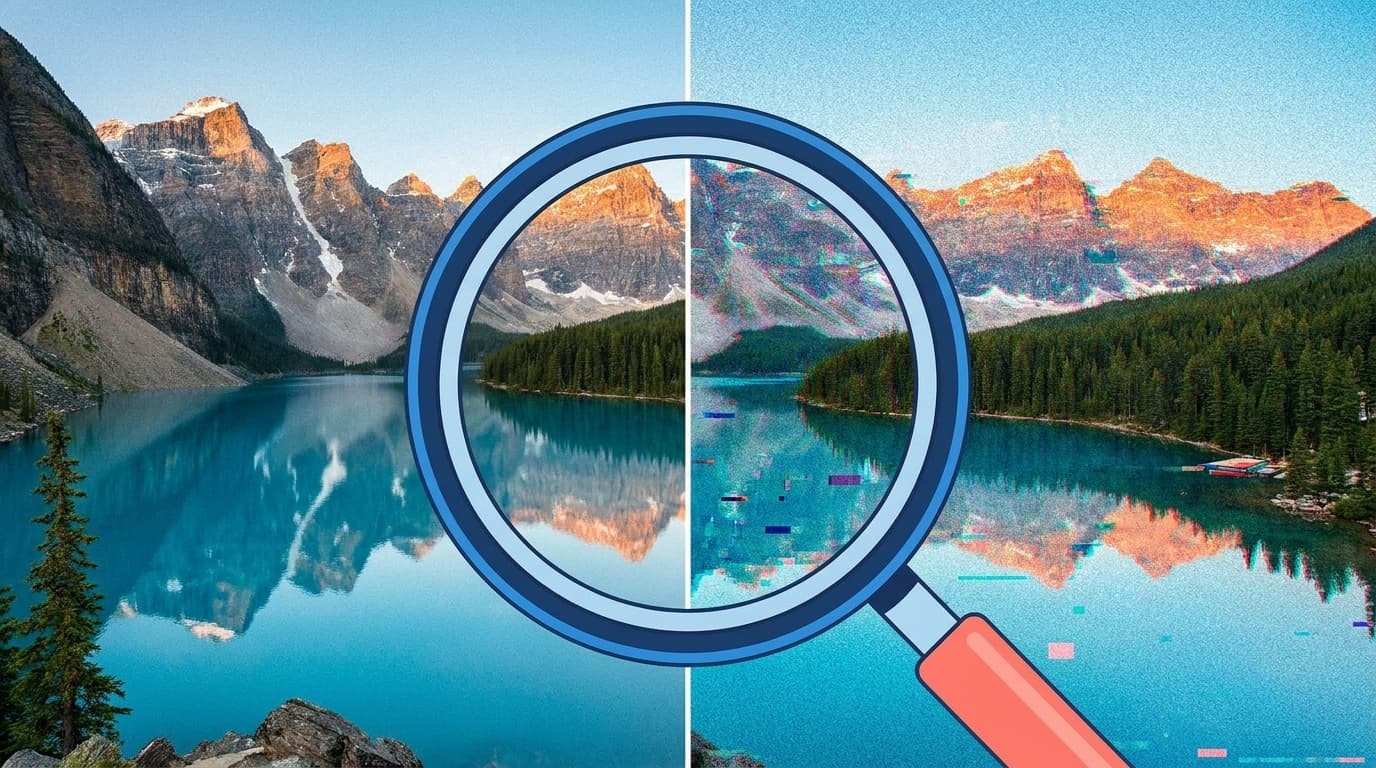
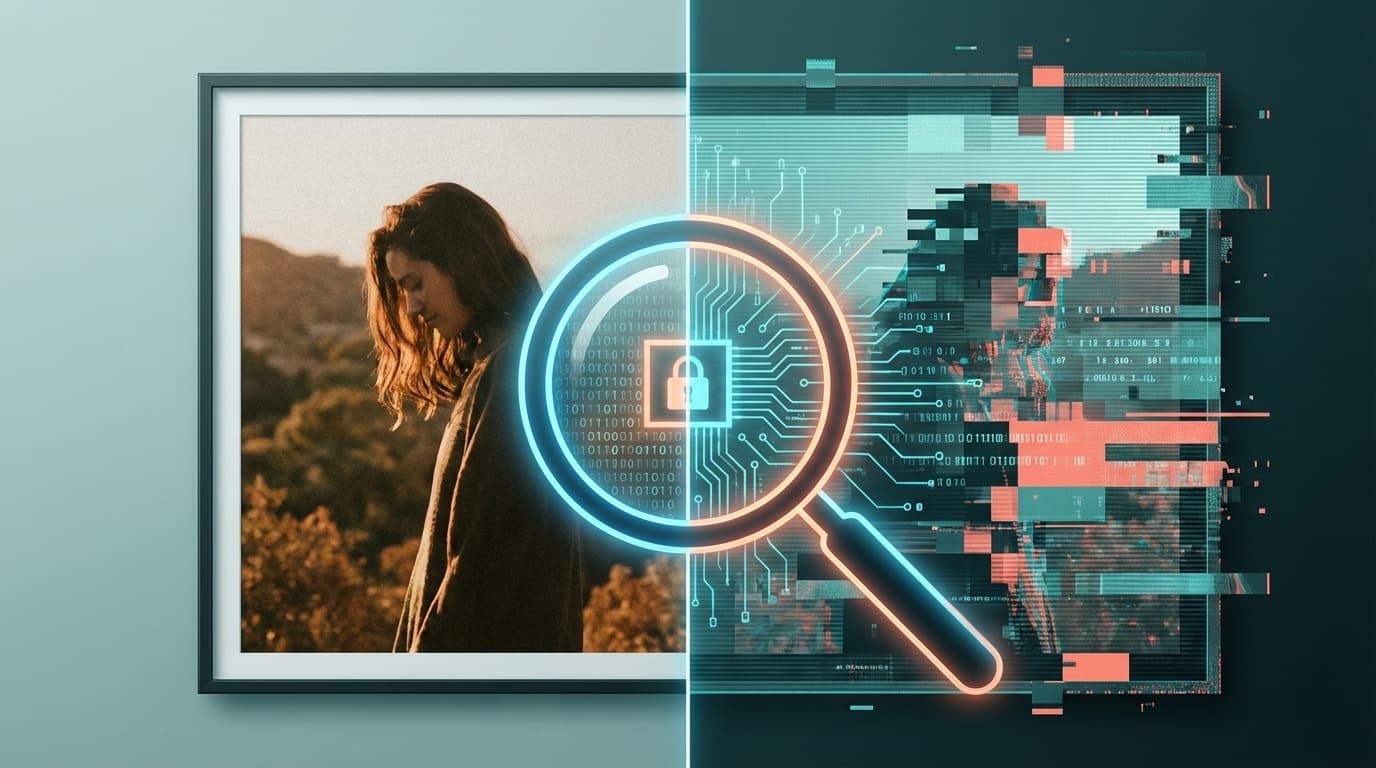
Have you ever seen a shocking photo or video on social media and wondered, "Is this actually real?" As of 2026, image-generation AI like DALL-E, Midjourney, and Stable Diffusion, along with video-generation AI like Sora and Runway Gen-3, has advanced so quickly that fake content is everywhere online and often looks real at first glance.
In fact, in March 2026, AI-generated fake videos related to the Iran-Israel situation spread widely on X (Twitter), with many people saying they couldn't tell what was real anymore.
In this article, we'll cover five practical ways to spot AI-generated fake images and videos, plus free detection tools anyone can use. If you don't want to get fooled, this is a good one to bookmark.
Why Are AI Fakes So Hard to Spot?
Until around 2024, AI-generated images often had obvious flaws, like "six fingers" or "garbled text." But thanks to rapid progress since late 2025, those easy-to-spot mistakes have mostly disappeared.
Video-generation AI has improved especially fast. OpenAI's Sora and Google's Veo 2 can now generate high-quality clips ranging from a few seconds to several dozen seconds. As of March 2026, still images have reached a level where even experts can struggle to tell what's real.
In other words, we're now in an era where simply asking, "Does it look strange?" isn't enough. You need a combined approach: visual checks plus verification tools.
5 Visual Checks That Can Help You Spot Fakes
They're not perfect, but there are still some useful ways to catch AI-generated content by eye. Try checking these five points.
1. Odd Hands, Fingers, and Teeth
Even in 2026, AI-generated images can still be a little weak at rendering hands and fingers. The number of fingers may be right, but joints might bend oddly, nails may look strange, or fingers may blend into each other. Teeth can have similar problems, with odd counts, spacing, or alignment.
2. Broken Backgrounds and Physics That Don't Add Up
The person in the image may look realistic, but if you study the background, you may find issues like columns that disappear halfway through, shadows pointing in different directions, or reflections on water that don't make sense. A Toyo Keizai Online explainer also notes that light, shadow, and physics are key clues.
3. Lip-Sync Problems in Videos
One of the most common signs in deepfake videos is a mismatch between lip movement and audio timing. Pause the video and check whether the mouth shapes actually match what's being said. The Japan Fact-check Center recommends this method as well.
4. Warped Text, Logos, and Lettering
If text inside an image, such as a sign, T-shirt print, or newspaper headline, looks warped or mushy, there's a higher chance it was AI-generated. Even 2026 models aren't perfect with text. If you look closely, you may find misspellings, uneven fonts, or letters that change style halfway through.
5. Check the Source
Before getting into technical checks, the most important question is: who posted the image or video first? Be skeptical of "shocking footage" that doesn't come from an official news outlet or trusted source. Reverse image search with Google Images or TinEye (tineye.com) can also reveal when an old image is being reused in a new, misleading context.
5 Free AI Fake Detection Tools
Visual checks have limits, so it's smart to use tools too. Here are the main free options available as of March 2026.
1. Content Credentials (C2PA) Checker
Recommendation: ★★★★★
C2PA, short for Coalition for Content Provenance and Authenticity, is an open standard backed by Adobe, Microsoft, Google, and others. It works by embedding a digital certificate, or Content Credential, into images and videos to indicate things like "this image was generated by AI."
As of March 2026, major AI image-generation services including OpenAI's DALL-E / ChatGPT image generation, Adobe Firefly, and Google Imagen support C2PA. Just go to Content Credentials Verify and upload an image to check whether it was AI-generated.
The Chrome extension C2PA Checker is also handy because it lets you check images from your browser with a simple right-click.
2. Deepware Scanner
Recommendation: ★★★★☆
Deepware Scanner is a free tool focused on detecting deepfakes in videos. Upload a video, and it automatically detects faces and analyzes whether there are signs of manipulation. Put simply, it helps answer the question: "Does this face in the video look authentic?"
3. DeepFake-o-meter
Recommendation: ★★★★☆
DeepFake-o-meter is an open-access research platform from the University at Buffalo, State University of New York. Its main strength is that it can run multiple newer AI detection models at once and let you compare the results. It's designed for research, but anyone can use it for free.
4. AI Photo Check / Hive Moderation
Recommendation: ★★★☆☆
AI Photo Check says it can detect images generated by major models like DALL-E, Midjourney, and Stable Diffusion with over 95% accuracy. It also supports C2PA metadata analysis and shows a heat map of which parts of the image look AI-generated. The free plan has a daily detection limit.
5. Google SynthID (Indirect Checking)
Recommendation: ★★★☆☆
SynthID is a digital watermarking technology developed by Google DeepMind. It embeds markers that are invisible to the human eye into AI-generated content. Images, videos, and audio generated by Google's AI tools, such as Gemini and Imagen, receive SynthID automatically. A direct public checking tool isn't generally available, but platforms like YouTube are moving toward detecting SynthID and displaying labels.
Important: No C2PA Doesn't Mean It's Real
Here's the key caveat. C2PA and SynthID are systems that can prove something was AI-generated, but the absence of those signals doesn't prove something is real.
For example, as of March 2026, Midjourney doesn't support C2PA. It's also technically possible to intentionally remove, or strip, metadata from an AI-generated image.
So if C2PA is present, there's a strong chance the content was AI-generated. But if it's missing, you still shouldn't assume the content is trustworthy. The best approach is to judge it with the three-part set: visual checks, tools, and source verification.
3 AI Fake Safety Habits You Can Start Today
To wrap up, here are three everyday habits that can help.
1. Install the Chrome extension C2PA Checker
It can check C2PA metadata as you view images in your browser. Since simply installing it gives you an extra layer of protection, it's a good place to start.
2. Treat shocking images and videos with caution first
The more strongly a social media post triggers your emotions, the more you should consider the possibility that it's fake. Just checking the source before reposting or sharing can help stop misinformation from spreading.
3. Confirm with multiple sources
Don't believe something based on a single social media post. Check whether news organizations or official accounts are reporting the same information. Fact-checking organizations, such as the Japan Fact-check Center, can also help.
FAQ
Is there a 100% accurate way to tell whether an image was AI-generated?
As of March 2026, there's no method that's 100% accurate. If a digital certificate like C2PA is present, you can make a high-confidence judgment. But if metadata has been removed or the image was created with a tool that doesn't support C2PA, detection becomes harder. The best approach is to combine visual inspection with detection tools.
Can I check fake images using only my phone?
Yes. Web tools like Deepware Scanner and Content Credentials Verify work from a smartphone browser. You don't need to install an app; you can just upload the image and check it.
Is it illegal to post AI-generated images on social media?
As of March 2026, posting AI-generated images itself isn't illegal in Japan. However, deepfakes that use another person's likeness without permission may violate portrait rights or privacy rights. If a fake image is used to defame someone, it may also lead to criminal defamation issues. In the EU, the AI Act requires labeling for AI-generated content.
What's the difference between C2PA and SynthID?
C2PA is an open standard promoted by Adobe, Microsoft, Google, and others that embeds metadata, or a digital certificate, into image files. SynthID is a digital watermarking technology developed by Google DeepMind that embeds invisible markers directly into images. Because C2PA is metadata, it can be lost during file conversion, while SynthID is more likely to remain even in screenshots.
References
- How Fact-Checkers Identify Deepfakes Made with Generative AI — Japan Fact-check Center
- It's Getting Hard to Tell Real from AI: Six Tips for Spotting Videos Made by Generative AI — Toyo Keizai Online
- Content Credentials White Paper — C2PA (Coalition for Content Provenance and Authenticity), October 2025
- C2PA in ChatGPT Images — OpenAI Help Center
- How Google and the C2PA are increasing transparency for gen AI content — Google Blog