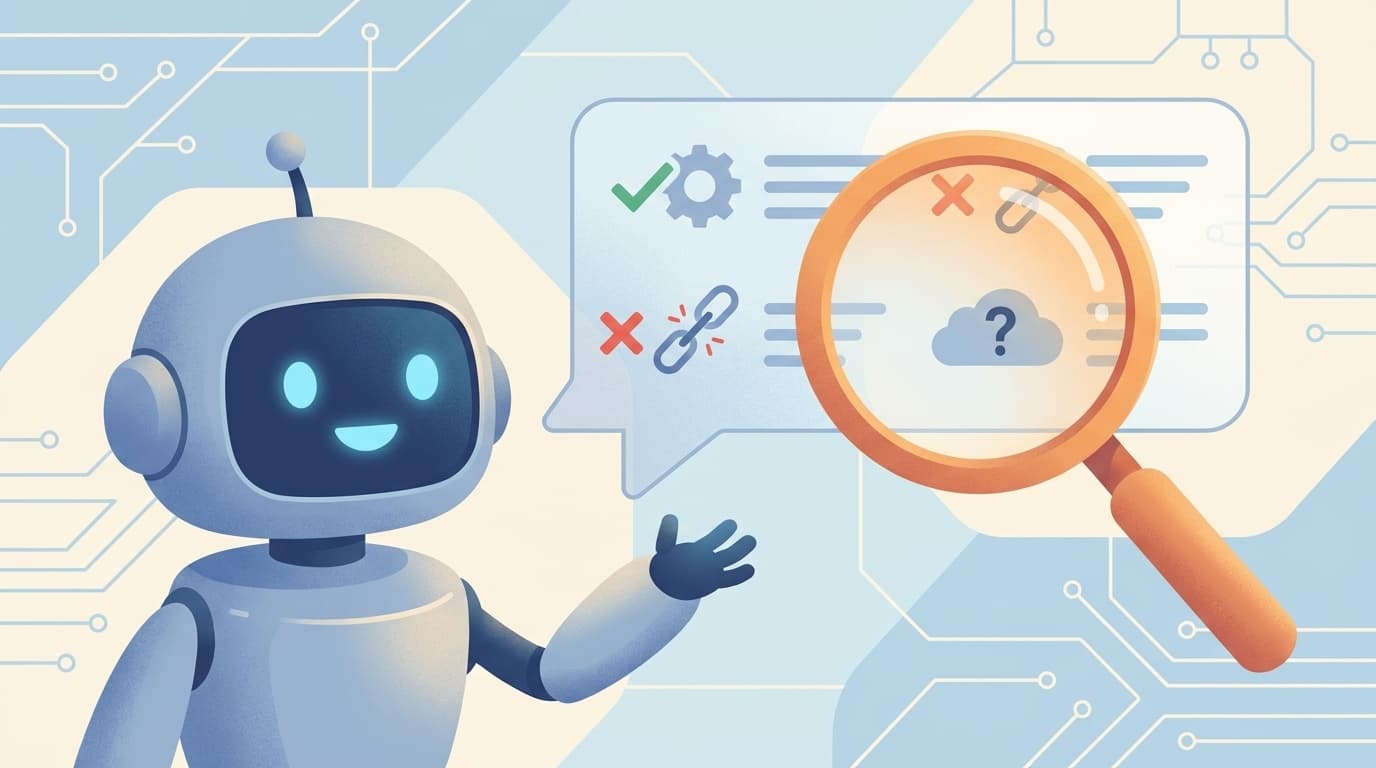
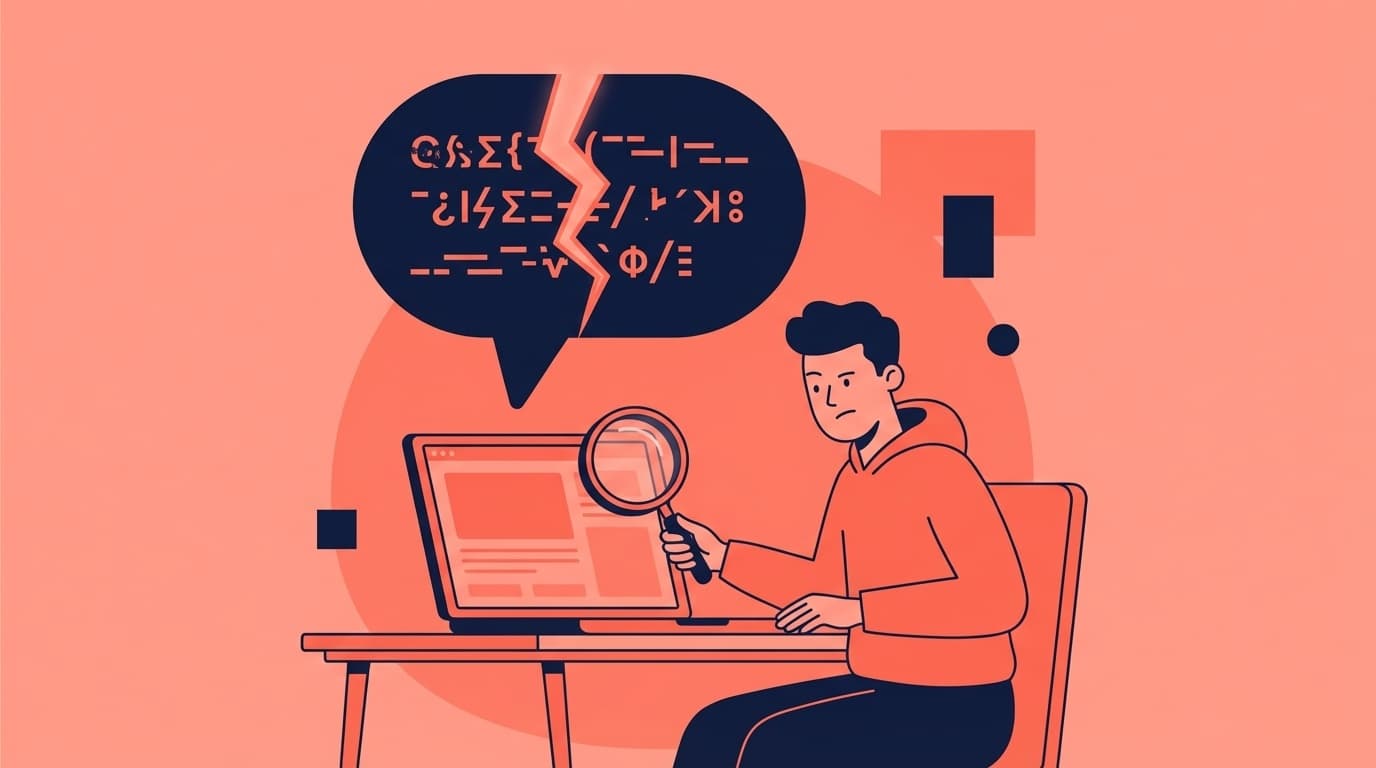
Have you ever asked a question to ChatGPT, Gemini, or Claude and got a plausible answer, but when you looked into it more closely, it turned out to be completely different?
As of February 2026, the accuracy of AI chatbots is improving day by day, but "hallucination" (a phenomenon in which AI plausibly generates information that is different from the facts) has not completely disappeared. On X, complaints such as ``ChatGPT's extensive research turned out to be wrong'' and ``the code you proposed is causing an error'' are posted on a daily basis.
In this article, we will explain in an easy-to-understand manner why AI lies (hallucination occurs), and we will introduce 5 prompt tips to elicit the correct answer. Elevate your AI from a "somewhat useful tool" to a "trusted companion."
What exactly is hallucination? How AI lies
Hallucination means "hallucination" in Japanese. In the world of AI, it refers to a phenomenon in which information that does not actually exist or content that is different from reality is generated as if it were real.
Roughly speaking, large-scale language models (LLMs) such as ChatGPT work by ``predicting the words that are likely to come next and connecting them.'' In other words,we give top priority to whether the text is natural or not, and do not check whether the content is factual.
For example, if you ask, ``How tall is Tokyo Tower?'', the correct answer will be ``333m,'' but if the information is minor, such as ``What is the population of 〇〇 city?'', the child may come up with a similar number based on information that is not in the training data or is old.
In short, AI is not good at saying "I don't know." I'm so good at filling in the blanks that I end up filling in things I don't understand.
3 reasons why AI makes mistakes
The causes of hallucination can be broadly divided into three.
Cause 1: Training data is old/insufficient
AI such as ChatGPT has a "knowledge cutoff". As of February 2026, GPT-4o's training data is based on information up to October 2024 (see OpenAI Official Help).
In other words, even though they do not know about rate plans, legal changes, or new services that have changed since then, they may make up answers based on past information.
Cause 2: Ambiguous question
If you ask a simple question like "Tell me an app you recommend," the AI will infer the context and create an answer. If this guess is incorrect, the user may introduce a non-existent app name or give an irrelevant answer.
AI does not 100% understand "what you want." If the question is ambiguous, the answer will vary widely.
Cause 3: Personality of not being able to say "I don't understand"
LLM is trained to always generate some kind of answer to a question. Where a human could say, ``I don't understand,'' AI can generate a probabilistically plausible sentence and answer confidently.
According to AI Market commentary, this is a structural characteristic of LLM, and it is currently difficult to completely eliminate it.
5 prompt tips to get the right answer
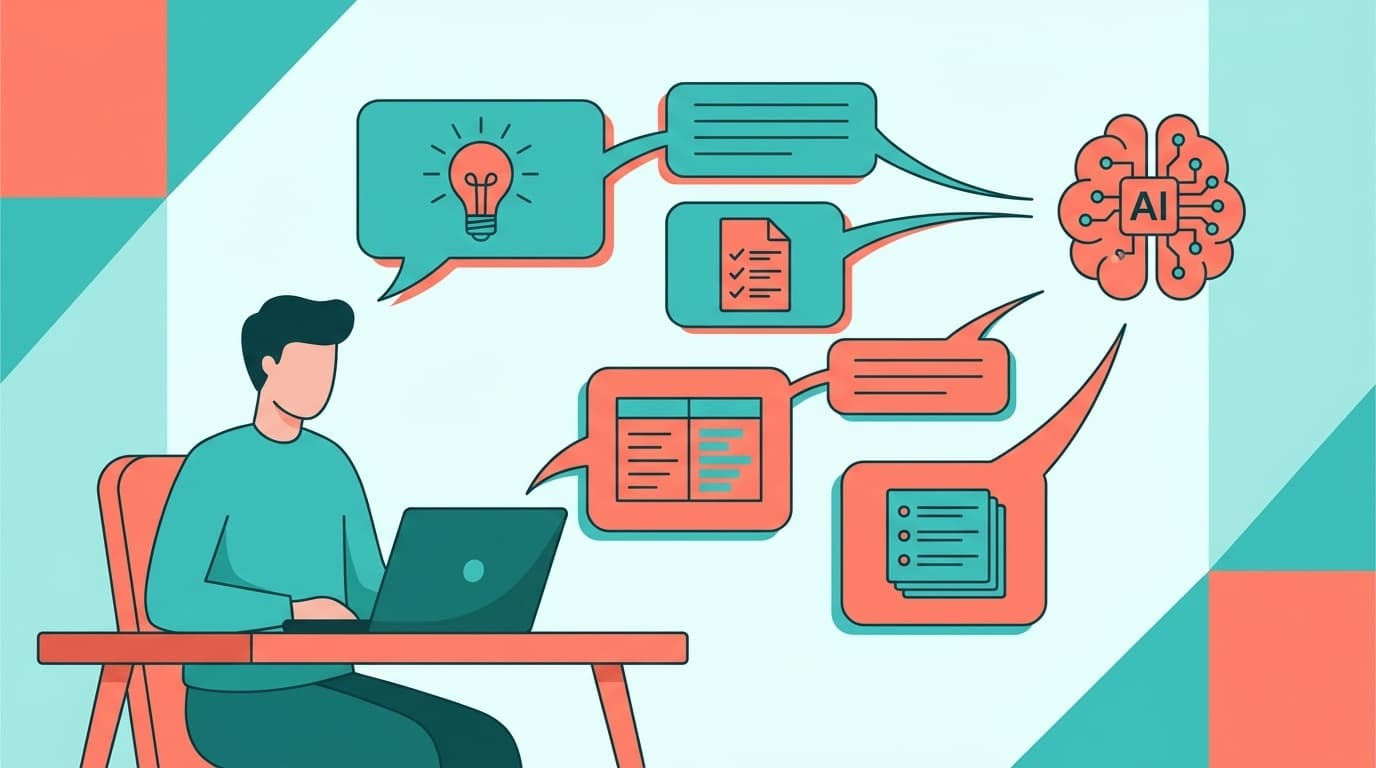
Now that we know the cause, we will introduce 5 prompt tips to actually reduce hallucination. This is a technique you can use right away from today.
Tips 1: "If you don't understand, say ``I don't understand.''''
By simply adding the following sentence at the end of the prompt, "If you are unsure, please answer honestly with 'I don't know.'" The probability that the AI will force you to come up with an answer will be greatly reduced.
In fact, SIOS Tech Lab verification also reported that the hallucination rate decreased by including this instruction.
Example prompt:
"Please tell me about 〇〇.If there is no confirmation, please answer as ``Unknown'' and do not answer based on guesses.''
Tips 2: Be sure to show sources and evidence
When instructed to "please indicate the URL or source that is the basis for your answer," the AI will give priority to supporting information when responding. If a source cannot be provided or a link does not exist, the answer itself may be unreliable.
Example prompt:
"Please tell me about the latest specifications of 〇〇. Please be sure to include the URL of the official document in your answer."
However, please note that there are cases where the AI generates a URL that does not exist. Be sure to click on the provided link and check it yourself.
Tips 3: Narrow down your questions specifically
AI will be able to more accurately answer the question, ``What are the three programming languages that beginners in web development should learn in 2026, based on data on the number of job openings?'' rather than ``What programming language do you recommend?''
The key is to clarify the following three points.
- Who (Beginner? Engineer?)
- For what (web development? data analysis?)
- In what format (bullet points? comparison table?)
According to Taskhub research, prompts with specific instructions significantly reduce the incidence of hallucination.
Tips 4: Cross-check with multiple AI
It is very effective to ask the same question to multiple AIs such as ChatGPT, Gemini, Claude, Perplexity, etc. and compare the answers. Each AI uses different models and training data, so if multiple AIs give the same answer, the reliability is high, but if the answers are different, be careful.
In particular, Perplexity AI automatically adds the source URL to answers, making it useful as a second opinion for fact checking.
Tips 5: Turn on the web search function
As of February 2026, major AI chatbots are equipped with a web search (browsing) function.
- ChatGPT: Search feature enabled by default (GPT-4o)
- Gemini: Integrates with Google search and displays source links in answers
- Claude: Supports web search function (installed from 2025)
When listening to time-sensitive information such as the latest prices, laws, news, etc., be sure to turn on the search function. Because the AI references real-time web information in addition to training data, the risk of hallucination is significantly reduced.
Mistakes still happen - the best countermeasure is not to believe too much
I have introduced five tips so far, but to be honest, As of 2026, there is still no way to 100% prevent hallucination.
The golden rule is to use the AI's answers only as a "draft" or "studying board" and ultimately check them with your own eyes. Be especially careful in the following situations.
- Money-related information (tax, investment, insurance calculations, etc.)
- Health and medical information (medication combinations, diagnosis of symptoms, etc.)
- Legal information (interpretation of contracts, deadlines for notifications, etc.)
- Code security (authentication process, implementation of encryption, etc.)
There was also a post on X that said, ``The conclusion I got from ChatGPT was wrong. When I had Claude Code read the source code directly, I got the correct answer.'' This is a perfect example of ``verifying the output of AI using another method.''
AI is not omnipotent. However, depending on how you use it, it can become a super powerful ally. Being able to discern the boundaries is the difference between those who use AI well and those who don't.
FAQ
Is it effective just to write "Don't hallucinate" on ChatGPT?
Although it is said to have a certain effect, it is not enough. It is more effective to combine specific instructions such as "If you don't know, say 'unknown'" and "Cite the source."
Can the free version of ChatGPT be used to prevent hallucination?
Yes, you can. Being creative with how you write your prompts (asking specific questions, asking for sources, etc.) is helpful even in the free version. However, the paid version (Plus/Pro) allows you to use web search functions and more accurate models, so the risk of hallucination is even lower.
Does hallucination also occur in Gemini and Claude?
Okay, I'll wake up. Hallucination is a structural issue common to all LLMs (Large-Scale Language Models). ChatGPT, Gemini, Claude, none of them are completely immune. However, the tendencies differ depending on the design philosophy of the model; for example, Claude tends to be adjusted to ``refuse things that are uncertain.''
Does hallucination occur in programming code?
Yes, it happens often. Code may be generated using library or method names that do not exist. Be sure to run the code generated by AI to check its operation, and check the API specifications in the official documentation.
References
- ChatGPT Release Notes — OpenAI, 2024
- What are the measures to suppress hallucination in ChatGPT? — AI Market, 2025
- Is it effective to ask ChatGPT not to hallucinate? — SIOS Tech Lab, 2024
- Prompt can prevent hallucination! Cause and 7 example sentences you can use right away — Taskhub, 2025
- What is hallucination of generation AI? Thorough explanation of types, cases, causes, and countermeasures — WEEL, 2025