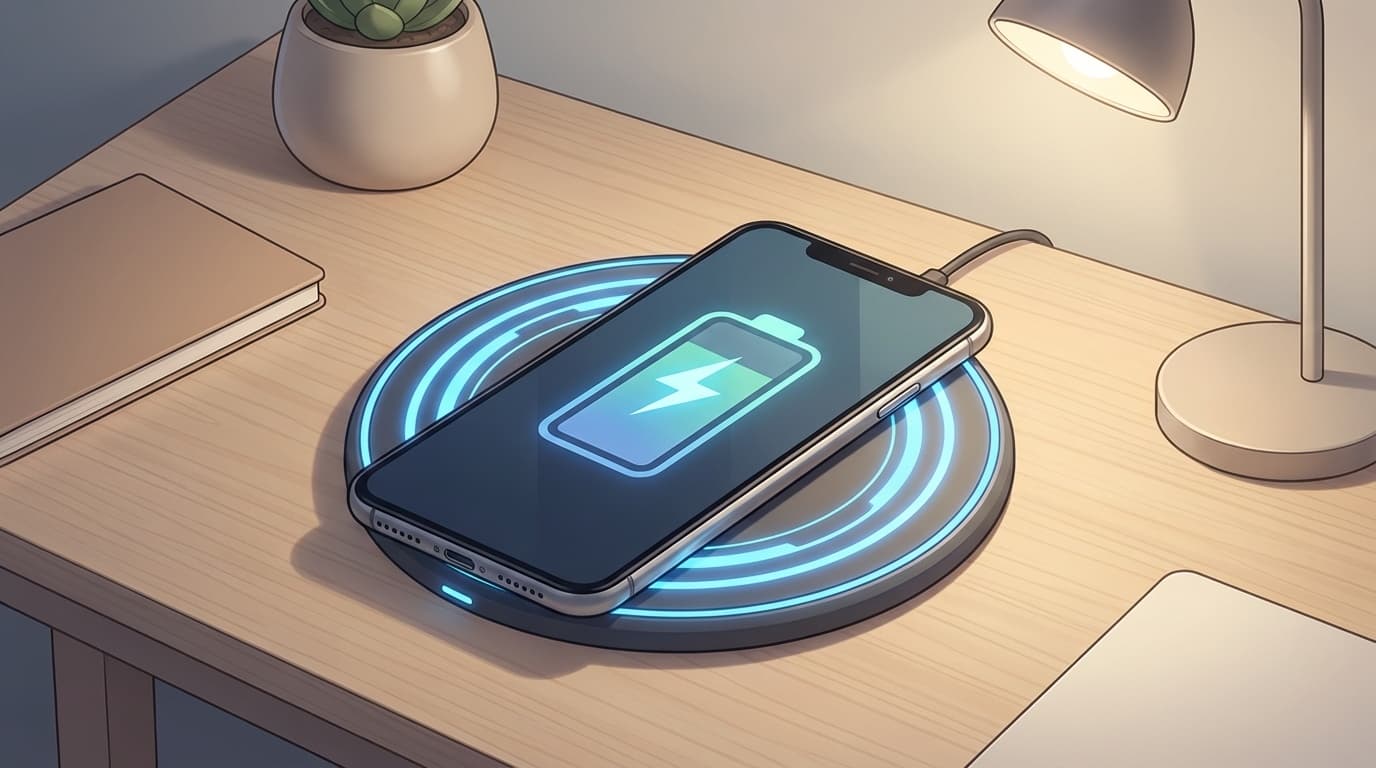
You set your phone on the charging pad, but charging doesn't start. Or maybe the charging icon appears, but the battery barely moves. Sound familiar?
On X (Twitter), plenty of people report problems like "foreign object detection keeps stopping charging" or "my phone doesn't react even though it's on the pad." As of March 2026, more phones support Qi2 and wireless charging is more common than ever, but because wireless charging is supposed to be as simple as "just place it down," it has its own set of easy-to-miss problems.
In this guide, we'll break down six common reasons wireless charging doesn't work, or works too slowly, on iPhone and Android. Then we'll cover practical fixes you can try right away.
How Does Wireless Charging Work? Qi vs. Qi2 vs. MagSafe
Before jumping into the fixes, it helps to know the basic idea. Once you understand how wireless charging works, troubleshooting gets much easier.
Wireless charging uses a technology called electromagnetic induction. When electricity flows through the coil inside the charging pad, it creates a magnetic field. The coil inside your phone receives that magnetic field and converts it back into electricity. In other words, the two coils need to be close together, with nothing in the way.
There are three main standards today.
- Qi: A wireless charging standard that supports up to 15W. Most Android phones and iPhone 8 or later models support it
- Qi2: A newer standard introduced in 2023. Magnets help align the phone properly, which greatly reduces charging misses. It supports up to 15W, with some 25W products expected from 2026 onward
- MagSafe: Apple's standard for iPhone 12 and later. It's the technology Qi2 is based on, with magnetic alignment and up to 15W charging
In short, Qi2 and MagSafe make misalignment much less likely because they use magnets. Older Qi chargers are more sensitive to position, and that's where many wireless charging problems begin.
Cause 1: Your Phone Case or Cover Is Blocking Charging
This is the most common cause. Be especially careful with these types of cases and accessories.
- Metal cases or cases with metal plates: These can completely block electromagnetic induction
- Cases thicker than 3 mm: The coils may be too far apart for power to transfer properly
- Wallet cases with cards inside: Credit cards, transit IC cards, and magnetic cards can interfere
- Phone rings and grip rings: Metal parts can prevent charging
What to do: First, remove the case and try charging again. If it works, the case is the problem. Switch to a case that's clearly labeled as wireless charging compatible, Qi compatible, or MagSafe compatible. If you use a wallet case, removing the cards while charging is the safest bet.
Cause 2: The Phone Isn't Aligned with the Charging Pad
With older Qi chargers, even a few millimeters of misalignment can sharply reduce charging efficiency. If the charging icon appears but the battery level barely increases, the phone's position is very often the issue.
What to do:
- Place your phone back in the center of the charging pad. Move it little by little until you hear the charging sound
- If you're using a stand-style charger, adjust the phone's vertical position too
- If the phone keeps slipping out of position, switching to a Qi2 or MagSafe-compatible charger is the more permanent fix. The magnets automatically hold the phone in the best position
Cause 3: You See a "Foreign Object Detected" Error
Sometimes your phone or charger shows a message like "Foreign Object Detected" and charging won't start. That means the charger's FOD, or Foreign Object Detection, feature has kicked in.
FOD is a safety feature. If a piece of metal gets trapped between the charging pad and the phone, it can heat up and create a fire risk. That said, the warning can sometimes appear even when there doesn't seem to be anything there.
What to do:
- Wipe the charging pad with a dry cloth. Dust or tiny metal particles may be stuck to it
- Clean the back of your phone too. MagSafe magnets can attract small metal particles
- Check whether there are cards or metallic stickers inside your case
- Make sure there isn't anything metal under the charging pad, such as an aluminum desk surface
- If it still doesn't work, unplug the charging pad's cable and plug it back in to restart it
Cause 4: A Phone Setting or Software Issue Is Getting in the Way
Software problems are easy to overlook, but they can affect wireless charging too.
On iPhone:
- Optimized Battery Charging is on: Based on your charging habits, iPhone may pause charging at 80%. It may not be "charging slowly" so much as intentionally waiting. Check under Settings → Battery → Charging Optimization
- An iOS bug: Wireless charging can occasionally become unstable right after an OS update. Try restarting your iPhone
On Android:
- Battery Saver or power-saving mode: Depending on the model, this may limit wireless charging speed
- Wireless charging is disabled: Some phones, including certain Galaxy models, let you turn wireless charging off in settings. Check under Settings → Battery → Wireless charging
- A post-update issue: Google Pixel community posts have reported cases where wireless charging stopped working most of the time after an update. Try restarting the phone or clearing the cache
Cause 5: The Charger Doesn't Provide Enough Power, or It's Failing
The charger, cable, or power adapter may also be the problem.
- The power adapter is too weak: Even if the charging pad supports 15W, you'll only get 5W if it's connected to a 5W adapter. Use an adapter that matches the wattage recommended for the charging pad
- The cable is damaged or worn out: If the cable between the charging pad and power adapter is failing, power delivery may become unstable
- The charging pad is aging: After years of use, the internal coil or circuit board can degrade
What to do: Try a different power adapter and cable. If that doesn't help, the charging pad itself may be faulty.
Cause 6: Your Phone Is Too Hot or Too Cold
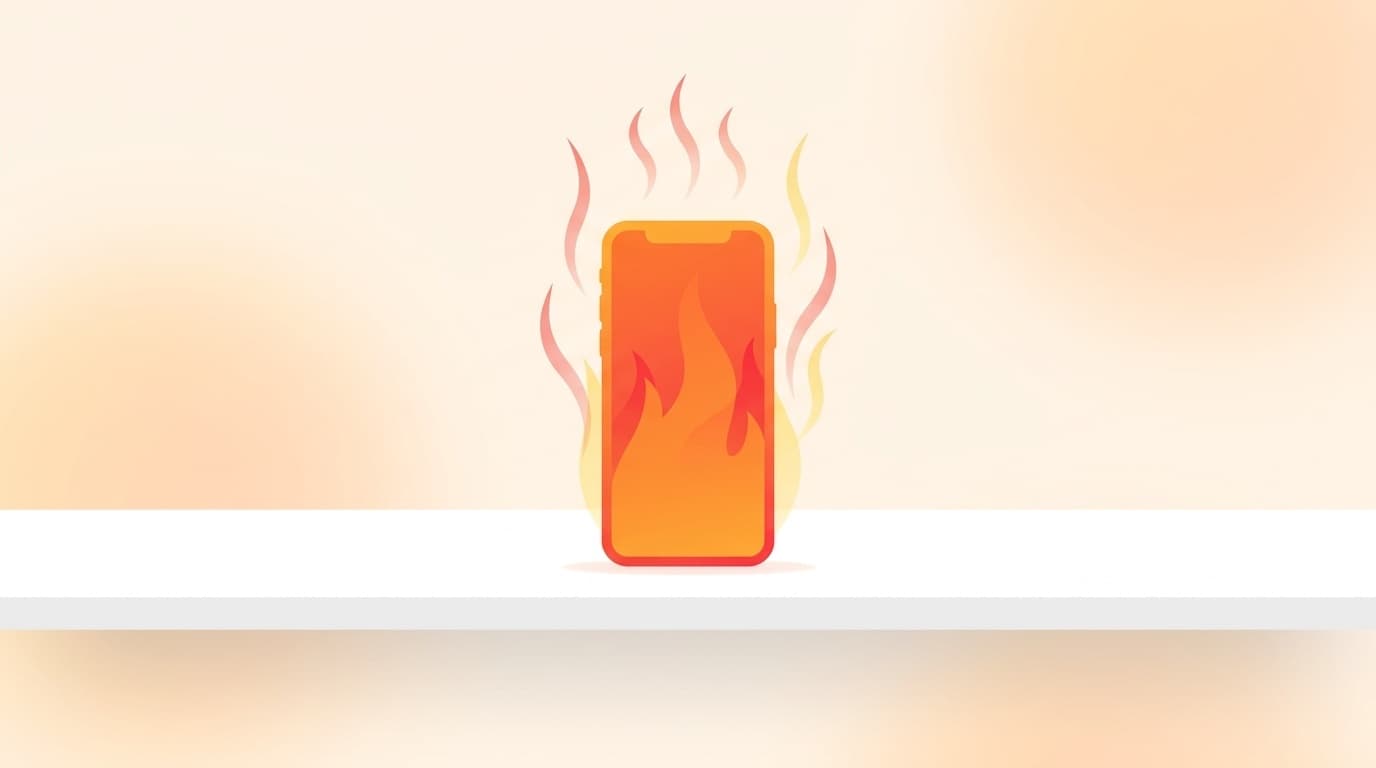
Wireless charging tends to generate more heat than wired charging. If your phone gets above a certain temperature, it may slow charging down or stop charging entirely to protect the battery.
According to Apple, the recommended operating temperature range for iPhone is 0 to 35°C. Be especially careful with wireless charging in direct sunlight or while the phone is sitting on a car dashboard.
What to do:
- Remove the case so heat can escape more easily
- Avoid charging while doing heat-heavy tasks like watching videos or playing games
- Charge in a cool place, but don't use extreme cooling methods like placing the phone on ice
- Leave the phone alone for 5 to 10 minutes so it can cool down, then try charging again
What If It Still Doesn't Work?
If you've tried everything above and wireless charging still doesn't work, the phone's charging coil or battery may be damaged.
- Can it charge normally with a cable? → If wired charging doesn't work either, the battery itself may be worn out
- Can it charge on a different wireless charger? → This helps you figure out whether the charger is the problem
- Is the battery's maximum capacity 80% or lower? On iPhone, you can check under Settings → Battery → Battery Health → Consider a battery replacement
For iPhone, contact an Apple Authorized Service Provider. For Android, check the manufacturer's support page or ask your carrier store for help.
FAQ
Is wireless charging slower than wired charging?
Yes. In general, wireless charging is slower than wired charging. As of March 2026, Qi and Qi2 max out at 15W, with some 25W products available or on the way. Wired charging, meanwhile, can reach up to about 27W on iPhone and over 100W on some Android phones. If you're in a hurry, use a cable.
Can I use a MagSafe case with a Qi charger?
Yes. An iPhone with a MagSafe-compatible case can still charge on a Qi charger. However, charging efficiency may drop depending on the case thickness. A Qi2-compatible charger is even better because the magnets help prevent misalignment.
Is it okay to use my phone while wirelessly charging?
Basic use is fine, but your phone may heat up more, which can slow charging down. High-load tasks like gaming or watching videos while charging can also put extra stress on the battery, so it's better to avoid them when possible.
Can I use a cheap wireless charger from a dollar store?
It may work, but many cheap chargers are limited to 5W, so charging will be very slow. Some products may also omit FOD, or Foreign Object Detection, which matters for safety. For peace of mind, choose a charger with the Qi certification mark.
References
- Fix an Android device that won't charge or turn on — Google Android Help
- About wireless charging for iPhone — Apple Support
- What should I do if wireless charging doesn't work? — Samsung Japan
- Is wireless charging convenient? How it works, plus pros and cons — Android.com