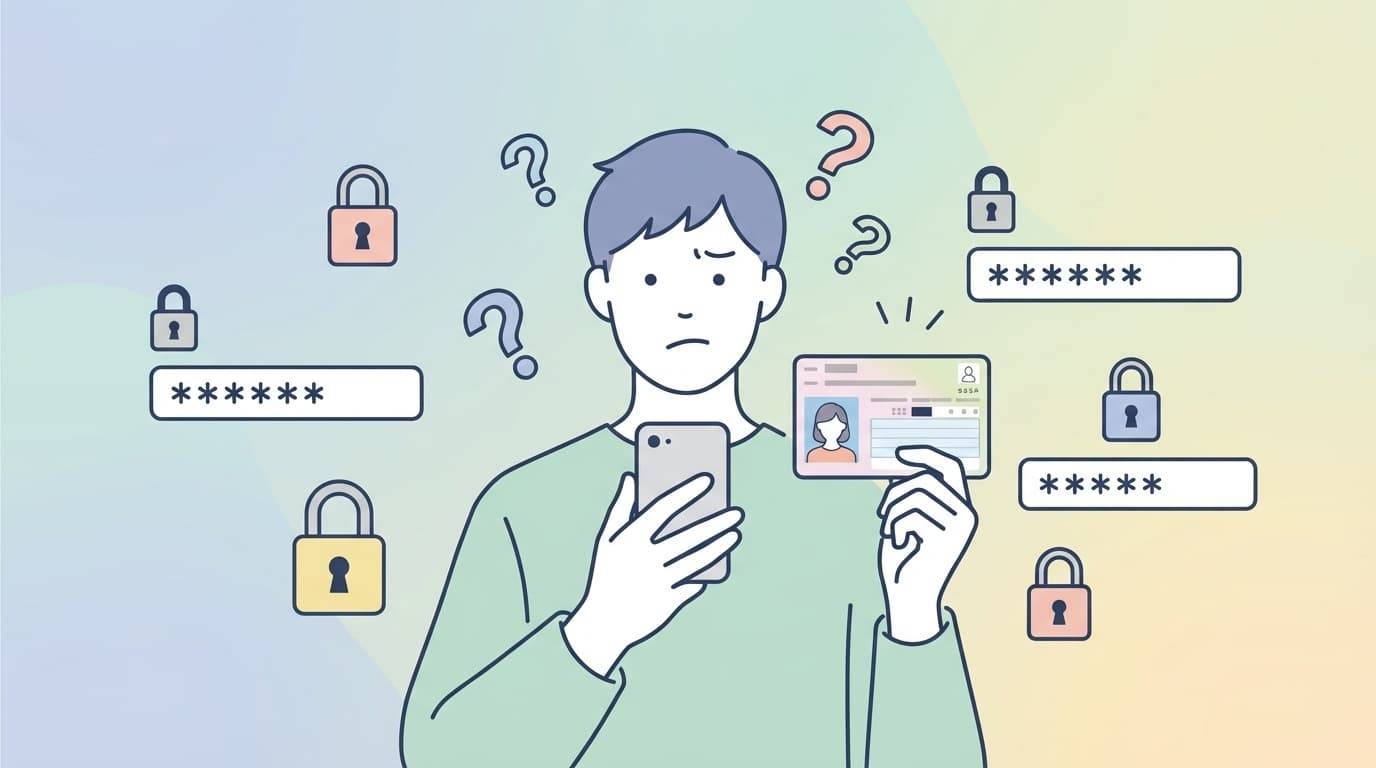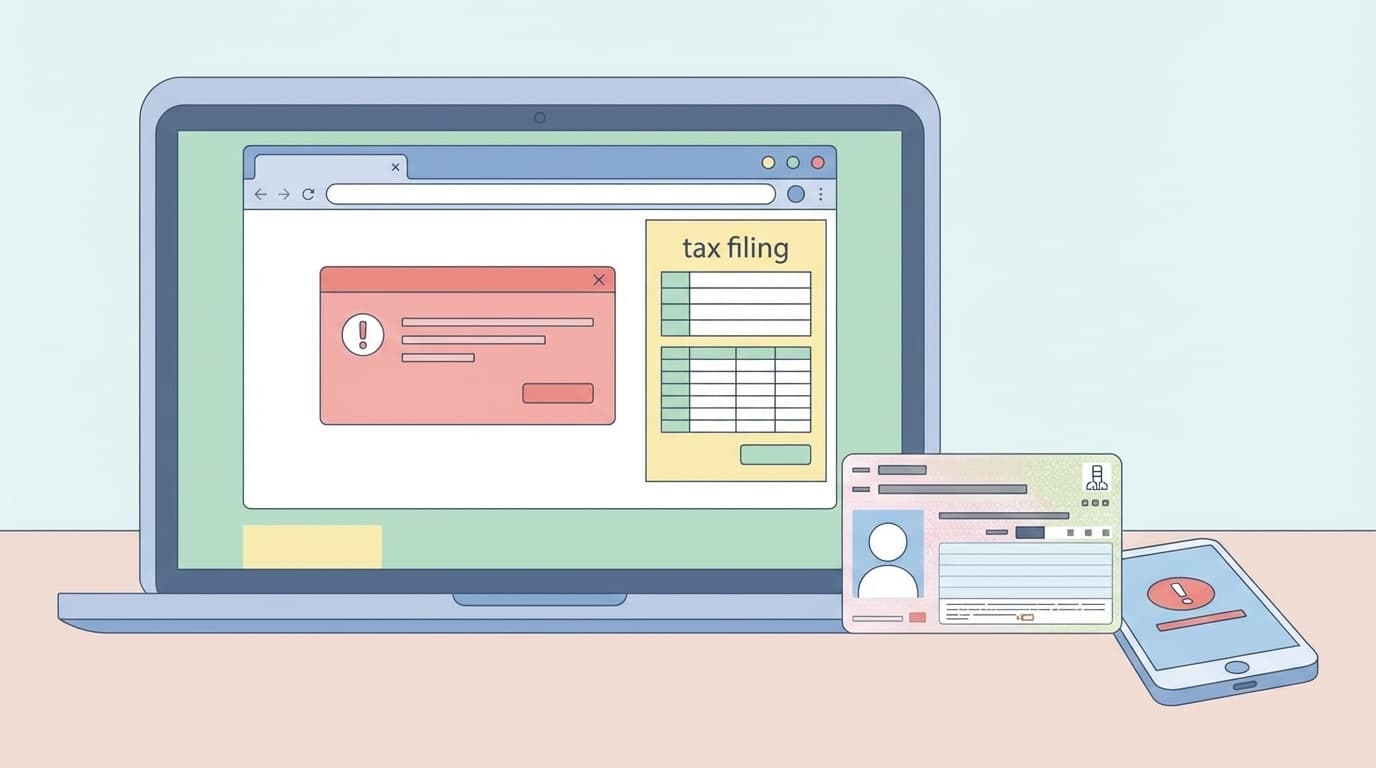
When I thought, "I've finally finished entering my tax return!" and pressed the send button, an error appeared on the screen and I couldn't proceed. Every year around this time, many people are troubled by e-Tax submission errors.
In February 2026, there was a problem with Mynaportal linkage, and there were many comments on SNS saying, "It worked last year, but not this year." This article provides an easy-to-understand summary of common error codes, causes, and solutions you can try right now when you are unable to send tax return data using e-Tax.
Information as of March 2026. If the deadline for filing your tax return (March 16, 2026) is approaching, please use this as a reference.
When is the most likely time for an e-Tax submission error to occur?
E-Tax errors can be roughly divided into 3 timings.
- When reading my number card: Situation where the card is read with an electronic signature when logging in or sending a message
- When linking with Mynaportal: Situation where medical expense notifications and hometown tax payment certificate data are automatically obtained
- When sending declaration data: When the input is completed and the final send button is pressed
Roughly speaking, there are three patterns: "Card cannot be read," "Data cannot be retrieved," and "Transmission cannot be completed." The causes and solutions are different for each, so first check at what point you are experiencing the problem.
Pattern 1: My number card cannot be read
This is the most common problem with e-Tax. Even if you try to read your My Number card with a smartphone or IC card reader, the message ``Reading error'' or ``Card cannot be recognized'' will be displayed.
Common error codes
- EW144-1500 / EW144-1501: Communication error with IC card reader
- EW144-1600 / EW144-1601: Failed to read card
- "My number card could not be recognized": Reading failure with smartphone
Causes and remedies
When reading with a smartphone:
- NFC (Osaifu-Keitai) is turned off→ Turn on NFC in the Settings app
- Smartphone case is interfering→ Remove the case before reading. Especially not metal/magnetic cases
- The card is misaligned→ The IC chip is often located at the top of the iPhone, and from the center to the top of the back of Android devices. You can check the reading position for each device on My Number Card comprehensive site
- Mynaportal app is outdated→ Update to the latest version on App Store / Google Play
- Moving the card while reading→ The trick is to place the card and smartphone in the palm of your hand until the reading completion message appears
For IC card reader (PC):
- Reader driver is not installed→ Download the latest driver from the manufacturer's website
- Smart Card service is stopped→ Change "Smart Card" to "Start" in the Windows "Services" app
- Poor connection of USB port→ Replace with another USB port
If that doesn't work:The electronic certificate for your My Number Card may have expired. Electronic certificates are valid until the 5th birthday from issuance. If it has expired, you will need to renew it at your municipal office (free of charge).
Pattern 2: Data cannot be obtained through Mynaportal linkage
Even though I selected "Link with Mynaportal" in the tax return preparation corner, I am unable to obtain medical expense notification or hometown tax payment data.
On February 16, 2026, the National Tax Agency officially reported a problem with the MynaPortal linkage function (it has now been resolved). As mentioned above, problems on the system side may be the cause, so first check the notifications on the e-Tax official website.
What to do if there is no problem with the system
- Linkage settings have not been completed→ Select e-Tax from "Linkage with external sites" on Mynaportal and complete the linkage procedure to the end. If you close the browser midway, the linkage will be incomplete
- Registration of data provider is not completed→ In the case of hometown tax payment, "Mynaportal linkage" must be set separately on each portal site (Satoful, Furunavi, etc.)
- Preparation of medical expense notification data is delayed→ Depending on the health insurance association, data may not arrive until late February or early March. Check "My Information" → "Health/Medical" on Myna Portal
- Operation during e-Tax maintenance period→ e-Tax service is out of service every day late at night (0:00 to 8:30). Mynaportal linkage cannot be used during this time
If the linkage really doesn't work, you have the option of entering manually without using linkage. If you have receipts for medical expenses or hometown tax donation receipts, you can directly enter the amount and file a tax return.
Pattern 3: Error occurs when sending declaration data
This is a pattern where an error occurs on the final "send" button even though all input has been completed. The hardest part is coming this far and stopping.
Common errors and solutions
"Not accepted. Please check your user identification number"
- The user identification number (16 digits) is incorrect or you have entered another person's number
- Solution: Reconfirm from "User Identification Number Confirmation" on e-Tax official website
"An error occurred during communication (ERR_INITIAL_001)"
- Connection to the server is unstable or access is concentrated
- Workaround: Change the time zone and resend. It is especially crowded during the day (9:00-17:00) after March 10th. Early morning (8:30-9:00) and night (after 21:00) are recommended
"There is an error in the sent data (schema check error)"
- Input data format is incorrect. This is often caused by a mixture of full-width and half-width characters or omissions in input.
- Corrective action: Check and correct the items displayed in the error message. Check that there are no "," (commas) in the amount field and that there are no blanks in the required fields
What you should do before sending:Click "Temporary Save" on the "Confirm input contents" screen in the final tax return preparation corner. The .data file will be downloaded, so if an error occurs, you won't have to start over from the beginning.
Last resort if you are unable to send the message
Even if you are unable to send your tax return using e-Tax no matter what you do, you can still file your final tax return. It's okay, don't worry.
Method 1: Switch to ID/password method
If the My Number Card method does not work, there is a way to send it by e-Tax using the ID and password issued by the tax office. If you bring your identification documents to the nearest tax office, they will issue them on the spot (free of charge).
Method 2: Print and mail
Data created at the tax return preparation corner can be printed as PDF. If you mail (or bring) the printed tax return to the tax office in your jurisdiction, you can complete the tax return even if you cannot send it electronically.
- If sent by mail, the postmark is the filing date, so it is valid until postmarked by March 16th (Monday)
- Submission should be made to the tax office that has jurisdiction over the place of tax payment (place of residence)
Method 3: Use the tax office filing venue
Computers are installed at each tax office and tax return venue, and you can file your tax return using e-Tax with the support of staff. However, it is recommended that you arrive early as it can get very crowded near the deadline. Some venues require advance reservations, so check the National Tax Agency tax return special page.
FAQ
If an e-Tax sending error occurs, will the entered data be lost?
If you save it temporarily at the tax return preparation corner, you can restore it from the .data file. If you receive an error, don't panic; first check the error message without closing your browser. Even if you don't save it, your data is often still there if you keep the browser tab open.
Where can I check the expiration date of the electronic certificate for my number card?
You can check it on the ``Use My Number Card Health Insurance Card'' screen by logging into Mynaportal, or you can also check at your municipal office. Digital certificates expire on the fifth birthday after issuance. Renewal is free and can be done at your municipal office.
What happens if I miss the deadline for filing my tax return?
It is possible to file a declaration even after the deadline. However, additional tax for non-declaration (15-20% in principle) and late payment tax may be imposed. Even if you miss the deadline, you can reduce the penalty by filing as soon as possible. In addition, in the case of a refund declaration (a declaration in which taxes are returned), there is no penalty even if the deadline has passed.
Which is more stable to use e-Tax, a smartphone or a computer?
As of March 2026, the combination of PC (Windows) + IC card reader is the most stable. The reading position of the My Number card on smartphones is very sensitive, and depending on the model, you may have to retry the reading process many times. However, the ease of being able to complete the process using only a smartphone is a big advantage.
References
- Error resolution (troubleshooting) — National Tax Agency e-Tax official website
- [Notice of resolving the issue] Regarding the problem with the Mynaportal linkage function — National Tax Agency e-Tax, February 16, 2026
- If your My Number Card cannot be read properly — My Number Card Comprehensive Site
- If error code [EW144-1500] is displayed — National Tax Agency Final Tax Return Preparation Corner
- I would like to link MynaPortal and e-Tax, but it is not possible — MynaPortal FAQ