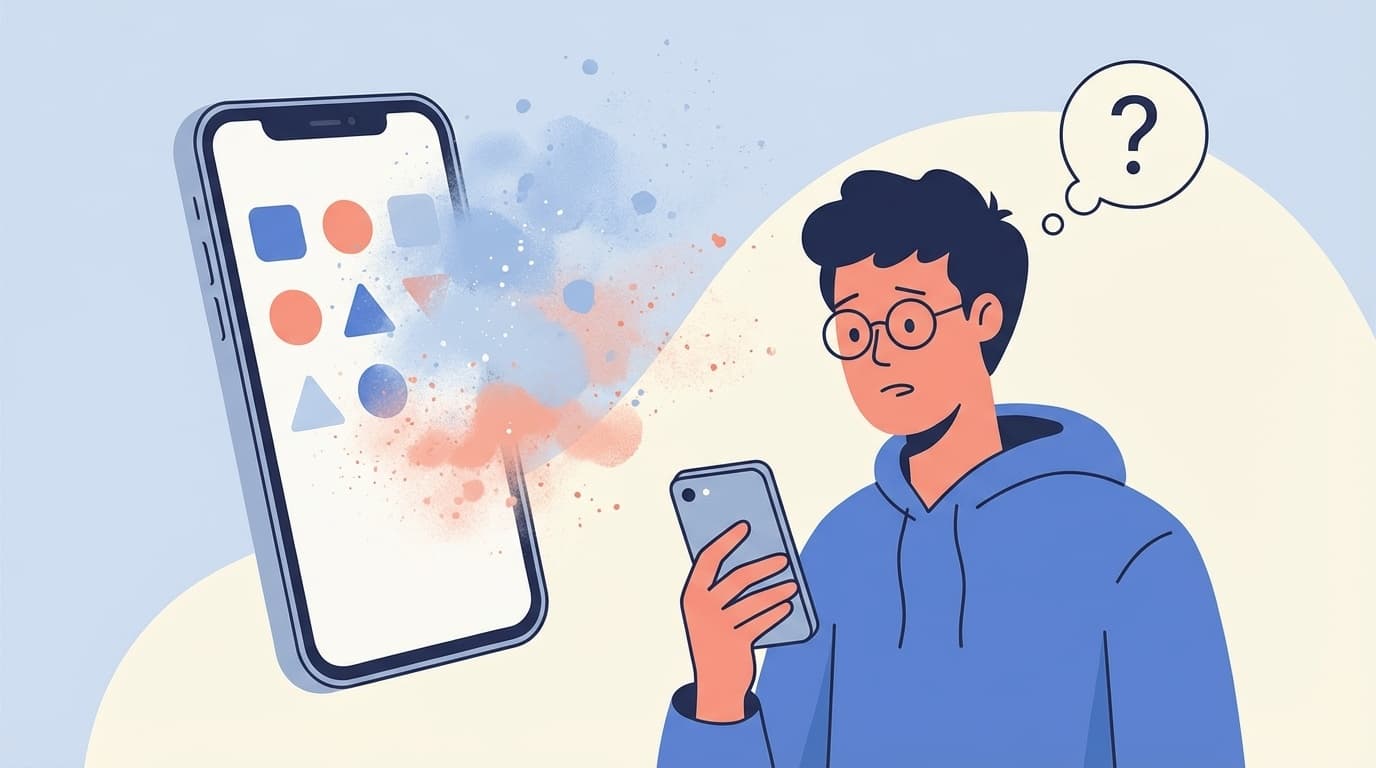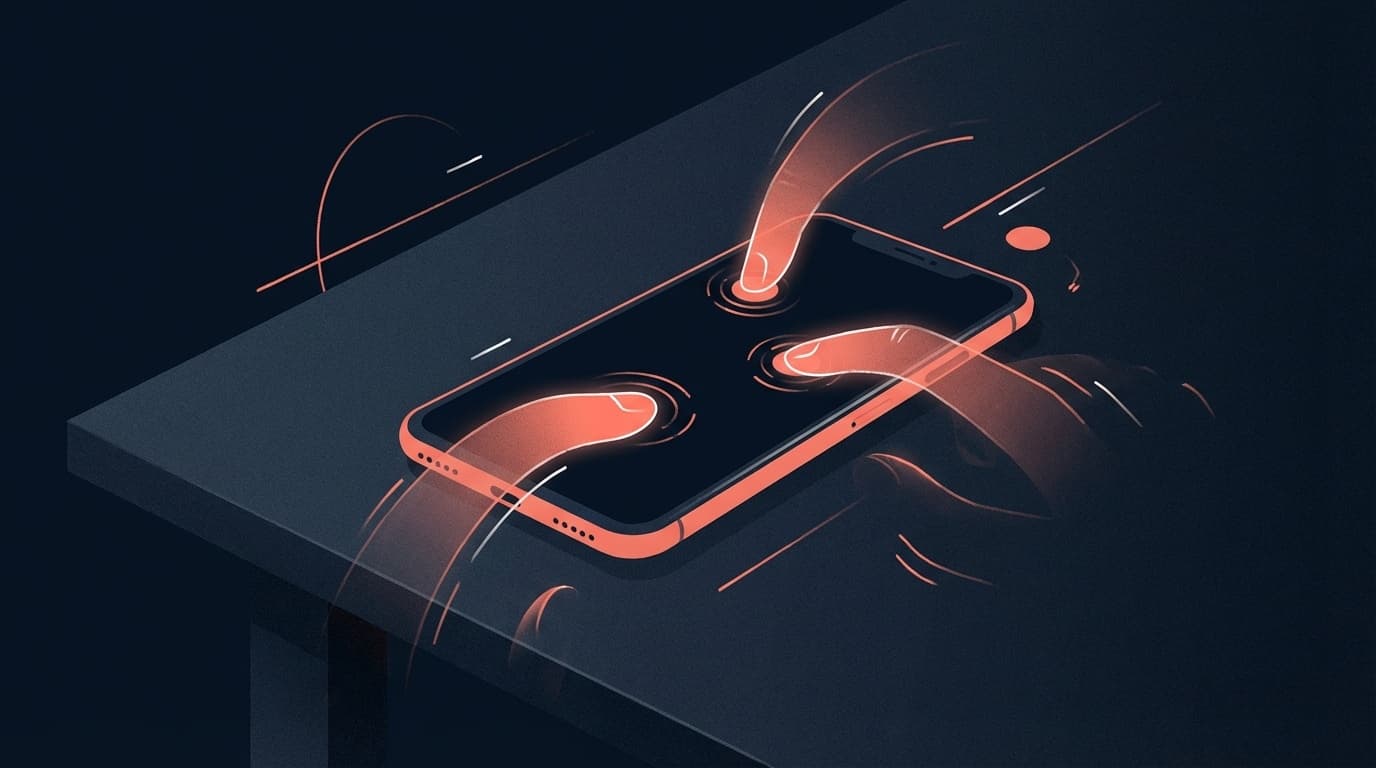
Apps open automatically, characters are entered, and screenshots are repeatedly taken even though you are not touching the iPhone screen. This mysterious phenomenon is actually a problem called"Ghost Touch".
As of March 2026, reports such as ``iPhone repeatedly taking screenshots without permission'' and ``the screen goes out of control the moment you open the app'' are becoming a hot topic on SNS such as X. The causes vary, from software bugs to hardware failures, but they are many cases that you can fix yourself.
In this article, we will explain in an easy-to-understand way the six causes of ghost touch and the remedies you can try right away.
What is Ghost Touch? What symptoms do you experience?
Ghost touch is a phenomenon in which your iPhone is operated automatically even when you are not touching the screen. It is so named because it appears as if someone invisible is touching the screen.
Specifically, the following symptoms occur.
- Apps open/switch by themselves
- Character is input even though I am not touching it
- Scrolls by itself
- Screenshots are taken repeatedly
- Calls are made without permission
- Lock screen passcode is entered without permission and locks out due to too many mistakes
It's easy to panic and think, "My smartphone is broken!", but if you stay calm and isolate the cause, you can often fix it yourself. First, let's check the cause.
6 causes of ghost touch
Cause 1: Dirt/water droplets on the screen
The iPhone's touch panel uses a capacitive method, which detects the position of your finger by sensing weak electrical changes. In other words, if the screen has dirt that conducts electricity, such as sweat, sebum, or water droplets, the sensor may react even if you are not touching it with your finger.
If your symptoms tend to appear after taking a bath, exercising, or on rainy days, this is likely the cause.
Cause 2: Bubbles and misalignment of the protective film
If there are bubbles, dust, or dirt between the screen protective film (including glass film) and the screen, the sensor will react incorrectly in that area.
If symptoms start appearing immediately after applying the film or when the film has deteriorated, suspect the film first.
Cause 3: Cracked/damaged screen
A cracked screen can damage the touch panel's digitizer (the part that detects touch), causing ghost touches.
Even if you were fine when you dropped the item, you should be careful as symptoms may appear several days or weeks later. Apple's official support page also lists cracked screens as a cause of touch problems.
Cause 4: Battery expansion/deterioration
Battery expansion is something that is often overlooked. When the battery deteriorates and swells inside, the screen panel is pushed from the inside and the touch sensor malfunctions.
If the maximum capacity is less than 80% in Settings → Battery → Battery Status and Charging, or if the screen appears slightly floating, the battery may be swollen. In this case, we recommend early repair.
Cause 5: iOS bug/software problem
If a ghost touch occurs immediately after an iOS update, it may be caused by a software bug. If the symptoms only occur when you open a specific app, there may be a problem with the app.
Even with iOS 26 as of March 2026, some users have reported on SNS that ``screenshots are repeatedly taken when opening the app.''
Cause 6: Electrical noise during charging (non-genuine cable)
If the ghost touch only occurs while charging, the charger or cable is often the culprit. Cheap chargers, especially non-genuine (third party) ones, can generate electrical noise and interfere with the touch panel.
It has been reported that there are many cases where the problem can be improved by using a genuine Apple or MFi certified (Made for iPhone certified) charger/cable.
7 solutions you can try right now
Solution 1: Wipe the screen clean
First of all, the basics. Use a soft cloth (such as a cloth for cleaning glasses) to thoroughly wipe away dirt and water droplets from the screen. A dry cloth is best, as wet wipes and detergent can damage the screen coating.
Solution 2: Try removing the protective film
Remove the protective film and check if the ghost touch stops. If it stops, the film is the culprit. Reapply a new film making sure there are no air bubbles or replace it with a better quality film.
Solution 3: Restart the iPhone (forced restart)
If it is a temporary software problem, it can often be fixed by simply restarting. If a normal restart does not fix the problem, try a forced restart.
Steps to force restart iPhone 8 and later:
- Press and quickly release the volume up button
- Press and quickly release the volume down button
- Press and hold the side button (for at least 10 seconds) until the Apple logo appears
Even if the ghost touch is so bad that you can't operate the screen, you can use this method to reboot with just the physical buttons.
Solution 4: Update iOS to the latest version
Check whether your iOS is up to date by going to "Settings" → "General" → "Software Update". Apple regularly releases updates that contain bug fixes, and sometimes an update alone can fix the ghost touch.
Solution 5: Change the charger/cable to a genuine one
If the symptoms only occur while charging, try changing to an Apple genuine or MFi certified charger/cable. 100 yen shop and cheap non-brand products tend to cause electrical noise.
Solution 6: Adjust touch sensitivity settings
You can change the touch sensitivity by going to "Settings" → "Accessibility" → "Touch" → "Touch Adjustment". Turn on "Hold Duration" and set it a little longer to reduce accidental touches.
However, this is not a fundamental solution, but only a temporary measure to alleviate the symptoms.
Solution 7: Reset all settings
If there is a problem with the software settings, you may be able to resolve it by going to Settings → General → Transfer or Reset iPhone → Reset → Reset All Settings.
This reset will not erase data such as photos and apps, but Wi-Fi passwords, wallpaper, notification settings, etc. will be initialized. Don't worry, this is different from "erasing your iPhone."
If the problem still persists, repair is required
If the problem still persists even after trying all the above solutions, it is most likely caused by a hardware (screen panel or battery) failure. In this case, have it repaired by a professional.
Apple's official repair fee guide (as of March 2026)
At Apple's official repair service, screen repair costs are as follows:
- If you are subscribed to AppleCare+: Screen repair is flat rate 3,700 yen (tax included)
- If you do not have AppleCare+: Varies depending on the model, approximately 28,800 yen for iPhone 11 and approximately 56,800 yen for iPhone 16 Pro
You can choose from three repair locations: Apple Store, Apple official service provider (Bic Camera Camera Kitamura, etc.), and delivery repair. If you wish to bring your device to an Apple Store, you must make a reservation in advance through Apple Support.
Things to do before sending it in for repair
- Back up to iCloud or computer (data may be lost during repair)
- Turn off "Find My iPhone" (this may be required when sending it in for repair)
- Check your Apple ID password
5 habits to prevent ghost touching
The troublesome thing about ghost touch is that even if it is fixed once, it tends to happen again. Prevent it with the following habits.
- Wipe the screen once a week with a special cloth: Prevent accumulation of sebum dirt
- Replace the protective film every year: Deteriorated film may cause bubbles and misalignment
- Use MFi certified chargers and cables: Preventing electrical noise
- Choose a case with good heat dissipation: Prevent touch panel malfunctions due to heat
- Check the battery condition regularly: consider replacing it if it drops below 80%
FAQ
Is it okay to leave Ghost Touch alone?
We do not recommend leaving it as is. There is a risk that calls will be made without permission or that your iPhone will be locked if you keep entering the wrong passcode. If the cause is battery expansion, there is a risk of fire or explosion, so identify the cause as soon as possible and take action.
What should I do if ghost touch occurs and the screen cannot be operated?
If the screen cannot be operated at all, please force restart using the physical buttons (volume up → volume down → long press the side button). If that doesn't work, there is a way to connect it to your computer and restore it from iTunes (or Finder) in recovery mode.
Does ghost touch occur on Android smartphones?
Yes, ghost touch occurs not only on iPhone but also on Android smartphones. The basic causes and solutions are almost the same, so check for screen dirt, film, battery expansion, charger quality, etc. in order.
Can I get repairs even if I don't have AppleCare+?
Yes, even if you do not have AppleCare+, you can have your device repaired at an Apple Store or Apple Authorized Service Provider. However, since the cost is high, one option is to use a third-party repair shop (local repair shop) registered with the Ministry of Internal Affairs and Communications. However, please note that if you receive non-official repairs, you may not be able to receive official Apple repairs in the future.
References
- If the screen isn't working on your iPhone or iPad — Apple Support
- Apple Service and Repair for iPhone Screens — Apple Support
- Why does my iPhone move on its own? What are the causes and remedies for ghost touch — Rakuten Mobile Sumakatsu, 2026
- A thorough explanation of iPhone Ghost Touch! Causes and countermeasures — FIREBIRD
- What is Ghost Touch on iPhone? Introducing causes, countermeasures, and solutions — Smartphone Spital