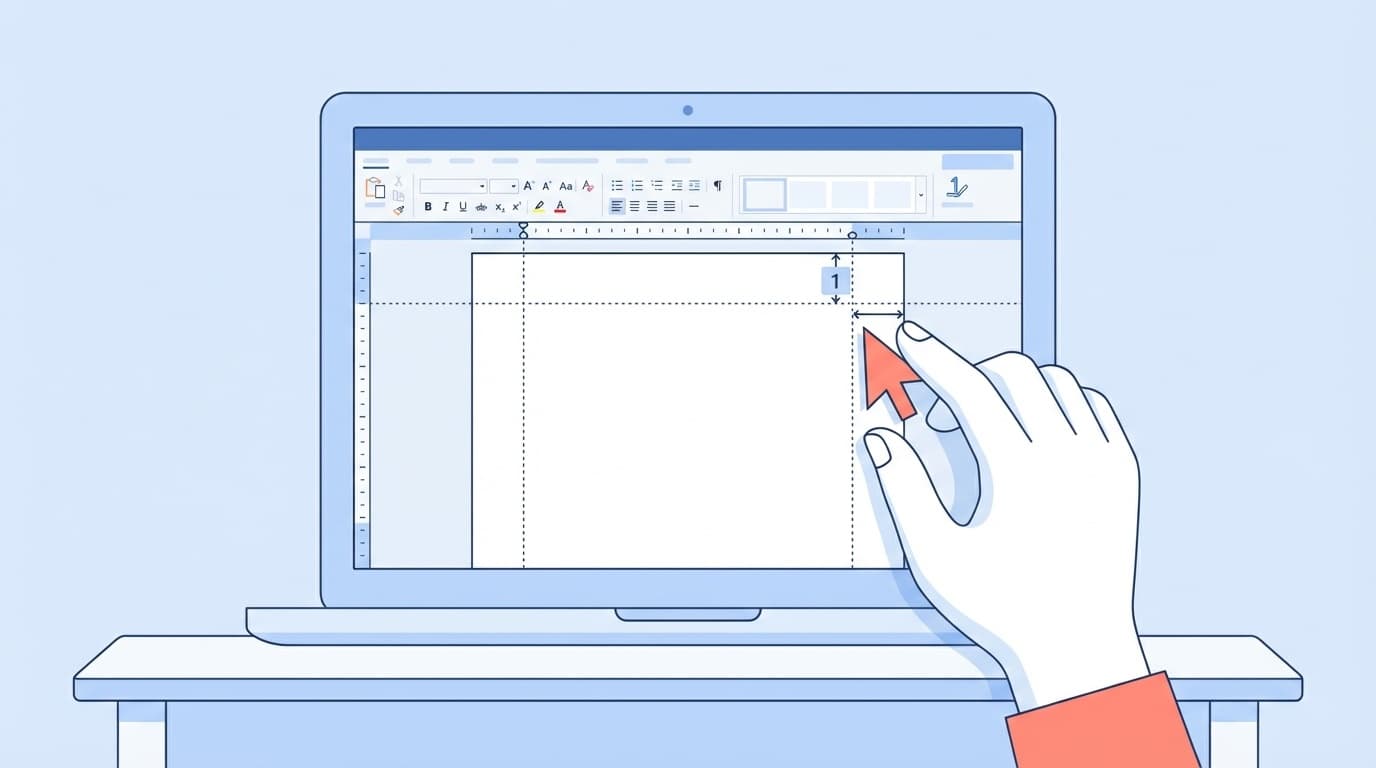
You started writing a report in Word for the first time after entering university, but are you having trouble wondering, "What is formatting?" and "What should I do with fonts, margins, etc.?"
Actually, this is not your only problem. According to a survey by WHITE Co., Ltd. in November 2023, approximately 40% of university students said they were not confident in their computer skills such as Word and Excel. For the smartphone generation, Word operations are unfamiliar.
In this article, we will explain the Word formatting required for university reports in an easy-to-understand manner from scratch, based on information as of February 2026. If you follow the steps in this article, your teacher will no longer criticize you for formatting incorrectly.
What exactly is "formatting"? Why is it necessary?
Roughly speaking, formatting is "rules for adjusting the appearance of a document". Font (type of characters), font size, margins (distance from the edge of the paper), line spacing (distance between lines), etc. are collectively called "format."
You may think, ``As long as the content is good, the appearance doesn't matter, right?'' However, in most university reports, formats are specified. If the settings are not set as specified, the page may not be read in the first place.
In addition, it has been reported that default settings have changed in the Word update around January 2025. Specifically, the font size has been changed from 10.5pt to 11pt, the character alignment has been changed from "justify" to "justify left", and the spacing after paragraphs has been changed from 0pt to 8pt. In other words, If you start writing without setting anything, there is a high possibility that the format will be different from what the teacher specified.
Report font settings | Basically use Mincho font
There are "unspoken rules" regarding the fonts used in university reports. Unless otherwise specified, it is safe to use the following settings.
Japanese font: Use MS Mincho (or Yu Mincho). Gothic fonts are suitable for headings, so Mincho fonts are the default for main text.
Alphanumeric font: Times New Roman or Century are common.
Font size: 10.5pt is standard. As mentioned earlier, the default setting in recent Word has been changed to 11pt, so you need to manually change it to 10.5pt.
The setting method is as follows.
- Open Word and select Home tab
- Enter "MS Mincho" in the font name field (or select from the dropdown)
- Enter "10.5" in the font size field
- If you want to change the font for alphanumeric characters, select "Times New Roman" from "Home" → the small arrow at the bottom right of the font group → "Font for alphanumeric characters"
Set the points before starting writing. If you change it midway through, you will end up with a "Tsugihagi Report" with partially different fonts.
Margins and page settings | A4, 30mm margins are standard
The paper size and margins of reports are often specified as well. If no settings are specified, here are the "safe settings".
- Paper size: A4 (portrait)
- Margin: All top, bottom, left and right 25-30mm
- Number of characters and lines: Aim for 40 characters per line x 36 lines (= about 1,440 characters per page)
The setting procedure is as follows.
- Click Layout tab
- Select "Margins" → "Custom Margins"
- Enter "30mm" for top, bottom, left, and right respectively
- Check "A4" in the Paper tab of the same dialog
- In the "Number of characters and lines" tab, check "Specify the number of characters and lines" and set the number of characters to 40 and the number of lines to 36
If your teacher asks you to limit your writing to 1,200 characters per page, you can adjust it to 40 characters x 30 lines.
How to insert page numbers|Do not put them on the cover
Page numbers are required for reports with 3 or more pages. However, the general rule is not to put page numbers on the cover page (first page).
I will explain how to do it step by step.
- Click Insert tab → Page number
- Select "Bottom of page" → "Number only 2" (centered)
- The header/footer editing screen will open, so check "Specify first page separately"
- In "Page Number" → "Page Number Format", set "Start Number" to "0"
- Close header/footer
This way, the page number will not be displayed on the cover, and the second page (the beginning of the text) will start at "1".
Checklist before submission | Check these things
Even after setting the format, there are some points that are often overlooked before submission. Use the checklist below for a final check.
- ☑ Font: Is all text in MS Mincho (or specified font)? Isn't the copy/paste part in a different font?
- ☑ Font size: Is the text consistent at 10.5pt?
- ☑ Margins: Are the specified margins?
- ☑ Page numbers: Are the pages numbered correctly, except for the cover page?
- ☑ File format: Is it saved as .docx? (If .doc or .pdf is specified, convert to that)
- ☑ File name: Is the file name specified, such as "student ID number_name_subject name"?
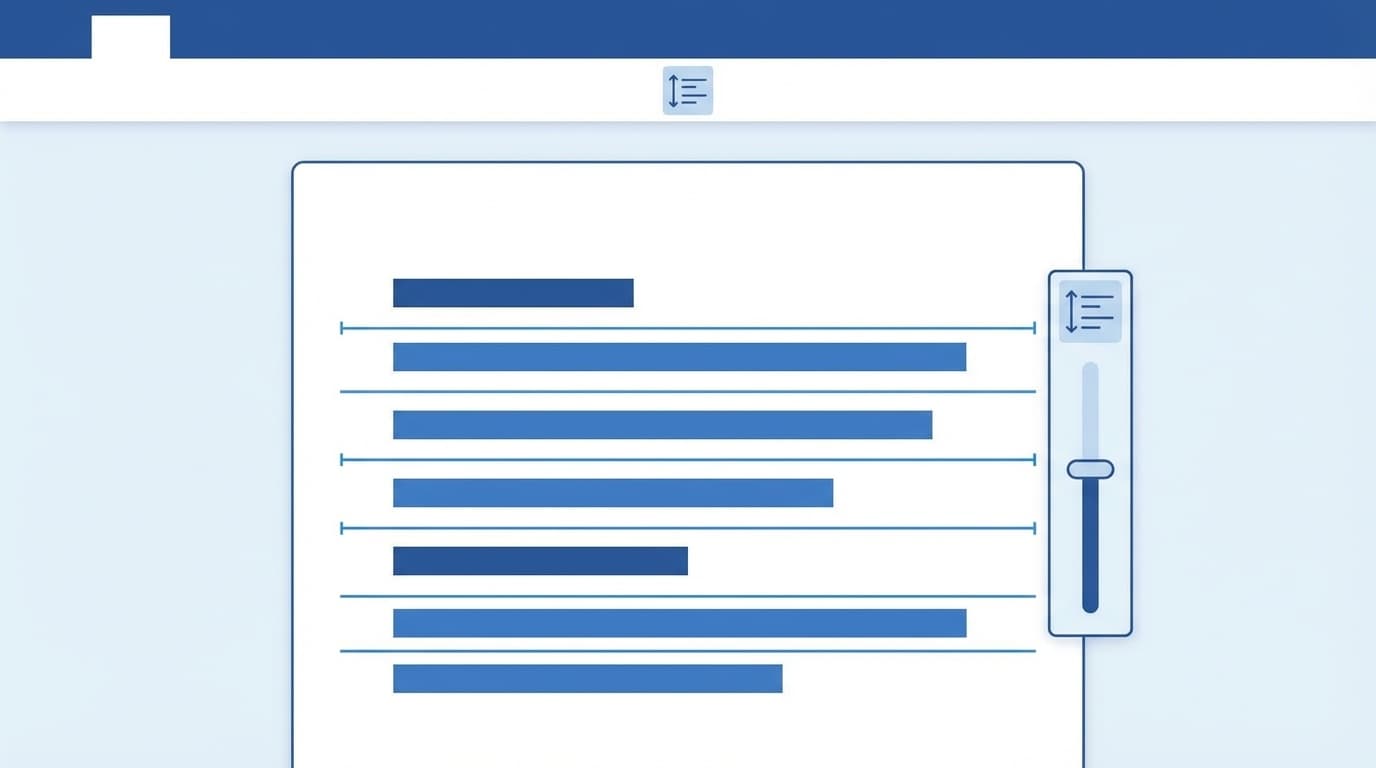
- ☑ Line spacing: Is it unnaturally wide? (Word's default settings may have been changed)
What you should be especially careful about is font distortion when copying and pasting. When you copy text from a web page or other file, the font and size inherit the original formatting. When pasting, use "Ctrl + Shift + V" (paste text only) to avoid formatting errors.
FAQ
Why did the line spacing in Word suddenly become wider?
The default line spacing was changed in the Word update around January 2025. You can restore it by changing the line spacing to ``1 line'' and the spacing before and after paragraphs to ``0pt'' in the ``Layout'' tab → ``Paragraph'' settings.
Can I write it in Google Docs and convert it to Word?
It is possible, but the fonts and margins may shift during conversion. Be sure to check the format after conversion and correct it if necessary. It is safest to write in Word from the beginning.
Which should I use for the report font, Yu Mincho or MS Mincho?
Follow your teacher's instructions. If there is no specification, MS Mincho is safe because there are fewer display differences depending on the environment. Yu Mincho is a standard font for Windows 10 or later and looks beautiful, but the font may be replaced when opened on an older PC.
Can I write a report using the Word app on my smartphone?
Although it is possible to view and edit in an emergency, detailed formatting adjustments are difficult to make unless you use the PC version. We recommend that you create reports using the PC version of Word.
References
- Report format | Explaining how to write from Word fonts to layout — University writing theory
- How to write a report - basics ④ Those who master Word master the report — Penmark News
- "The line spacing in Word has gotten wider recently" - It appears that 5 items including line spacing have been changed in the latest version (2025/1) — Curio Station
- IT literacy survey of 519 university students — WHITE Co., Ltd., November 2023
- Microsoft Word Help and Learning — Microsoft