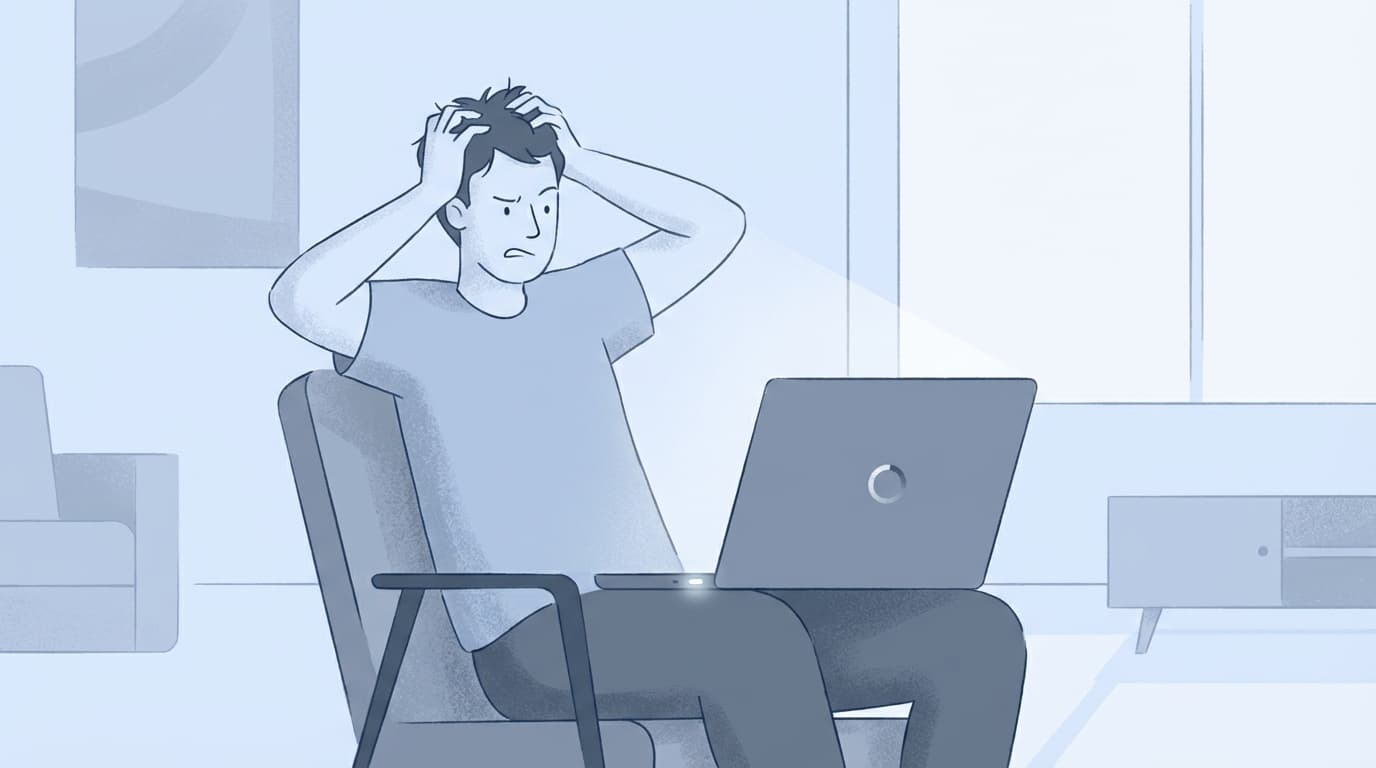
パソコン・ソフトPC Won't Shut Down? 6 Causes and the Safe Way to Force Shutdown in Windows 11If your Windows 11 PC won't shut down, there are six likely causes: update bugs, Fast Startup, app conflicts, USB devices, static buildup, and more. Here's how to troubleshoot it and force shutdown safely without putting your data at unnecessary risk.2026.03.197 min中村 健太
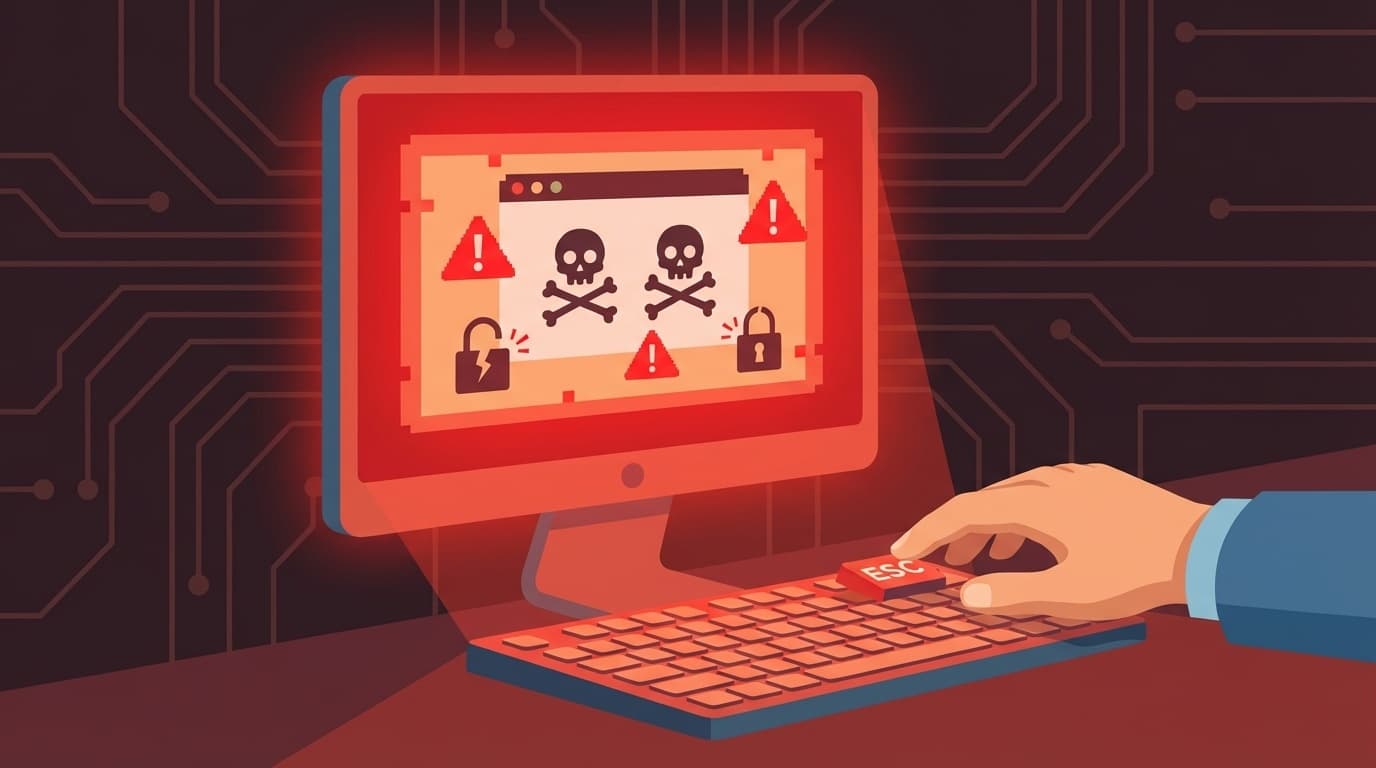
パソコン・ソフトDid a “Your PC Is Infected” Warning Suddenly Pop Up and Won’t Go Away? How to Spot and Close Fake Security Alerts (Tech Support Scams) [Windows 11]Ah, that warning screen is a classic scammer trick. Let’s walk through how to close it with Esc or Task Manager, what to do if you called, and how to keep it from coming back.2026.03.187 min中村 健太
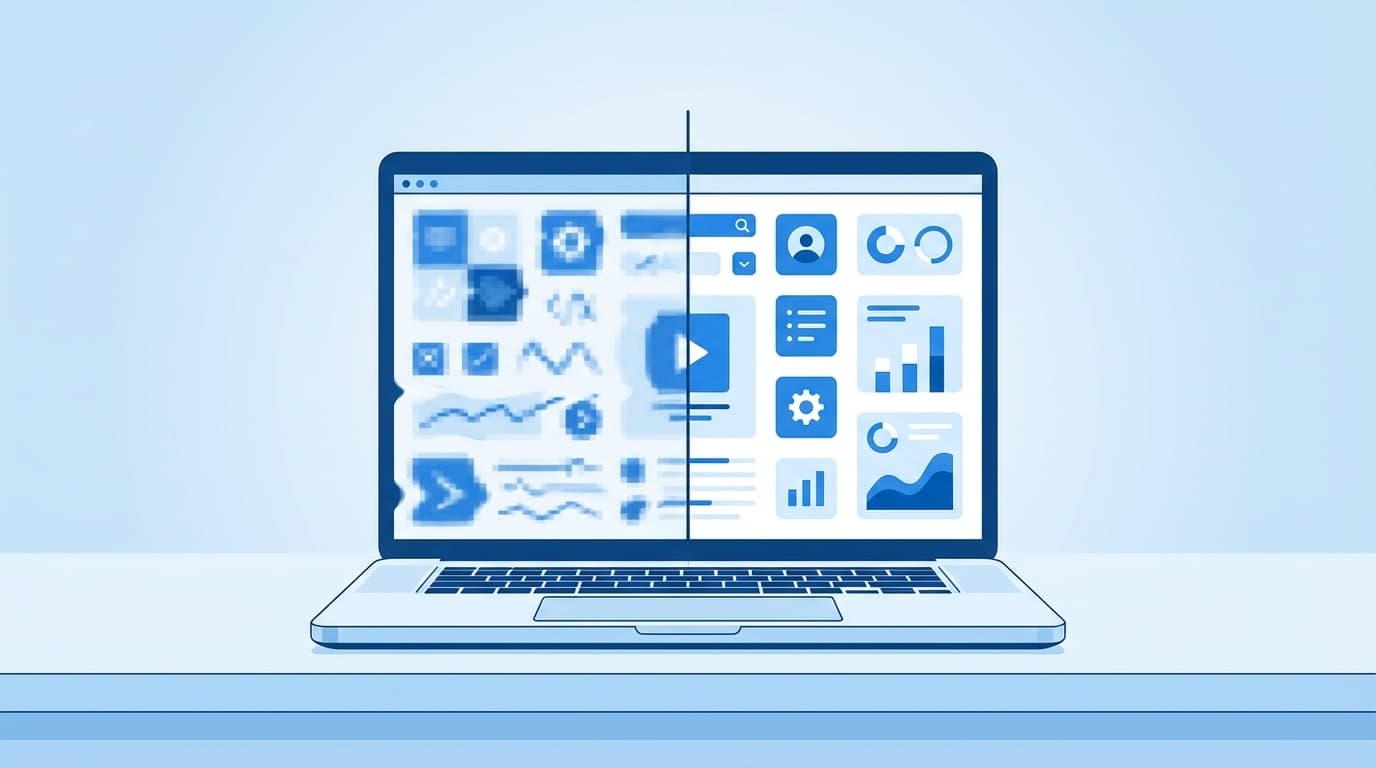
パソコン・ソフトBlurry Text or Smeared App Displays in Windows 11? How to Fix Display Scaling the Right WayIf text looks blurry in Windows 11, display scaling may be the reason. Let’s walk through six fixes, from switching back to the recommended scaling value to turning on Windows’ automatic app correction.2026.03.186 min中村 健太
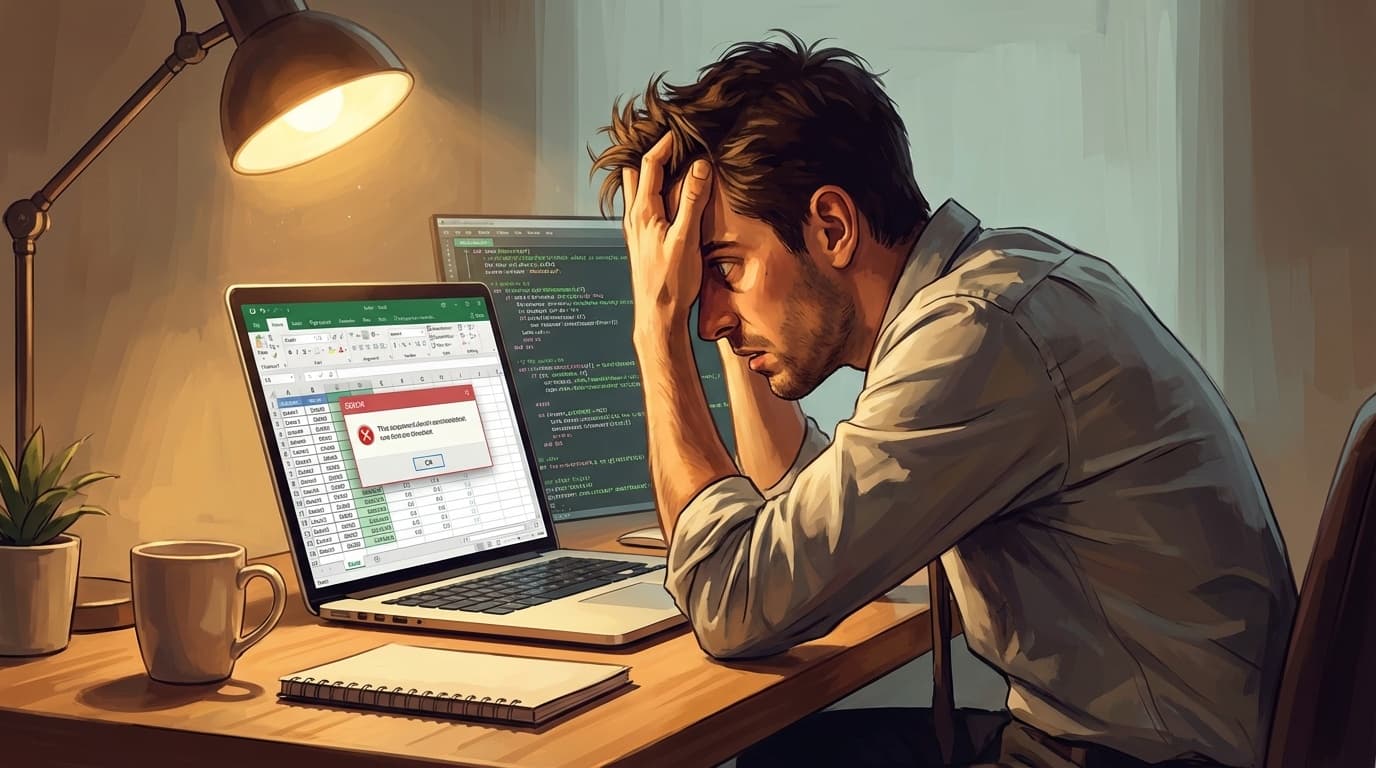
パソコン・ソフトExcel Macro Not Running or Stopping With an Error? 6 Causes and Fixes VBA Beginners Can Try [Microsoft 365]So your Excel macro suddenly stopped working? Let’s walk through six common issues VBA beginners often run into, including security blocks, file formats, and mismatched sheet names—and how to fix them.2026.03.188 min中村 健太
パソコン・ソフトCan’t Sign In on Windows 11 Because of Error 0x800704cf? 5 Causes and Fixes for Microsoft Store and OneDriveHaving trouble signing in on Windows 11 because of error 0x800704cf? Let’s walk through the five most common causes and how to fix them.2026.03.177 min中村 健太
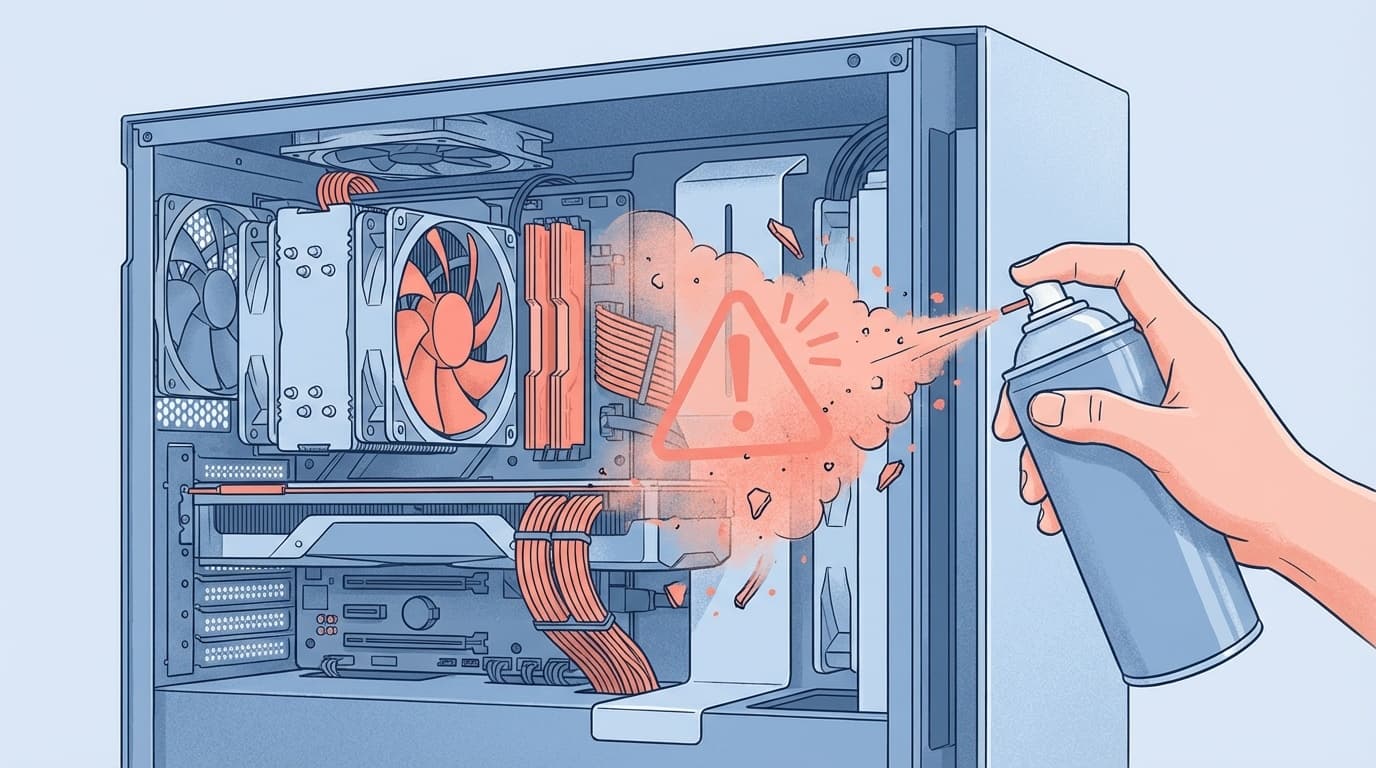
パソコン・ソフトDid Cleaning Your PC Make It Start Freezing? 5 Reasons Internal Cleaning Can Make a Computer Unstable and How to Fix ItIf your PC started freezing or acting unstable right after cleaning, there are five likely causes. From loose RAM to static damage, here’s how to check what went wrong and fix it safely.2026.03.179 min中村 健太
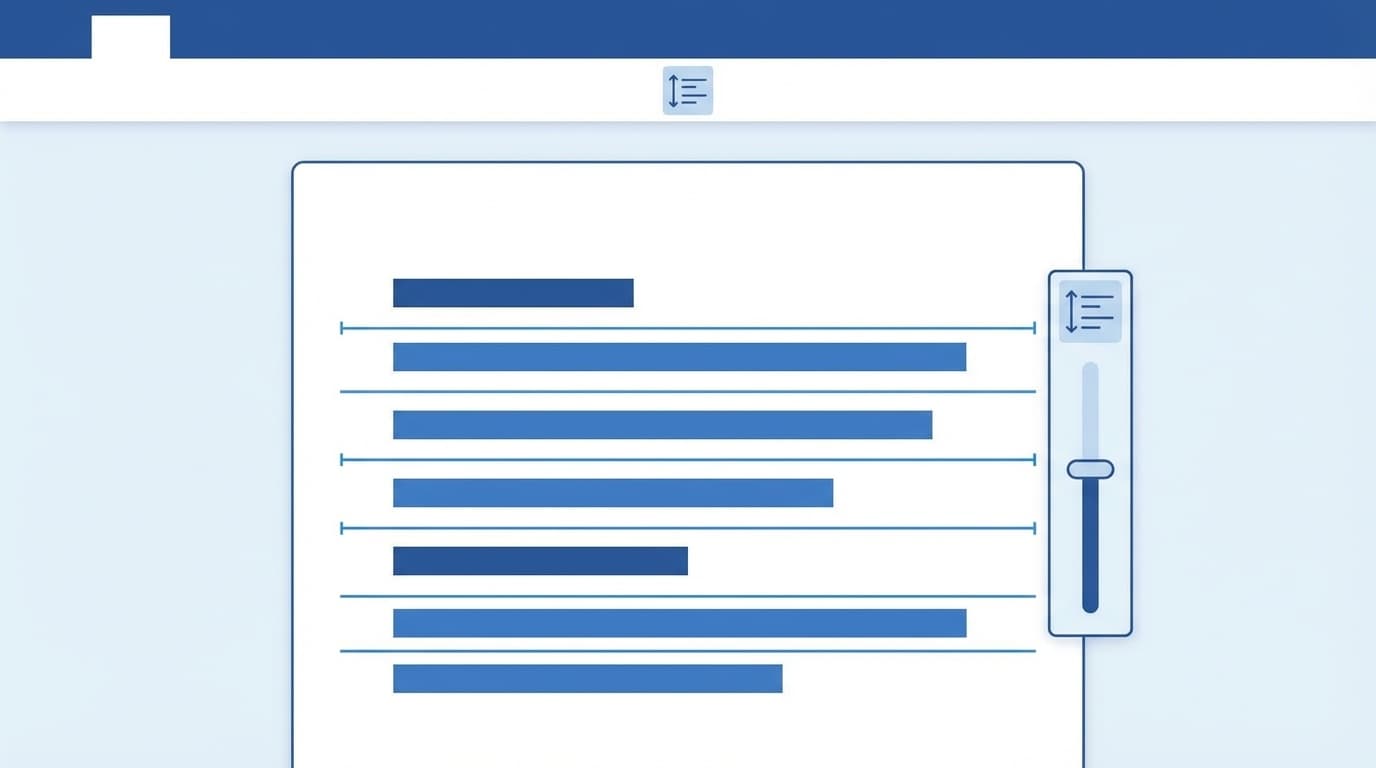
パソコン・ソフトIs Word’s Line Spacing Too Wide, or Is Yu Gothic Hard to Read? How to Change the Defaults for Easier-to-Read Documents in Windows 11If Word’s line spacing suddenly looks too wide, the settings are probably to blame. Yu Gothic and Word’s line grid defaults got even roomier in a 2025 update. Let’s walk through the fix with clear steps.2026.03.178 min中村 健太
パソコン・ソフトGetting “Access Is Denied” on the C Drive in Windows 11? 5 Causes and Fixes to Try Now, Including the KB5077181 IssueIf your C drive suddenly says “Access is denied,” there are five likely causes. There’s also a tricky bug that hit some Samsung PCs after the February KB5077181 update. Let’s walk through what to check and how to fix it.2026.03.177 min中村 健太
パソコン・ソフトCan’t Log In After Migrating to a New Mac? 5 Reasons Your Password Stops Working After Migration Assistant and How to Fix ThemAh, moved to a new Mac and suddenly your password doesn’t work? It happens. Let’s walk through five common causes, from Keychain issues to Activation Lock, and how to fix them.2026.03.177 min中村 健太
パソコン・ソフトDoes your PC become unstable or freeze repeatedly after Windows Update? How to identify and remove the causative update program [Windows 11]Explains how to identify and uninstall the update program that causes it when your PC freezes or becomes unstable after Windows Update. We have summarized the three removal steps: Settings screen, Command Prompt, and PowerShell, and what you should do after removal.2026.03.13中村 健太
パソコン・ソフトCan't log in to Teams/Sign in loop? Causes of each error code and solutions you can try now [2026 edition]Explains the causes and solutions when you cannot log in to Microsoft Teams or the sign-in loop occurs. We will introduce solutions for each error code, such as error code 0xCAA20003 and 0xCAA82EE2, as well as cache deletion and reinstallation procedures in an easy-to-understand manner.2026.03.11中村 健太
パソコン・ソフトAre emails from your own domain not arriving in Gmail? 5 reasons why emails are marked as spam and how to check SPF, DKIM, and DMARC settingsExplaining the reasons why emails from your own domain are sorted into Gmail's spam folder and how to deal with them. From how to check SPF, DKIM, and DMARC settings to countermeasures that can be taken on the receiving side. With the strengthening of Gmail sender guidelines in 2024, there is an increased risk that unsupported emails will no longer be delivered.2026.03.11中村 健太